推荐
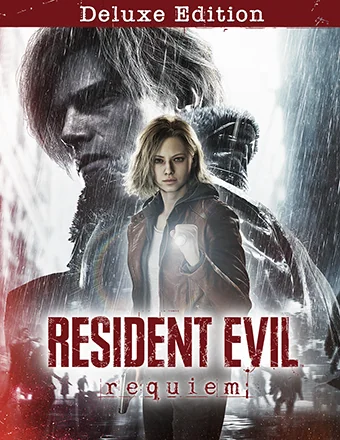
Resident Evil Requiem Deluxe Edition | RePack | Build 21960597

Resident Evil Requiem Deluxe Edition | RePack | Build 21960597

/ 查看:  29 323 / 评论: 1

发布日期: 2026

流派: Action, Adventure

开发者: CAPCOM Co., Ltd.

出版商: CAPCOM Co., Ltd.

游戏版本: Build 21960597

发售类型: RePack

界面语言: 中文, 英语, 法语, 意大利语, 德语, 多语言

音频语言: 中文, 英语, 法语, 意大利语, 德语, 多语言

药物: 内置 (Hypervisor Bypass)


系统要求


操作系统: Windows 11 (64bit required)

处理器: Intel corei5-8500 / AMD Ryzen 5 3500

内存: 16 GB RAM

显卡: GeForce GTX 1660 6GB /  Radeon RX 5500 XT 8GB

硬盘剩余空间: 74.45 GB


游戏简介


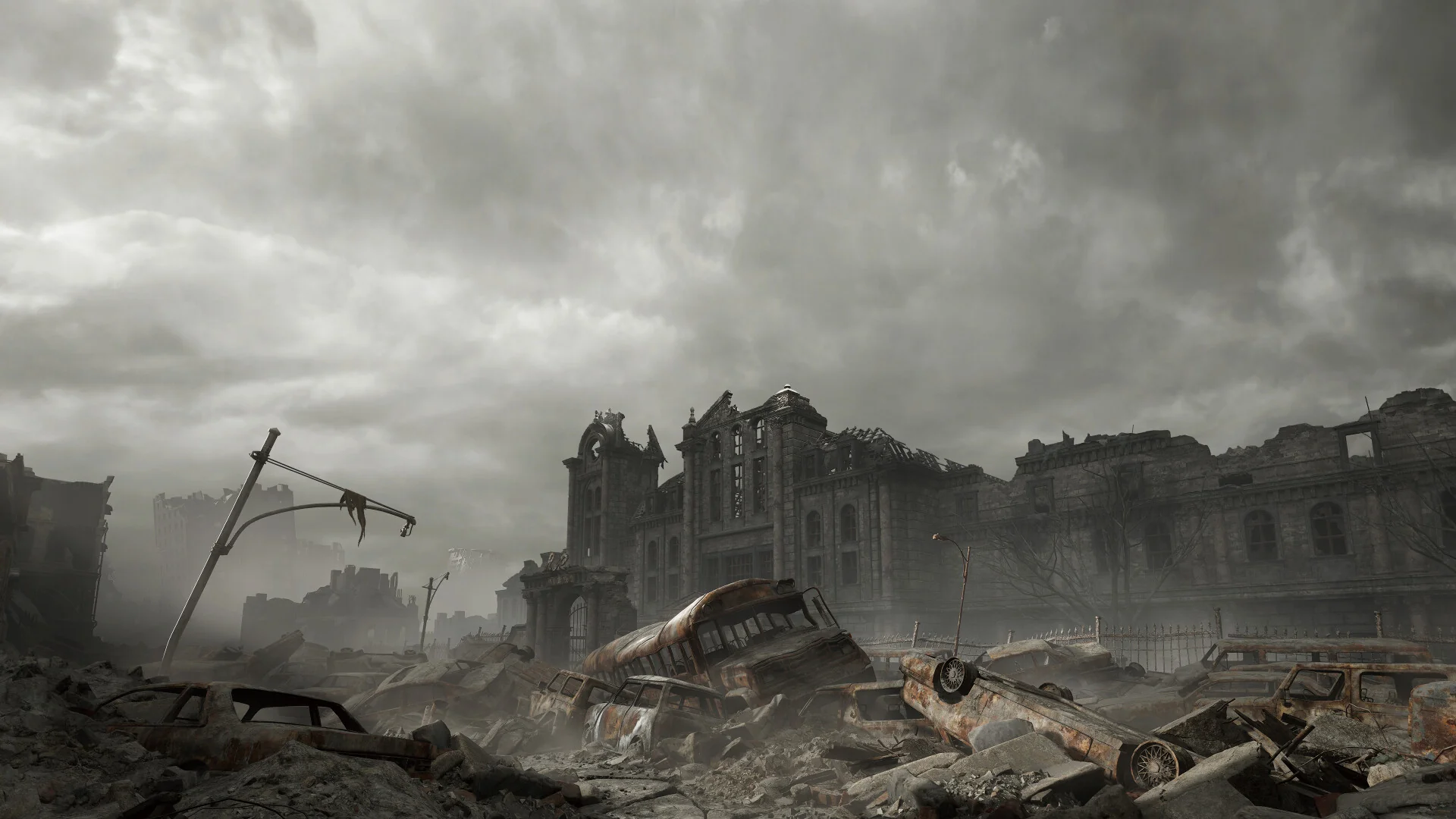
生存恐怖游戏迎来新时代,《生化危机:安魂曲》作为标志性的《生化危机》系列中最新且最引人入胜的一作,为玩家带来极致的恐怖体验。与FBI分析员格蕾丝·阿什克罗夫特一起体验令人毛骨悚然的生存恐怖,跟随传奇特工里昂·S·肯尼迪投入紧张刺激的行动。两者的旅程和独特的游戏风格交织成一场让人心跳加速的情感体验,让你不寒而栗。重返灾难与绝望之城,一个位于美国中西部的城市,也是曾经的全球制药公司——安布雷拉的总部。面对1998年的僵尸爆发,政府批准了一场清洗行动,一枚导弹袭击城市以试图迅速控制局面——但这一切很快被掩盖。FBI的情报分析员,展现出在演绎推理和分析方面的高度专注和洞察力。母亲的去世深深震撼了她,使她成为一个内向的人,全身心投入工作。因此,她独自前往废弃的酒店调查这起神秘的死亡事件。作为浣熊市事件的幸存者之一,他拥有强烈的正义感和匹配的身体能力,自那天起响应了无数次爆发。如今,作为一名经验丰富的DSO特工,对抗生物恐怖主义,他重返美国中西部调查最近发生的一系列死亡事件。

屏幕截图 预告片 发售特点 下载内容

  • 没有删除/没有重新编码;
  • 安装时间取决于计算机性能;
  • 在游戏设置中选择语言。
  • Resident Evil Requiem - Deluxe Kit
  • Resident Evil Requiem - Grace's Costume: Apocalypse
评论 1
Admin
5
Admin3 hours above

/////////////////////////////// ENGLISH ////////////////////////////////

1. If you have an antivirus or defender, it will delete the bypass files. For this reason, a backup copy is available in the _bypass.zip archive in main folder.
2. If Defender or your antivirus removed the crack files, disable it and add the game’s folder to the exclusions list, extract the contents of _bypass.zip\HYPERVISOR.V2 into the game's folder
3. Prepare the system for running games with the hypervisor:
- Restart and enter the BIOS, disable Secure Boot, and enable virtualization (VT-x for Intel, SVM or AMD-V for AMD).
- Boot into the system.
- Open the Command Prompt as an administrator and run the command: bcdedit /set testsigning on (after rebooting, a message like "test version" will appear in the bottom-right corner of the desktop; this is normal).
- Open the Command Prompt as an administrator and run the command: bcdedit /set hypervisorlaunchtype off.
- Restart the system.
- At this point, the system preparation for running games with this bypass is complete (this is a one-time setup).
- Place the contents of the downloaded archive into the game's folder.
4. Launch the game using the file steamclient_loader_x64.exe in the game's main directory.
5. If you encounter the error: "sc start denuvo [SC] StartService FAILED 3224698910: A hypervisor feature is not available to the user." use the fix: FIX_Hypervisor/_RunFix.bat.

/////////////////////////////// РУССКИЙ ////////////////////////////////

1. Если у вас установлен антивирус или дефендер он с вероятностью 100% удалит таблетку, для этого в архиве _bypass.zip есть резервная копия, в папке установленной игры
2. Если дефенер или антивирус удалил файлы таблетку отключите его и добавьте путь игры в исключения, распакуйте содержимое _bypass.zip\HYPERVISOR.V2 в папку игры 
3. Подготавливаем систему к запуску игр с использованием гипервизора:
- Перезагружаемся и заходим в Bios, выключаем Secure Boot, а так же включаем виртуализацию (VT-x на Intel, SVM или AMD-V на AMD)
- Грузимся в систему
- Запускаем командную строку от имени администратора, вводим команду bcdedit /set testsigning on (после перезагрузки справа внизу на раб. столе появится надпись "тестовая версия" или как-то так, это нормально)
- Запускаем командную строку от имени администратора, вводим команду bcdedit /set hypervisorlaunchtype off
- Перезагружаемся
- На этом, в целом, подготовка системы к запуску игр с подобным обходом закончена (она делается разово)4. Содержимое скачанного архива закидываем в папку с игрой
4. Запуск игры с файла steamclient_loader_x64.exe в главной директории игры
5. Если у вас ошибка "sc start denuvo [SC] StartService FAILED 3224698910: A hypervisor feature is not available to the user." то используйте фикс FIX_Hypervisor/_RunFix.bat

Information

The ability to comment on this publication has been disabled.