Recomendado
Assassin's Creed Shadows Premium Edition | RePack | Build 21744524

Assassin's Creed Shadows Premium Edition | RePack | Build 21744524

/ Visualizações:  94 903 / Comentários: 1

Data de Lançamento: 2025

Gênero: Action, Adventure, RPG

Desenvolvedor: Ubisoft

Editora: Ubisoft

Versão do Jogo: Build 21744524

Tipo de Lançamento: RePack

Idioma da Interface: Inglês, Multilíngue

Idioma do Áudio: Inglês, Multilíngue

Medicamento: Embutido (Hypervisor Bypass)


Requisitos do Sistema


Sistema operacional: x64 Windows 10/11

Processador: Intel® Core™ i7 8700k/AMD Ryzen™ 5 3600

Memória RAM: 16 GB

Placa de vídeo: Nvidia® GeForce GTX™ 1070 8GB/AMD Radeon™ RX 5700 8GB/Intel® Arc™ A580 8GB (REBAR ON)

Espaço livre no disco rígido: 155.95 GB


Sobre o Jogo


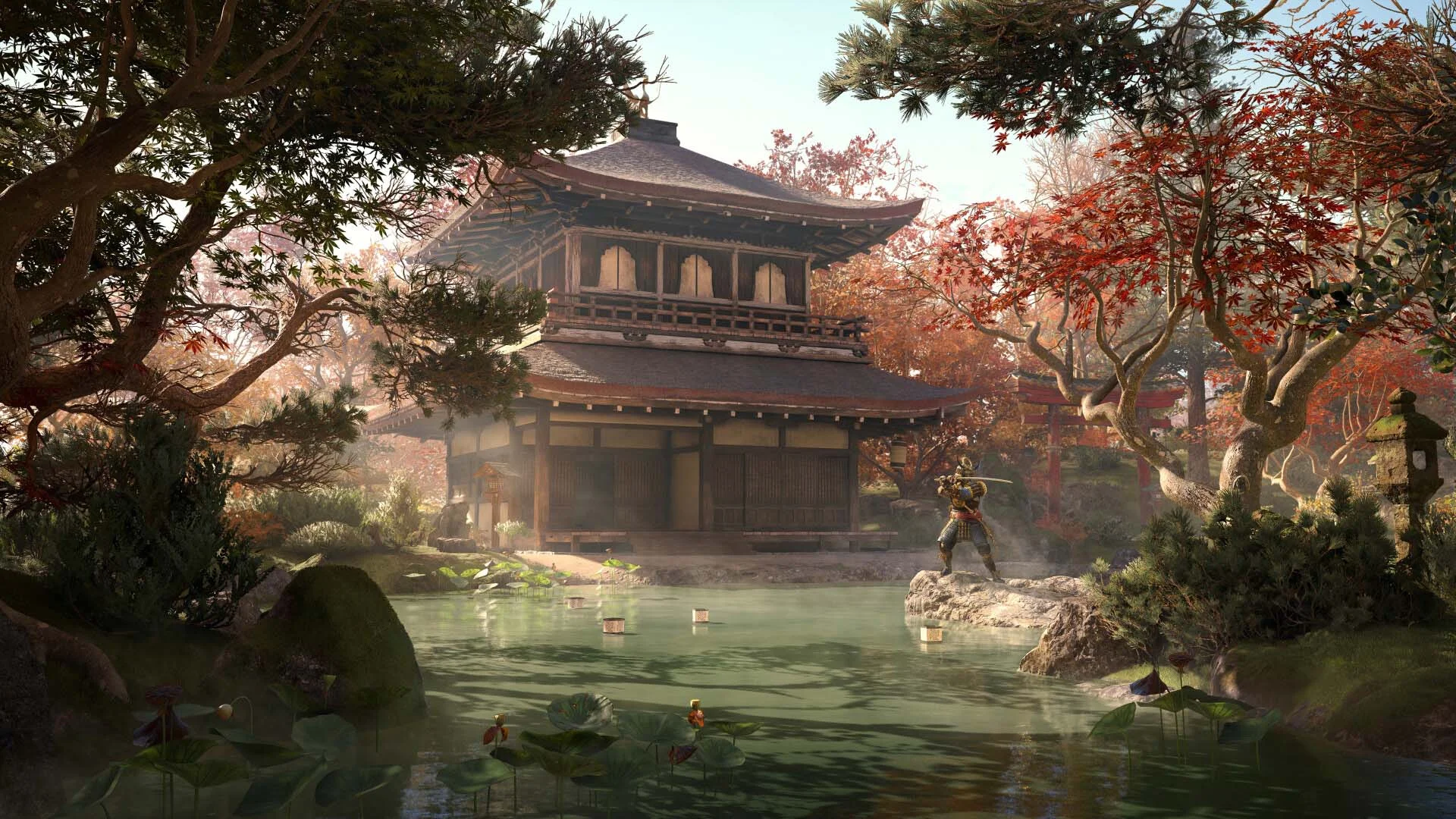
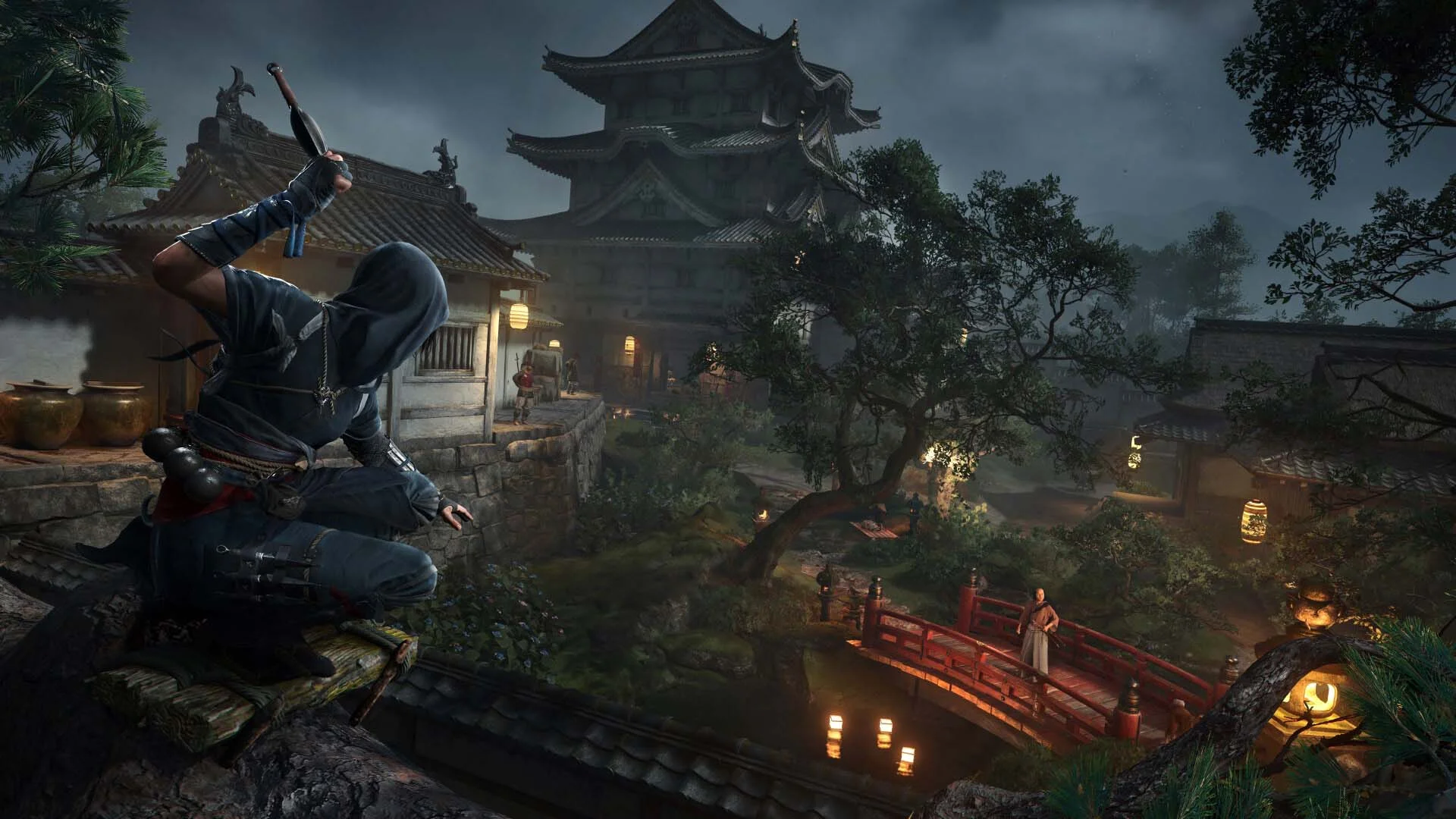
Shadows é uma das experiências mais divertidas que tive com um jogo de furtividade em dez anos. Jogue como Naoe, um shinobi astuto, e use luz, som e sombras para evitar ser detectado. Infiltre-se em fortalezas inimigas com várias opções de parkour, incluindo o novo gancho de escalada. Distraia os guardas com shurikens ou bombas de fumaça e elimine seus alvos com sua Lâmina Oculta. Como o samurai Yasuke, faça ataques silenciosos com arco ou libere combos devastadores de combate corpo a corpo com sua katana ou naginata. Alterne entre esses dois heróis para adaptar sua estratégia e vivencie o Japão feudal através de duas abordagens radicalmente diferentes - furtividade e força, sombras e aço. Assassin’s Creed Shadows cria uma das melhores versões do estilo de mundo aberto. Entre no Japão feudal como nunca antes. De majestosas cidades-castelo a santuários serenos e vastas paisagens rurais, Assassin’s Creed Shadows oferece um mundo aberto deslumbrante onde estações dinâmicas, clima em mudança e destruição ambiental afetam sua abordagem tática. E para uma imersão total, experimente o jogo com dublagem em japonês. Isso leva a um dos jogos de mundo aberto mais dinâmicos, divertidos e bem-feitos que joguei nesta geração. Experimente um verdadeiro salto de nova geração com Assassin’s Creed Shadows, impulsionado pelo motor Anvil atualizado. Explore um mundo trazido à vida com iluminação global traçada por raios, reflexões em tempo real, geometria virtualizada e partículas ambientais e vento dinâmico. Desde o brilho da luz das lanternas nos telhados molhados pela chuva até o farfalhar das flores de cerejeira ao vento, cada detalhe é criado para mergulhá-lo ainda mais no Japão feudal.
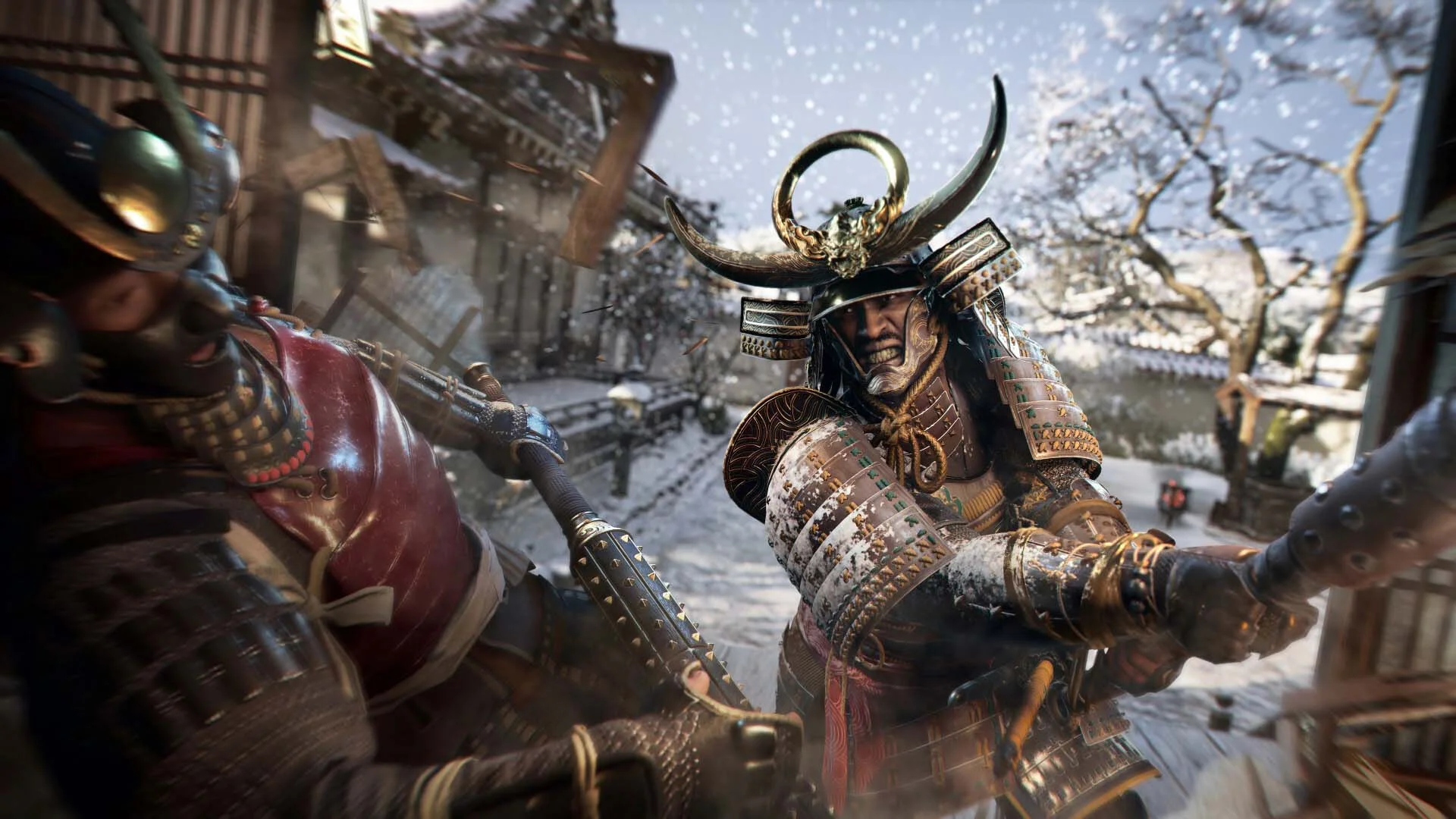
Capturas de tela Trailer Recursos do Lançamento Conteúdo adicional


  • Nada foi cortado / nada foi recodificado;
  • O tempo de instalação depende da potência do computador;
  • Escolha do idioma nas configurações do jogo, durante a instalação ou no arquivo *.ini na pasta do jogo.
  • Assassin's Creed Shadows - Claws of Awaji
  • Assassin's Creed Shadows - Premium Starter Pack
Comentários 1
Admin
11
Admin1 March 2026 20:35

///////////////////ENGLISH//////////////////////////////

1. Disable your antivirus and Windows Defender, add the game folder to the exclusions
2. All files are already in the game folder. A backup copy is in the _bypass.zip archive in the game folder, in case the antivirus has deleted them
3. Prepare the system to launch games using a hypervisor:
- Reboot and enter the BIOS. Disable Secure Boot and enable virtualization (VT-x on Intel, SVM or AMD-V on AMD).
- Boot into the operating system.
- Run Command Prompt as Administrator and enter: bcdedit /set testsigning on (After rebooting, you will see a “Test Mode” message in the bottom-right corner of the desktop — this is normal.)
- Run Command Prompt as Administrator again and enter: bcdedit /set hypervisorlaunchtype off
- Reboot.
- At this point, the system preparation for launching games using this type of bypass is complete (this only needs to be done once).
4. Open the Command Prompt as an administrator and enter the command: sc create denuvo type=kernel start=demand binPath=D:\Assassins Creed Shadows\driver_amd\SimpleSvm.sys  (Just make sure to specify your own path to the SimpleSvm.sys file for AMD. For Intel, use: sc create denuvo type=kernel start=demand binPath=D:\Assassins Creed Shadows\driver_intel\SimpleSvm.sys. These files are located in the driver_amd and driver_intel folders respectively.)
5. In the same Command Prompt window, enter: sc start denuvo (After finishing the game, you can stop the service by entering: sc stop denuvo.)
6. Launch the game using ACShadows.exe located in game folder.

If the game still doesn’t start after preparing the system, the following may help:
- Open the command prompt as an administrator and enter the command bcdedit.exe /set nointegritychecks on
- Disable NX Mode in the BIOS (if your BIOS has this option)

///////////////////РУССКИЙ//////////////////////////////

1. Отключите антивирус и Windows Defender, добавьте папку игры в исключения
2. Все файлы уже в папке игры, резервная копия в архиве _bypass.zip в папке игры, на случай если антивирус удалил
3. Подготавливаем систему к запуску игр с использованием гипервизора:
- Перезагружаемся и заходим в Bios, выключаем Secure Boot, а так же включаем виртуализацию (VT-x на Intel, SVM или AMD-V на AMD)
- Грузимся в систему
- Запускаем командную строку от имени администратора, вводим команду bcdedit /set testsigning on (после перезагрузки справа внизу на раб. столе появится надпись "тестовая версия" или как-то так, это нормально)
- Запускаем командную строку от имени администратора, вводим команду bcdedit /set hypervisorlaunchtype off
- Перезагружаемся
- На этом, в целом, подготовка системы к запуску игр с подобным обходом закончена (она делается разово)
4. Запускаем командную строку от имени администратора, вводим команду sc create denuvo type=kernel start=demand binPath=D:\Assassins Creed Shadows\driver_amd\SimpleSvm.sys (только указывайте ваш путь до файла SimpleSvm.sys (для AMD) или же sc create denuvo type=kernel start=demand binPath=D:\Assassins Creed Shadows\driver_intel (для INTEL), данные файлы будут лежать в папках driver_amd и driver_intel соответственно)
5. В той же командной строке вводим команду sc start denuvo (после окончания игры можете ввести в командной строке команду sc stop denuvo чтобы остановить сервис)
6. Запускаем игру с файла ACShadows.exe в главной директории игры

Если у вас после подготовки системы игра всё равно не запускается, то может помочь следующее:
- Запускаем командную строку от имени администратора, вводим команду bcdedit.exe /set nointegritychecks on
- Выключаем в Bios NX Mode (если у вас таковой пункт имеется)

Information

The ability to comment on this publication has been disabled.