推荐
Assassin's Creed Shadows Premium Edition | RePack | Build 21744524

Assassin's Creed Shadows Premium Edition | RePack | Build 21744524

/ 查看:  94 872 / 评论: 1

发布日期: 2025

流派: Action, Adventure, RPG

开发者: Ubisoft

出版商: Ubisoft

游戏版本: Build 21744524

发售类型: RePack

界面语言: 英语,多语言

音频语言: 英语,多语言

药物: 内置 (Hypervisor Bypass)


系统要求


操作系统: x64 Windows 10/11

处理器: Intel® Core™ i7 8700k/AMD Ryzen™ 5 3600

内存: 16 GB

显卡: Nvidia® GeForce GTX™ 1070 8GB/AMD Radeon™ RX 5700 8GB/Intel® Arc™ A580 8GB (REBAR ON)

硬盘剩余空间: 155.95 GB


游戏简介


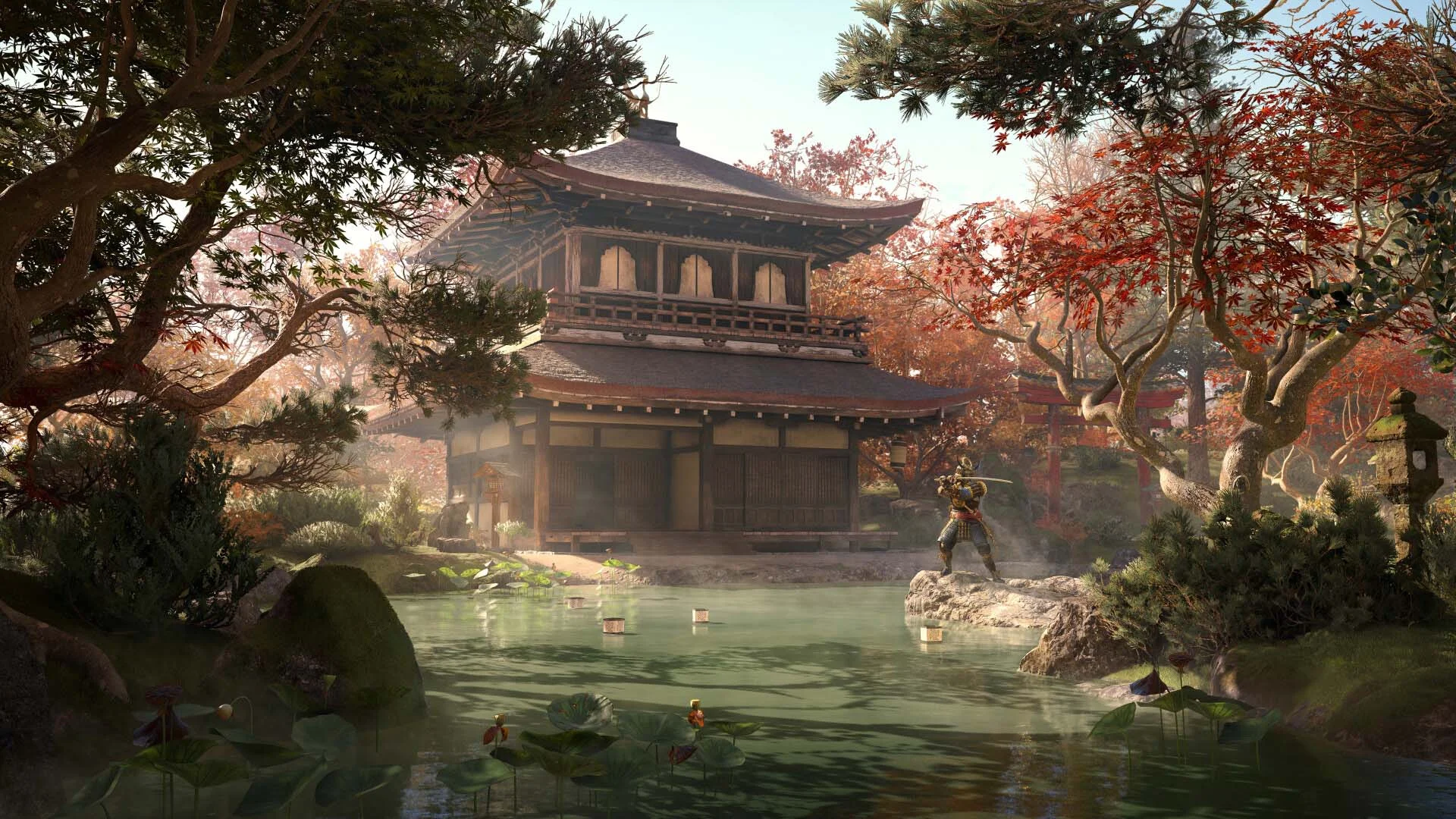
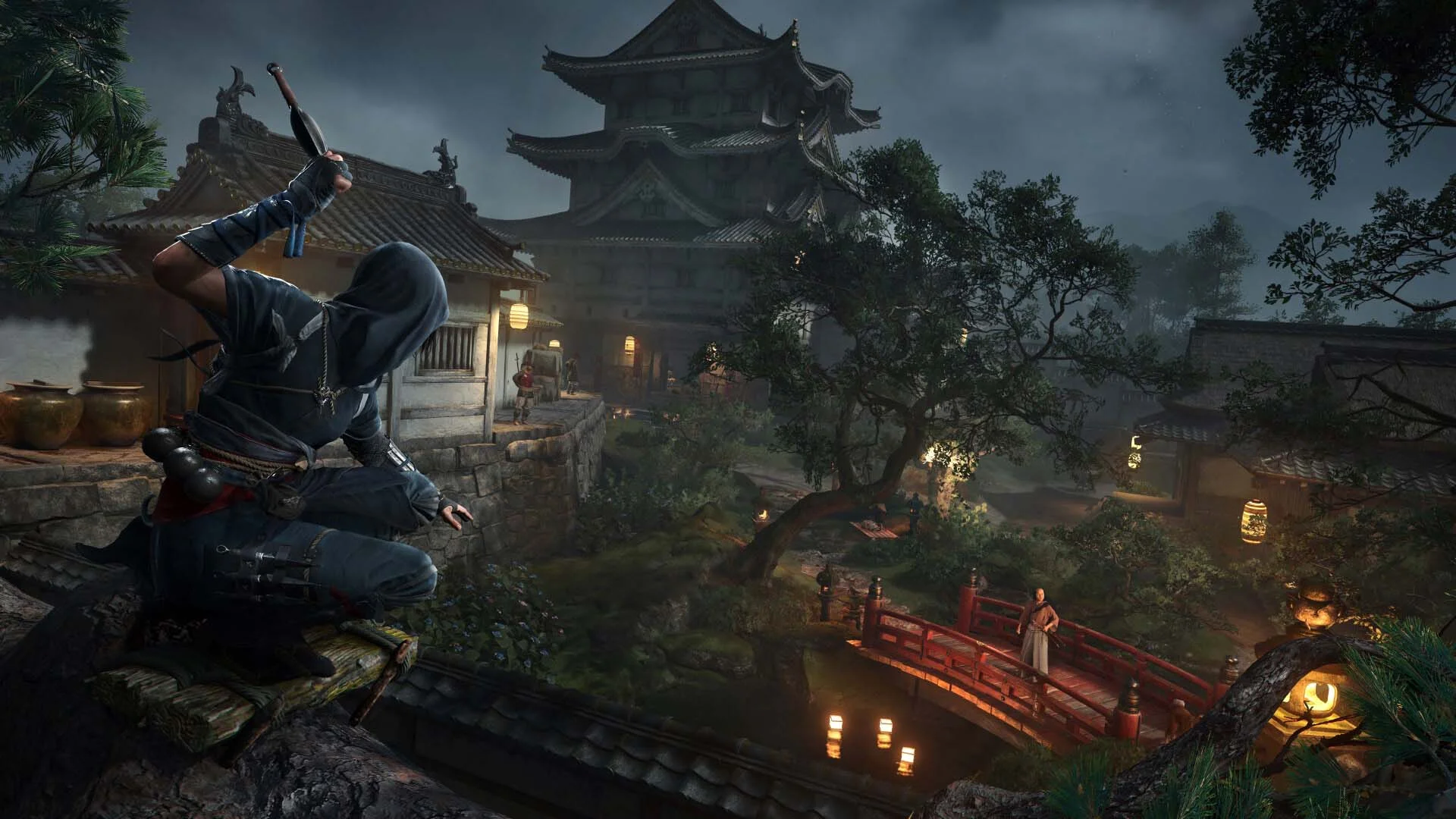
《暗影》是我十年来玩过的最有趣的潜行游戏之一。你将扮演聪明机智的忍者直江,利用光线、声音和阴影来躲避敌人。在多种跑酷选项中潜入敌方据点,包括全新的抓钩,利用手里剑或烟雾弹分散守卫注意力,并用你的袖剑刺杀目标。作为武士弥助,可以使用无声弓箭暗杀或挥舞武士刀和薙刀进行毁灭性的近战连击。你可以在这两位英雄之间切换,调整策略,通过截然不同的方式体验战国时期的日本——潜行与力量、阴影与钢铁。《刺客信条:暗影》塑造了开放世界风格的最佳版本之一。以前所未有的方式踏入战国日本!从壮丽的城镇到宁静的神社和广袤的乡村,《刺客信条:暗影》提供了一个令人惊叹的开放世界,动态的季节、变化的天气和环境破坏都会影响你的战术选择。为了获得完全沉浸的体验,通过日语配音感受游戏。这是我这一代玩过的最具活力、最有趣、视觉效果最佳的开放世界游戏之一。通过《刺客信条:暗影》体验真正的次世代飞跃,由更新后的Anvil引擎驱动。探索一个充满光线追踪全局光照、实时反射、虚拟几何和动态风与环境颗粒的世界。从雨水打湿的屋顶上灯笼光的闪烁到风中樱花的沙沙声,每一个细节都旨在让你更深入地沉浸于战国日本。
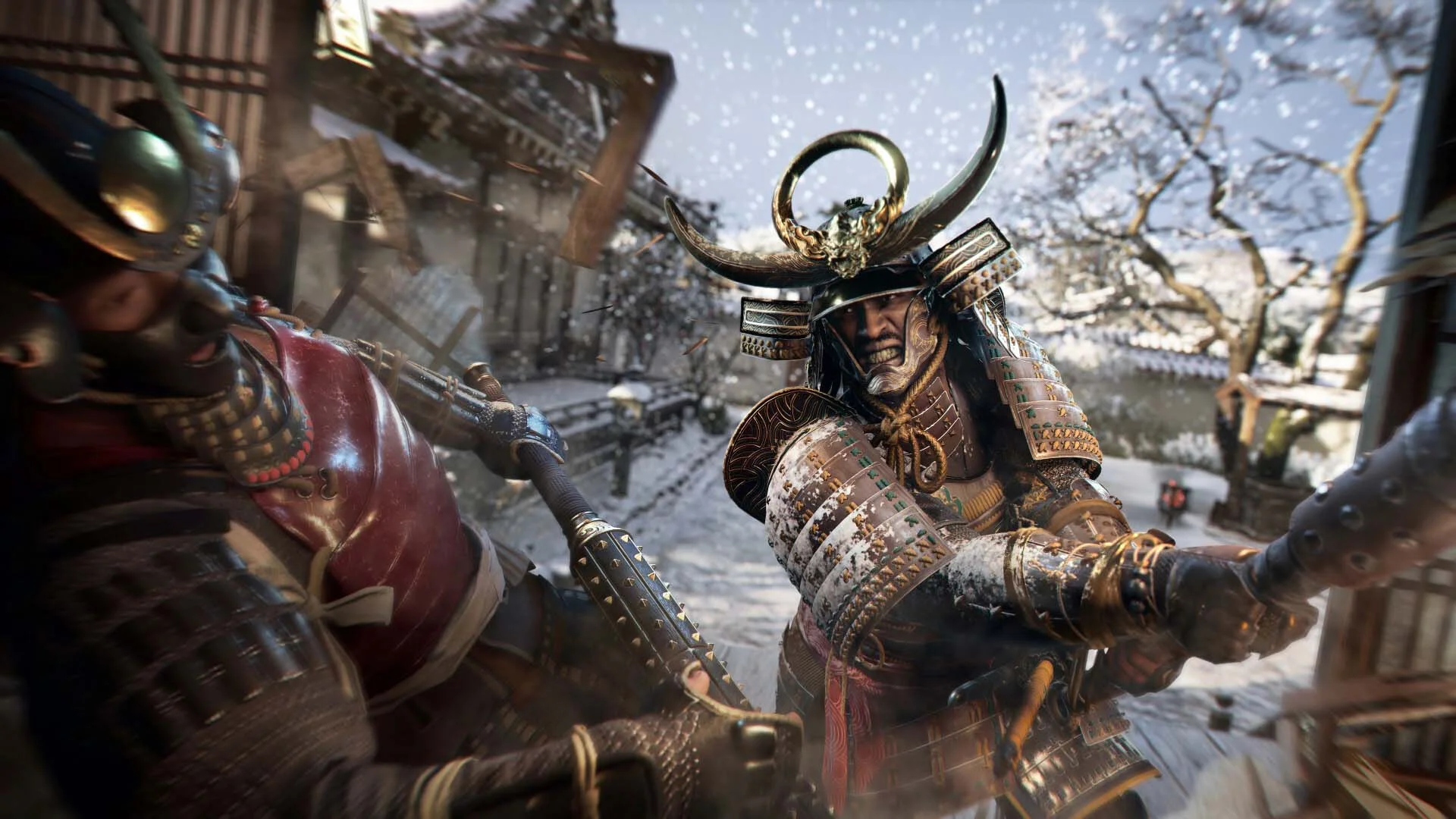
屏幕截图 预告片 发售特点 下载内容


  • 没有删除/没有重新编码;
  • 安装时间取决于计算机性能;
  • 在游戏设置、安装时或游戏文件夹内的 *.ini 文件中选择语言。
  • Assassin's Creed Shadows - Claws of Awaji
  • Assassin's Creed Shadows - Premium Starter Pack
评论 1
Admin
11
Admin1 March 2026 20:35

///////////////////ENGLISH//////////////////////////////

1. Disable your antivirus and Windows Defender, add the game folder to the exclusions
2. All files are already in the game folder. A backup copy is in the _bypass.zip archive in the game folder, in case the antivirus has deleted them
3. Prepare the system to launch games using a hypervisor:
- Reboot and enter the BIOS. Disable Secure Boot and enable virtualization (VT-x on Intel, SVM or AMD-V on AMD).
- Boot into the operating system.
- Run Command Prompt as Administrator and enter: bcdedit /set testsigning on (After rebooting, you will see a “Test Mode” message in the bottom-right corner of the desktop — this is normal.)
- Run Command Prompt as Administrator again and enter: bcdedit /set hypervisorlaunchtype off
- Reboot.
- At this point, the system preparation for launching games using this type of bypass is complete (this only needs to be done once).
4. Open the Command Prompt as an administrator and enter the command: sc create denuvo type=kernel start=demand binPath=D:\Assassins Creed Shadows\driver_amd\SimpleSvm.sys  (Just make sure to specify your own path to the SimpleSvm.sys file for AMD. For Intel, use: sc create denuvo type=kernel start=demand binPath=D:\Assassins Creed Shadows\driver_intel\SimpleSvm.sys. These files are located in the driver_amd and driver_intel folders respectively.)
5. In the same Command Prompt window, enter: sc start denuvo (After finishing the game, you can stop the service by entering: sc stop denuvo.)
6. Launch the game using ACShadows.exe located in game folder.

If the game still doesn’t start after preparing the system, the following may help:
- Open the command prompt as an administrator and enter the command bcdedit.exe /set nointegritychecks on
- Disable NX Mode in the BIOS (if your BIOS has this option)

///////////////////РУССКИЙ//////////////////////////////

1. Отключите антивирус и Windows Defender, добавьте папку игры в исключения
2. Все файлы уже в папке игры, резервная копия в архиве _bypass.zip в папке игры, на случай если антивирус удалил
3. Подготавливаем систему к запуску игр с использованием гипервизора:
- Перезагружаемся и заходим в Bios, выключаем Secure Boot, а так же включаем виртуализацию (VT-x на Intel, SVM или AMD-V на AMD)
- Грузимся в систему
- Запускаем командную строку от имени администратора, вводим команду bcdedit /set testsigning on (после перезагрузки справа внизу на раб. столе появится надпись "тестовая версия" или как-то так, это нормально)
- Запускаем командную строку от имени администратора, вводим команду bcdedit /set hypervisorlaunchtype off
- Перезагружаемся
- На этом, в целом, подготовка системы к запуску игр с подобным обходом закончена (она делается разово)
4. Запускаем командную строку от имени администратора, вводим команду sc create denuvo type=kernel start=demand binPath=D:\Assassins Creed Shadows\driver_amd\SimpleSvm.sys (только указывайте ваш путь до файла SimpleSvm.sys (для AMD) или же sc create denuvo type=kernel start=demand binPath=D:\Assassins Creed Shadows\driver_intel (для INTEL), данные файлы будут лежать в папках driver_amd и driver_intel соответственно)
5. В той же командной строке вводим команду sc start denuvo (после окончания игры можете ввести в командной строке команду sc stop denuvo чтобы остановить сервис)
6. Запускаем игру с файла ACShadows.exe в главной директории игры

Если у вас после подготовки системы игра всё равно не запускается, то может помочь следующее:
- Запускаем командную строку от имени администратора, вводим команду bcdedit.exe /set nointegritychecks on
- Выключаем в Bios NX Mode (если у вас таковой пункт имеется)

Information

The ability to comment on this publication has been disabled.