Recommended
Assassin's Creed Shadows Premium Edition | RePack | Build 21744524

Assassin's Creed Shadows Premium Edition | RePack | Build 21744524

/ Views:  94 886 / Comments: 1

Release Date: 2025

Genre: Action, Adventure, RPG

Developer: Ubisoft

Publisher: Ubisoft

Game version: Build 21744524

Release type: RePack

Interface language: English, Russian, Multi

Audio language: English, Multi

Мedicine: Included (Hypervisor Bypass)


System requirements


Operation system: x64 Windows 10/11

Processor: Intel® Core™ i7 8700k/AMD Ryzen™ 5 3600

Memory: 16 GB

Graphics: Nvidia® GeForce GTX™ 1070 8GB/AMD Radeon™ RX 5700 8GB/Intel® Arc™ A580 8GB (REBAR ON)

Free hard disk space: 155.95 GB


About This Game


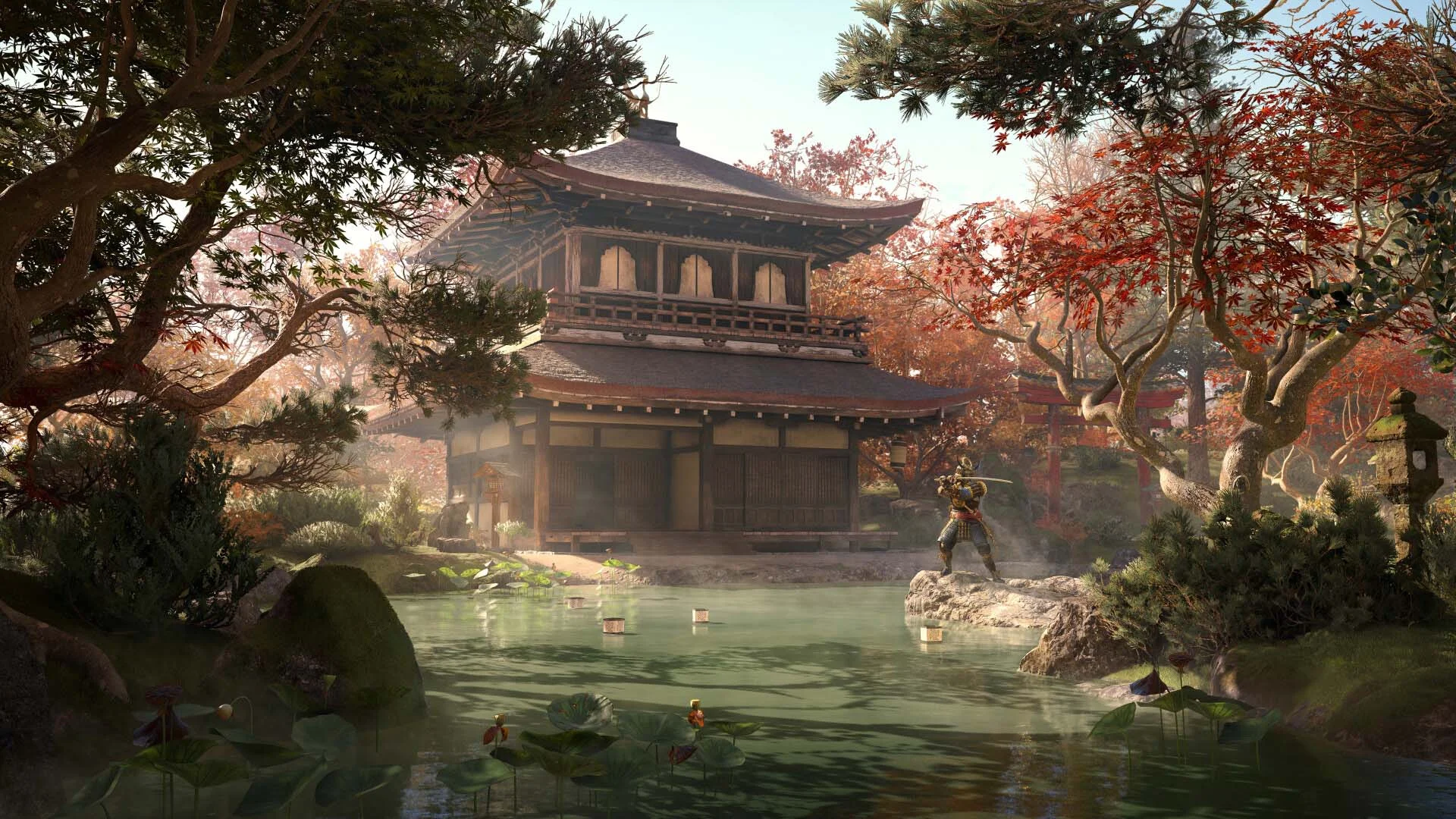
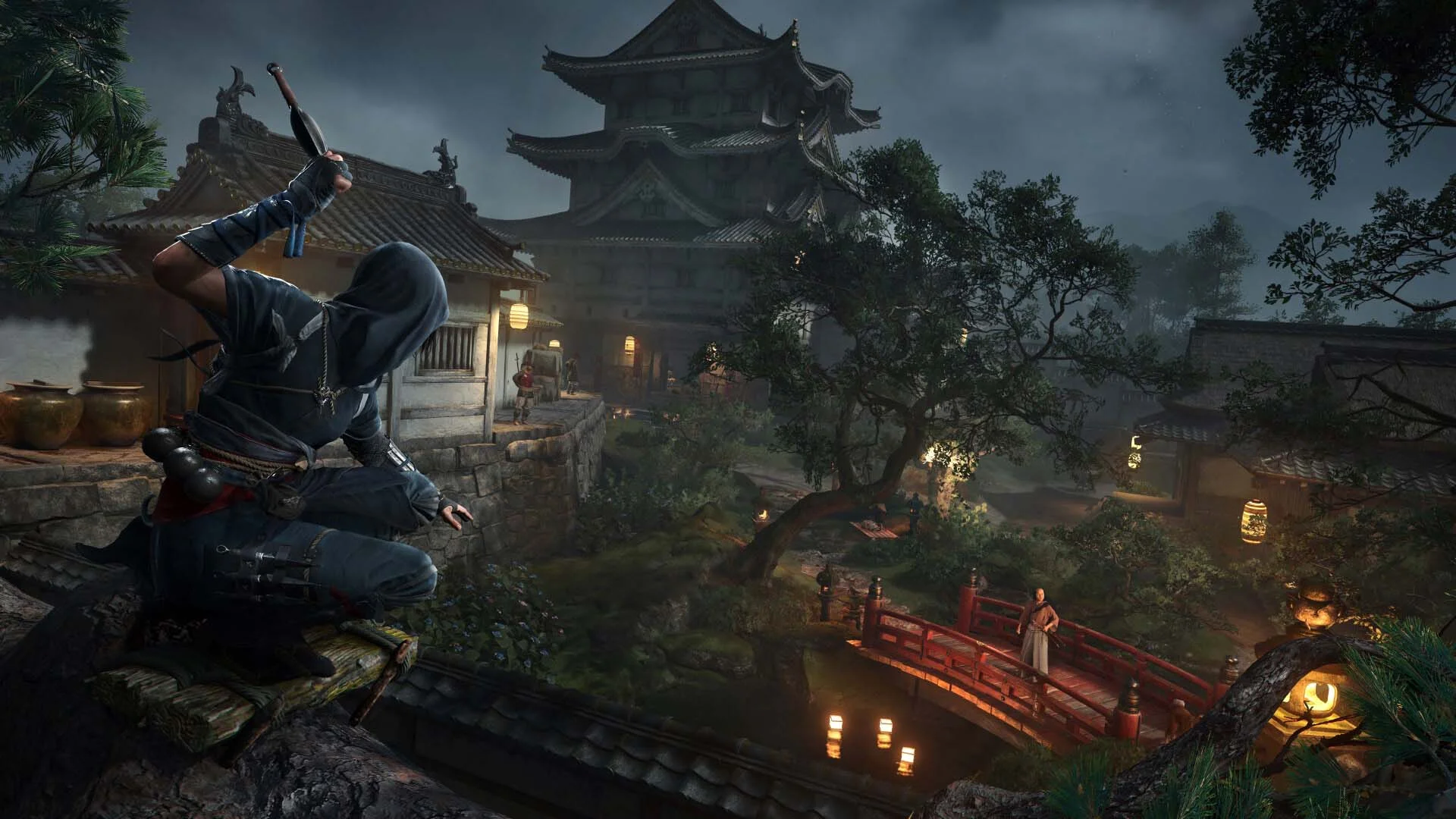
Shadows is some of the most fun I've had with a stealth game in a decade. Step into the shoes of Naoe, a sharp-minded shinobi who uses light, sound, and shadows to slip past enemies unnoticed. Infiltrate enemy fortresses with a variety of parkour options, including the new grappling hook, distract guards with shuriken or smoke bombs, and eliminate your targets with your Hidden Blade. As the samurai Yasuke, perform silent bow takedowns or unleash powerful melee combos with your katana or naginata. Switch between these two heroes to tailor your strategy and explore feudal Japan through two distinct paths - stealth and strength, shadows and steel. Assassin's Creed Shadows delivers a top-tier open-world experience. Dive into feudal Japan like never before, with expansive castle towns, tranquil shrines, and vast countrysides. This open world is breathtaking, featuring dynamic seasons, changing weather, and environmental destruction that influence your tactical decisions. For full immersion, enjoy the game with Japanese voiceover. It results in one of the most dynamic, entertaining, and visually stunning open-world games I've played this generation. Experience a true next-gen leap with Assassin's Creed Shadows, powered by the updated Anvil engine. Discover a world brought to life with ray-traced Global Illumination, real-time reflections, virtualized geometry, and dynamic wind and environmental particles. From the glow of lanterns on rain-soaked rooftops to the gentle rustling of cherry blossoms in the breeze, every element is designed to pull you deeper into the heart of feudal Japan.
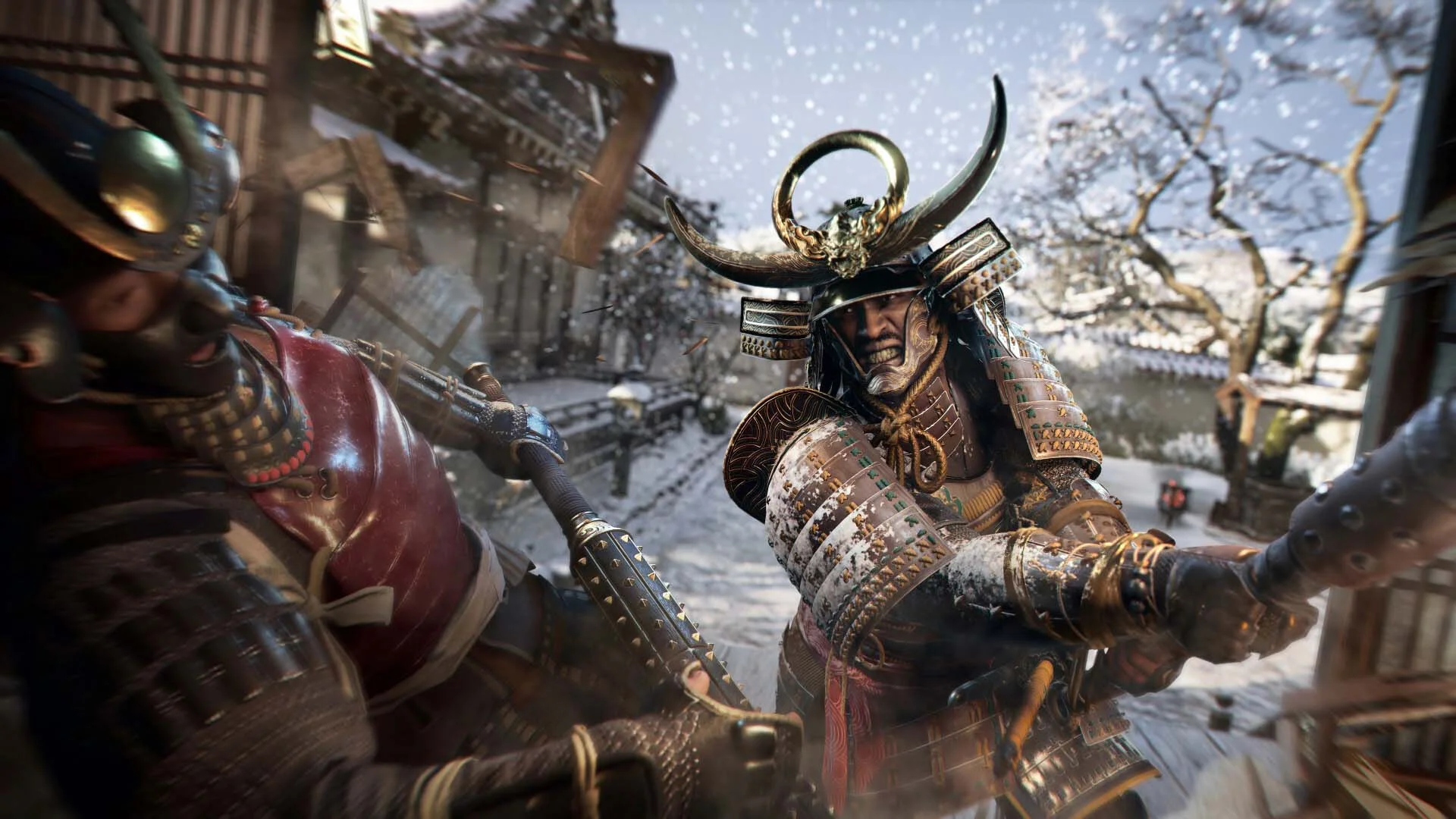
Screenshots Trailer Release Features DLCs


  • Nothing is cut / nothing is recoded;
  • Installation time depends on the computer's power;
  • Language selection in the game settings, during installation, or in the *.ini file in the game folder.
  • Assassin's Creed Shadows - Claws of Awaji
  • Assassin's Creed Shadows - Premium Starter Pack
Comments 1
Admin
11
Admin1 March 2026 20:35

///////////////////ENGLISH//////////////////////////////

1. Disable your antivirus and Windows Defender, add the game folder to the exclusions
2. All files are already in the game folder. A backup copy is in the _bypass.zip archive in the game folder, in case the antivirus has deleted them
3. Prepare the system to launch games using a hypervisor:
- Reboot and enter the BIOS. Disable Secure Boot and enable virtualization (VT-x on Intel, SVM or AMD-V on AMD).
- Boot into the operating system.
- Run Command Prompt as Administrator and enter: bcdedit /set testsigning on (After rebooting, you will see a “Test Mode” message in the bottom-right corner of the desktop — this is normal.)
- Run Command Prompt as Administrator again and enter: bcdedit /set hypervisorlaunchtype off
- Reboot.
- At this point, the system preparation for launching games using this type of bypass is complete (this only needs to be done once).
4. Open the Command Prompt as an administrator and enter the command: sc create denuvo type=kernel start=demand binPath=D:\Assassins Creed Shadows\driver_amd\SimpleSvm.sys  (Just make sure to specify your own path to the SimpleSvm.sys file for AMD. For Intel, use: sc create denuvo type=kernel start=demand binPath=D:\Assassins Creed Shadows\driver_intel\SimpleSvm.sys. These files are located in the driver_amd and driver_intel folders respectively.)
5. In the same Command Prompt window, enter: sc start denuvo (After finishing the game, you can stop the service by entering: sc stop denuvo.)
6. Launch the game using ACShadows.exe located in game folder.

If the game still doesn’t start after preparing the system, the following may help:
- Open the command prompt as an administrator and enter the command bcdedit.exe /set nointegritychecks on
- Disable NX Mode in the BIOS (if your BIOS has this option)

///////////////////РУССКИЙ//////////////////////////////

1. Отключите антивирус и Windows Defender, добавьте папку игры в исключения
2. Все файлы уже в папке игры, резервная копия в архиве _bypass.zip в папке игры, на случай если антивирус удалил
3. Подготавливаем систему к запуску игр с использованием гипервизора:
- Перезагружаемся и заходим в Bios, выключаем Secure Boot, а так же включаем виртуализацию (VT-x на Intel, SVM или AMD-V на AMD)
- Грузимся в систему
- Запускаем командную строку от имени администратора, вводим команду bcdedit /set testsigning on (после перезагрузки справа внизу на раб. столе появится надпись "тестовая версия" или как-то так, это нормально)
- Запускаем командную строку от имени администратора, вводим команду bcdedit /set hypervisorlaunchtype off
- Перезагружаемся
- На этом, в целом, подготовка системы к запуску игр с подобным обходом закончена (она делается разово)
4. Запускаем командную строку от имени администратора, вводим команду sc create denuvo type=kernel start=demand binPath=D:\Assassins Creed Shadows\driver_amd\SimpleSvm.sys (только указывайте ваш путь до файла SimpleSvm.sys (для AMD) или же sc create denuvo type=kernel start=demand binPath=D:\Assassins Creed Shadows\driver_intel (для INTEL), данные файлы будут лежать в папках driver_amd и driver_intel соответственно)
5. В той же командной строке вводим команду sc start denuvo (после окончания игры можете ввести в командной строке команду sc stop denuvo чтобы остановить сервис)
6. Запускаем игру с файла ACShadows.exe в главной директории игры

Если у вас после подготовки системы игра всё равно не запускается, то может помочь следующее:
- Запускаем командную строку от имени администратора, вводим команду bcdedit.exe /set nointegritychecks on
- Выключаем в Bios NX Mode (если у вас таковой пункт имеется)

Information

The ability to comment on this publication has been disabled.