推荐
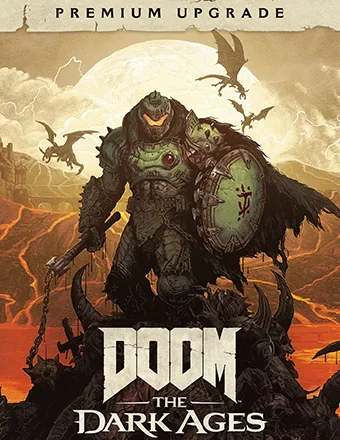
DOOM: The Dark Ages - Premium Edition | RePack | Build 20760608

DOOM: The Dark Ages - Premium Edition | RePack | Build 20760608

/ 查看:  50 376 / 评论: 1

发布日期: 2025

流派: Action

开发者: id Software

出版商: Bethesda Softworks

游戏版本: Build 20760608

发售类型: RePack

界面语言: 英语,多语言

音频语言: 英语

药物: 内置 (Hypervisor Bypass)


系统要求


操作系统: Windows 10, 11 64-Bit

处理器: AMD Ryzen 7 3700X or better, or Intel Core i7 10700K or better

内存: 16 GB

显卡: NVIDIA RTX 2060 SUPER or better, AMD RX 6600 or better

硬盘剩余空间: 83.42 GB


游戏简介


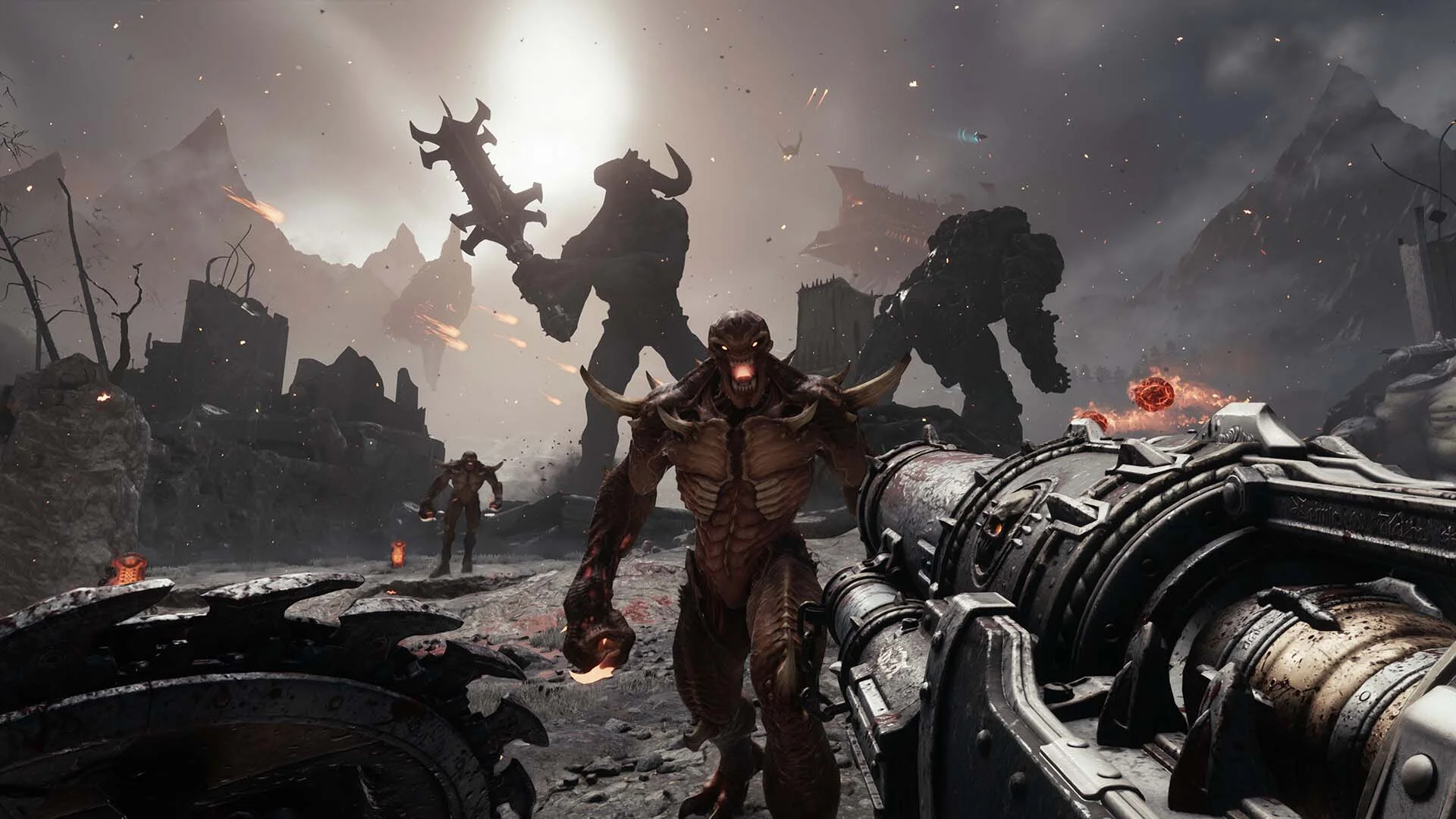
《毁灭战士:黑暗时代》是备受赞誉的《毁灭战士》(2016)和《毁灭战士:永恒》的前传,讲述了一个堪称毁灭战士传奇的史诗级电影故事。在现代毁灭战士系列的第三部作品中,玩家将踏入毁灭战士的血迹斑斑的靴子,参与前所未见的黑暗中世纪对抗地狱的战争。《毁灭战士:黑暗时代》是一款黑暗奇幻/科幻的单人体验,凭借最新的idTech引擎,呈现无与伦比的毁灭战士系列标志性的火爆战斗和极致视觉效果。作为神与王的超级武器,玩家可以使用毁灭性武器如超级霰弹枪,也可以尝试多种新型武器,包括多功能的盾锯。在恶魔横行的战场上,玩家将在激烈而扎实的战斗中奋勇杀敌,这正是原版《毁灭战士》闻名的特色。在这部充满电影感和动作感的故事中,体验毁灭战士的愤怒史诗。身为神与王的超级武器,毁灭战士抵御恶魔大军,而恶魔领袖则试图摧毁战士,成为唯一被恐惧的存在。见证传奇的诞生,战士挑战整个地狱,改变战争的走向。在粉碎地狱军团的征程中,战士必须深入前所未见的领域。神秘、挑战和奖励潜藏在废墟城堡、史诗战场、黑暗森林、古老地狱景观及超越世界的每一个阴影中。手持威力无比的盾锯,穿越充满威胁和秘密的黑暗世界,这将是id迄今为止最大且最广阔的关卡。
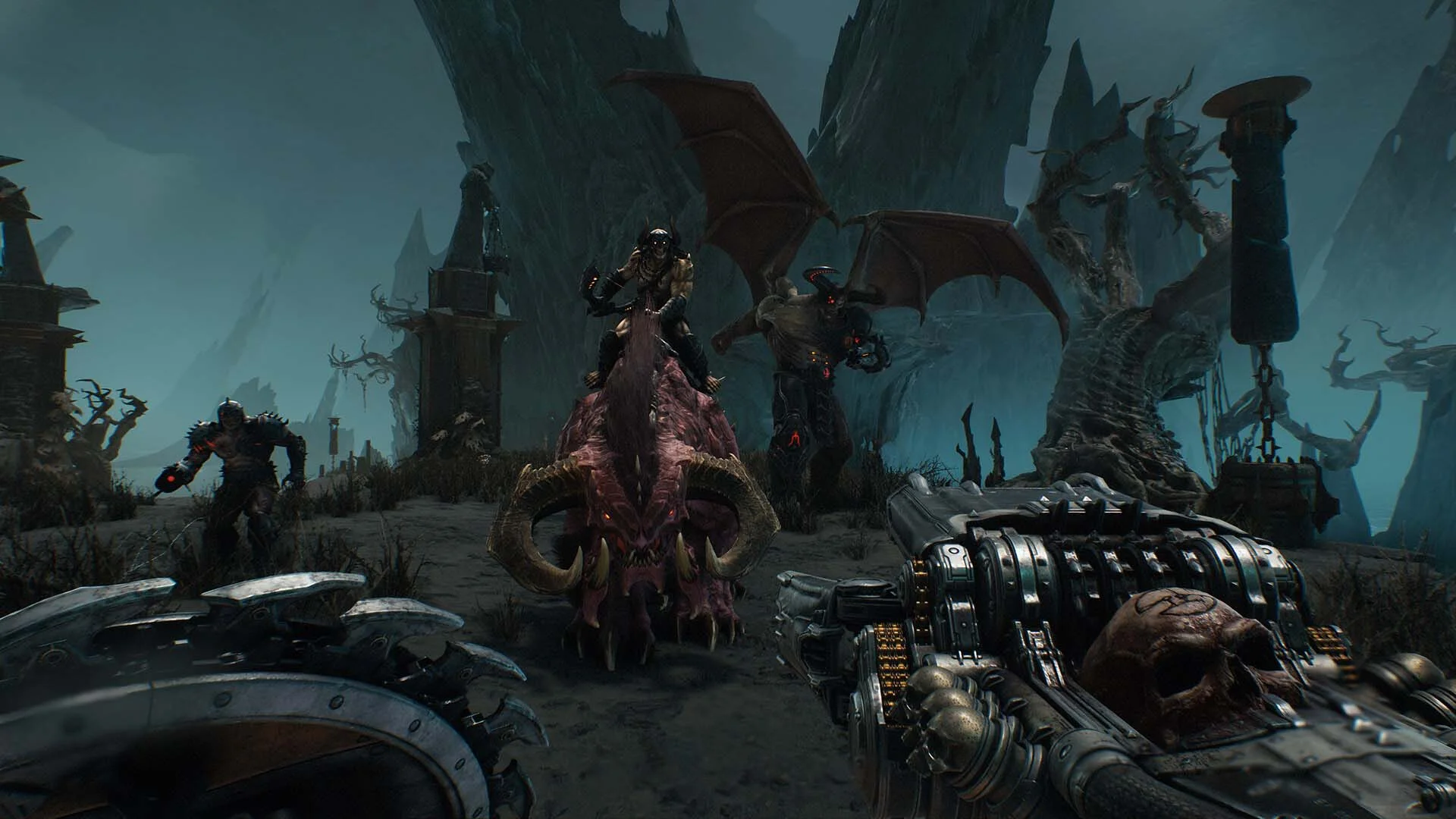
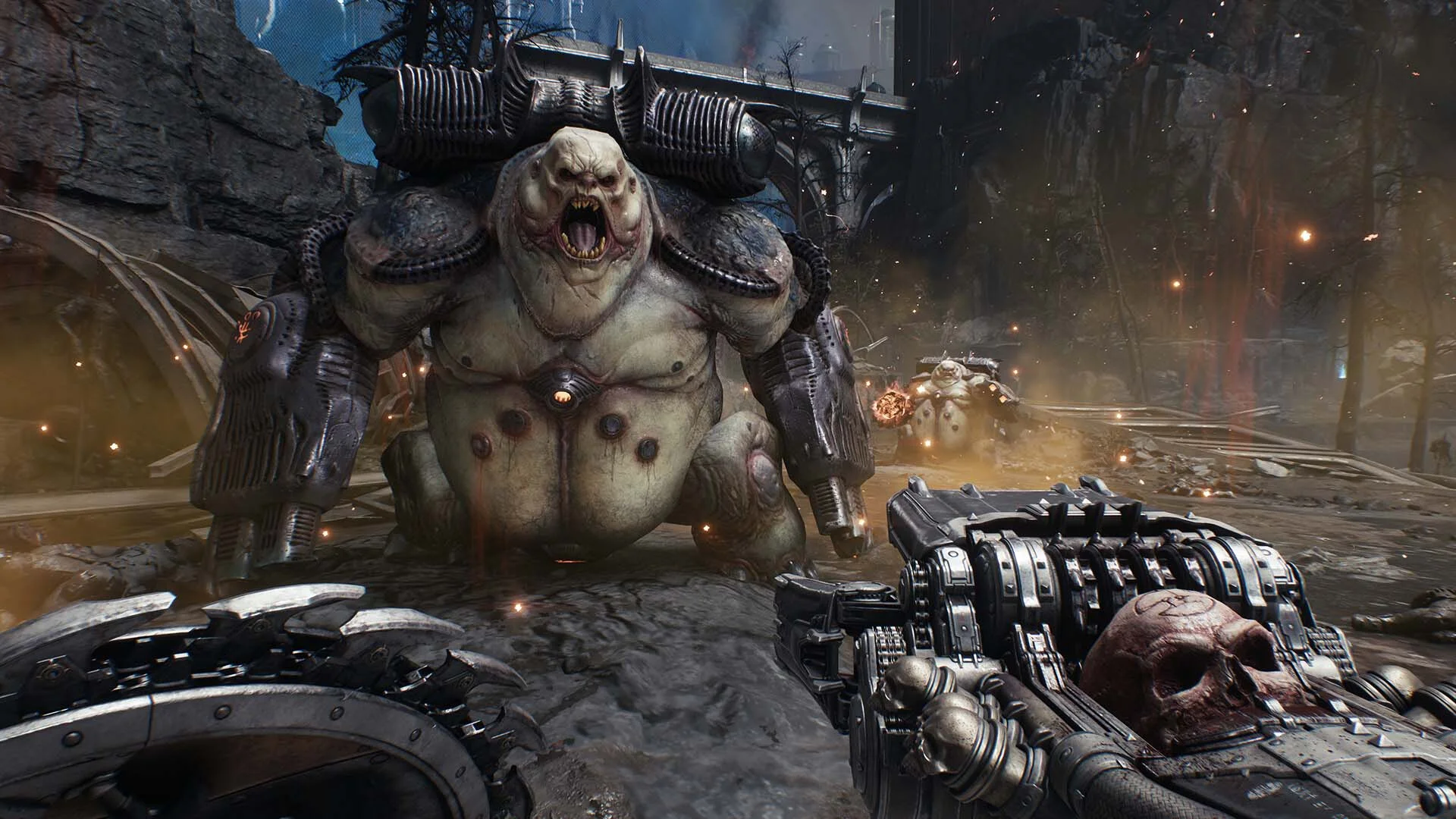
屏幕截图 预告片 发售特点 下载内容


  • 没有删除/没有重新编码;
  • 安装时间取决于计算机性能;
  • 在游戏设置、安装时或游戏文件夹内的 *.ini 文件中选择语言。
  • DOOM: The Dark Ages - Premium Upgrade
评论 1
Admin
0
AdminMonday at 23:12

///////////////////ENGLISH//////////////////////////////

1. Disable your antivirus and Windows Defender, add the game folder to the exclusions
2. All files are already in the game folder. A backup copy is in the _bypass.rar archive in the game folder, in case the antivirus has deleted them
3. Prepare the system to launch games using a hypervisor:
- Reboot and enter the BIOS. Disable Secure Boot and enable virtualization (VT-x on Intel, SVM or AMD-V on AMD).
- Boot into the operating system.
- Run Command Prompt as Administrator and enter: bcdedit /set testsigning on (After rebooting, you will see a “Test Mode” message in the bottom-right corner of the desktop — this is normal.)
- Run Command Prompt as Administrator again and enter: bcdedit /set hypervisorlaunchtype off
- Reboot.
- At this point, the system preparation for launching games using this type of bypass is complete (this only needs to be done once).
4. Open the Command Prompt as an administrator and enter the command: sc create denuvo type= kernel start= demand binPath= "D:\DOOM The Dark Ages\SimpleSvm.sys"  (Just make sure to specify your own path to the SimpleSvm.sys file for AMD. For Intel, use: sc create denuvo type= kernel start= demand binPath= "D:\DOOM The Dark Ages\hyperkd.sys)
- If it needs to be recreated (for example, if the path was incorrect), first delete it:  command: sc delete denuvo  then repeat steps 4 and 5.
5. In the same Command Prompt window, enter: sc start denuvo (After finishing the game, you can stop the service by entering: sc stop denuvo.)
6. Launch the game using DOOMTheDarkAges.exe located in game folder

If the game still doesn’t start after preparing the system, the following may help:
- Open the command prompt as an administrator and enter the command bcdedit.exe /set nointegritychecks on
- Disable NX Mode in the BIOS (if your BIOS has this option)

///////////////////РУССКИЙ//////////////////////////////

1. Отключите антивирус и Windows Defender, добавьте папку игры в исключения
2. Все файлы уже в папке игры, резервная копия в архиве _bypass.rar в папке игры, на случай если антивирус удалил
3. Подготавливаем систему к запуску игр с использованием гипервизора:
- Перезагружаемся и заходим в Bios, выключаем Secure Boot, а так же включаем виртуализацию (VT-x на Intel, SVM или AMD-V на AMD)
- Грузимся в систему
- Запускаем командную строку от имени администратора, вводим команду bcdedit /set testsigning on (после перезагрузки справа внизу на раб. столе появится надпись "тестовая версия" или как-то так, это нормально)
- Запускаем командную строку от имени администратора, вводим команду bcdedit /set hypervisorlaunchtype off
- Перезагружаемся
- На этом, в целом, подготовка системы к запуску игр с подобным обходом закончена (она делается разово)
4. Запускаем командную строку от имени администратора, вводим команду sc create denuvo type= kernel start= demand binPath= "D:\DOOM The Dark Ages\SimpleSvm.sys (только указывайте ваш путь до файла SimpleSvm.sys (для AMD) или же sc create denuvo type= kernel start= demand binPath= "D:\DOOM The Dark Ages\hyperkd.sys)
- Если нужно пересоздать (например, путь был неправильный) Сначала удалить: вводим команду sc delete denuvo далее повторить пункт 4 и 5
5. В той же командной строке вводим команду sc start denuvo (после окончания игры можете ввести в командной строке команду sc stop denuvo чтобы остановить сервис)
6. Запускаем игру с файла DOOMTheDarkAges.exe из папки игры

Если у вас после подготовки системы игра всё равно не запускается, то может помочь следующее:
- Запускаем командную строку от имени администратора, вводим команду bcdedit.exe /set nointegritychecks on
- Выключаем в Bios NX Mode (если у вас таковой пункт имеется)

Information

The ability to comment on this publication has been disabled.