推荐
Borderlands 4 Super Deluxe Edition | RePack | v1.4.0-4496319

Borderlands 4 Super Deluxe Edition | RePack | v1.4.0-4496319

/ 查看:  22 624 / 评论: 1

发布日期: 2025

流派: Action, Adventure, RPG

开发者: Gearbox Software

出版商: 2K

游戏版本: v1.4.0-4496319

发售类型: RePack

界面语言: 英语,多语言

音频语言: 英语

药物: 内置 (Hypervisor Bypass)


系统要求


操作系统: x64 Windows 10 / 11

处理器: Intel Core i7-9700 / AMD Ryzen 7 2700X

内存: 16 GB

显卡: NVIDIA GeForce RTX 2070 / AMD Radeon RX 5700 XT / Intel Arc A580

硬盘剩余空间: 86.40 GB


游戏简介


《无主之地4》带来令人热血沸腾的激烈战斗,酷炫的秘藏猎人,以及数以亿计的狂野致命武器,前往一个由冷酷暴君统治的全新星球。以四位全新秘藏猎人之一的身份闯入凯罗斯,追寻财富和荣耀。挥舞强大的技能,利用深度技能树自定义你的角色,并用动态移动能力征服敌人。打破压迫者时间守护者的统治,这位无情的独裁者从高处掌控着大众。如今,一场改变世界的灾难威胁着他的完美秩序,在星球上引发混乱。成为战斗中不可阻挡的力量,用全新的荒诞武器库冲破敌人。以前所未有的方式穿越无主之地——双跳、滑翔、闪避、抓钩等等——从各个方向送出致命一击。用毁灭性的技能爆裂每一次遭遇,释放秘藏猎人的独特能力。通过分支技能树和充满狂野武器与强大装备的深度奖励式掠夺,打造你完美的角色。独自在凯罗斯制造混乱已然精彩,与好友一起进行四人在线合作更加精彩。《无主之地4》从一开始就为合作模式设计,无论是搜寻战利品、完成任务,还是自由探索,等级调整和个体难度都会让团队保持在一起并享受乐趣。
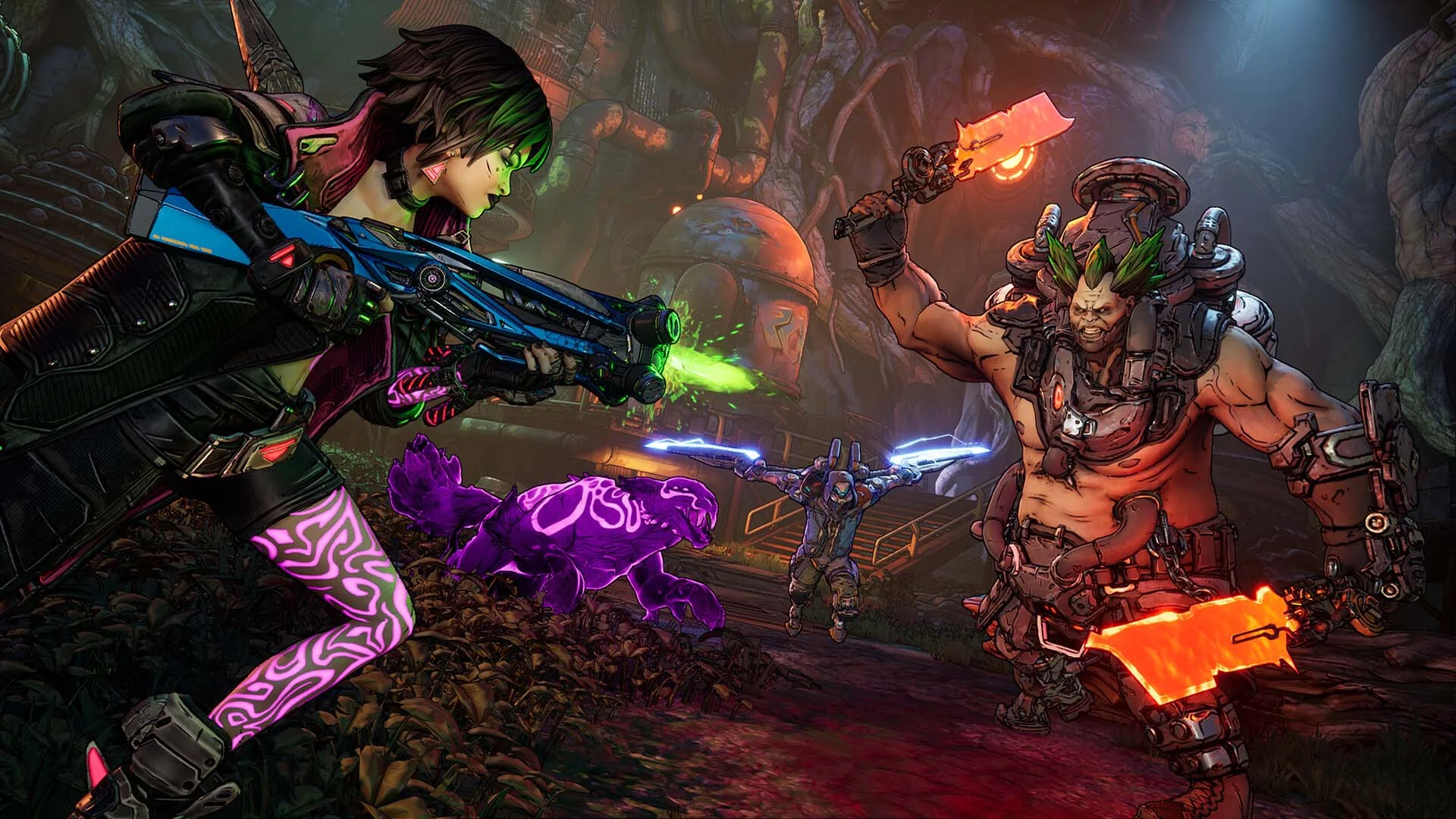
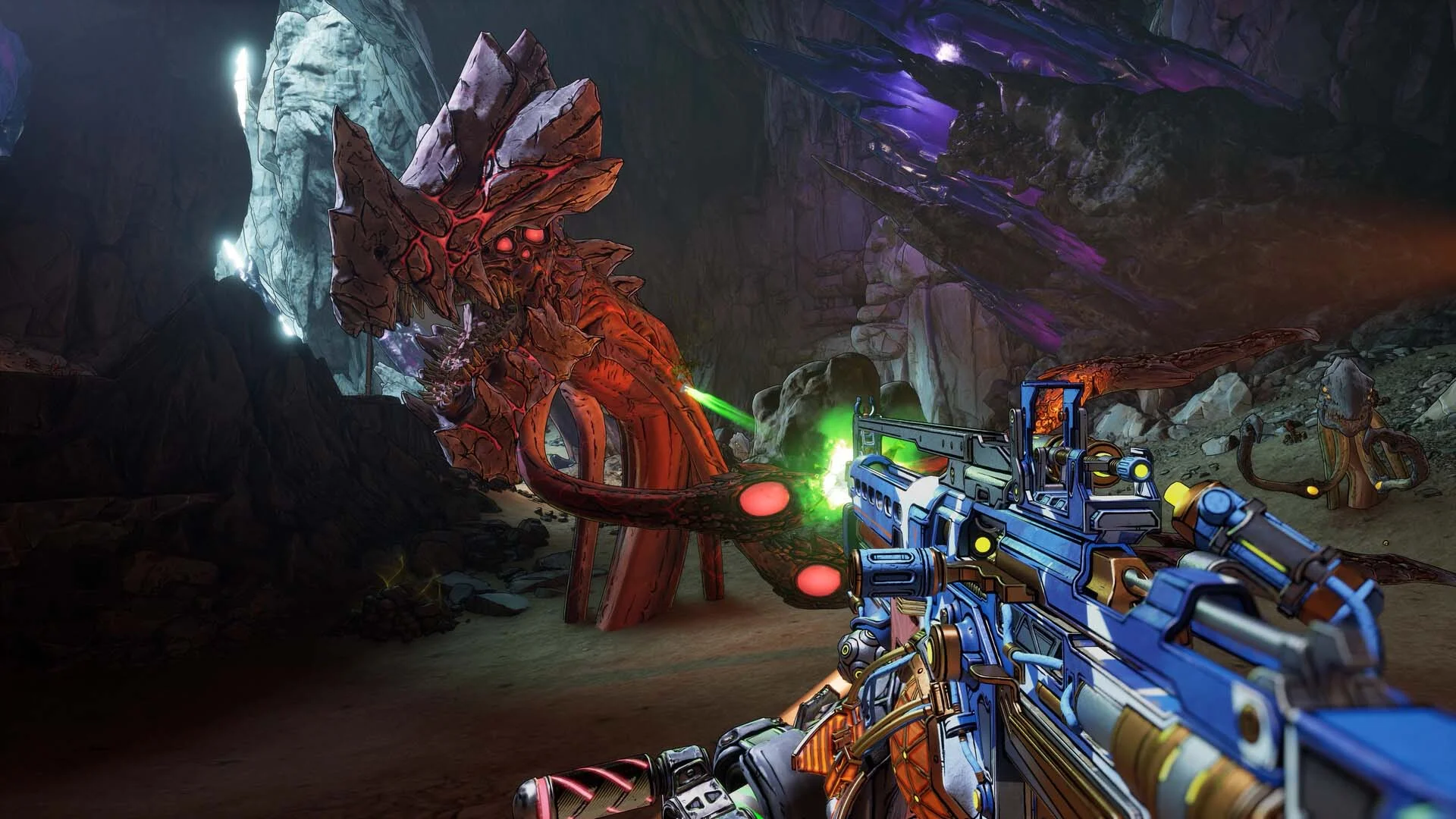
屏幕截图 预告片 发售特点 下载内容


  • 没有删除/没有重新编码;
  • 安装时间取决于计算机性能;
  • 在游戏设置、安装时或游戏文件夹内的 *.ini 文件中选择语言。
  • Borderlands®4 - Bounty Pack 2: Legend of the Stone Demon
  • Borderlands 4 - Story Pack 1: Mad Ellie and the Vault of the Damned
  • Borderlands®4: Vault Hunter Pack
  • Borderlands®4: Bounty Pack Bundle
  • Borderlands®4: Gilded Glory Pack
  • Borderlands®4: Firehawk's Fury Weapon Skin
  • Borderlands®4: Ornate Order Pack
评论 1
Admin
0
Admin1 March 2026 23:45

///////////////////ENGLISH//////////////////////////////

1. Disable your antivirus and Windows Defender, add the game folder to the exclusions
2. All files are already in the game folder. A backup copy is in the _bypass.rar archive in the game folder, in case the antivirus has deleted them
3. Prepare the system to launch games using a hypervisor:
- Reboot and enter the BIOS. Disable Secure Boot and enable virtualization (VT-x on Intel, SVM or AMD-V on AMD).
- Boot into the operating system.
- Run Command Prompt as Administrator and enter: bcdedit /set testsigning on (After rebooting, you will see a “Test Mode” message in the bottom-right corner of the desktop — this is normal.)
- Run Command Prompt as Administrator again and enter: bcdedit /set hypervisorlaunchtype off
- Reboot.
- At this point, the system preparation for launching games using this type of bypass is complete (this only needs to be done once).
4. Launch the game using Borderlands 4\OakGame\Binaries\Win64\steamclient_loader_x64.exe

If the game still doesn’t start after preparing the system, the following may help:
- Open the command prompt as an administrator and enter the command bcdedit.exe /set nointegritychecks on
- Disable NX Mode in the BIOS (if your BIOS has this option)

///////////////////РУССКИЙ//////////////////////////////

1. Отключите антивирус и Windows Defender, добавьте папку игры в исключения
2. Все файлы уже в папке игры, резервная копия в архиве _bypass.rar в папке игры, на случай если антивирус удалил
3. Подготавливаем систему к запуску игр с использованием гипервизора:
- Перезагружаемся и заходим в Bios, выключаем Secure Boot, а так же включаем виртуализацию (VT-x на Intel, SVM или AMD-V на AMD)
- Грузимся в систему
- Запускаем командную строку от имени администратора, вводим команду bcdedit /set testsigning on (после перезагрузки справа внизу на раб. столе появится надпись "тестовая версия" или как-то так, это нормально)
- Запускаем командную строку от имени администратора, вводим команду bcdedit /set hypervisorlaunchtype off
- Перезагружаемся
- На этом, в целом, подготовка системы к запуску игр с подобным обходом закончена (она делается разово)
4. Запускаем игру с файла Borderlands 4\OakGame\Binaries\Win64\steamclient_loader_x64.exe

Если у вас после подготовки системы игра всё равно не запускается, то может помочь следующее:
- Запускаем командную строку от имени администратора, вводим команду bcdedit.exe /set nointegritychecks on
- Выключаем в Bios NX Mode (если у вас таковой пункт имеется)

Information

The ability to comment on this publication has been disabled.