Recommended
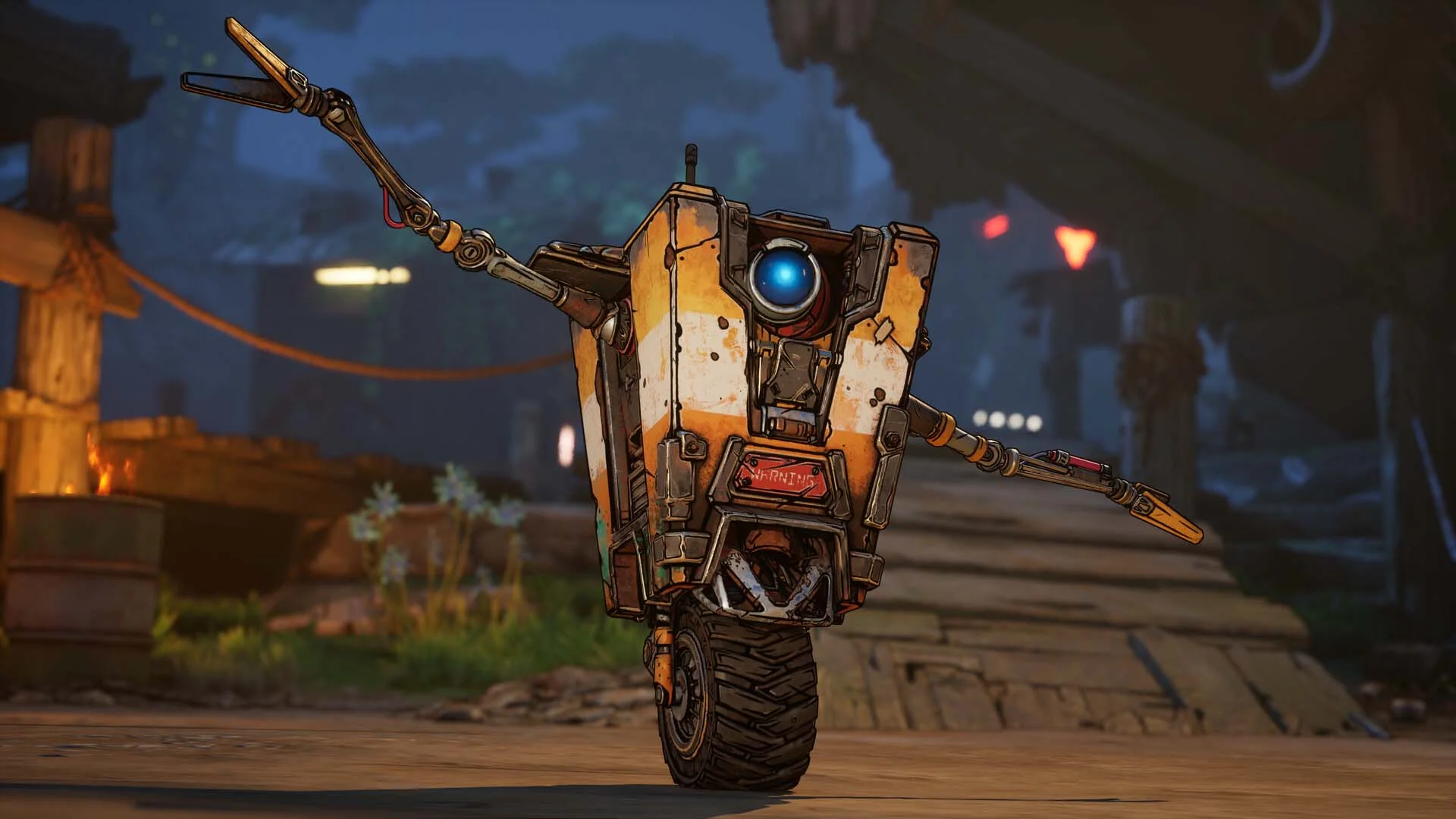
Borderlands 4 Super Deluxe Edition | RePack | v1.4.0-4496319

Borderlands 4 Super Deluxe Edition | RePack | v1.4.0-4496319

/ Views:  22 623 / Comments: 1

Release Date: 2025

Genre: Action, Adventure, RPG

Developer: Gearbox Software

Publisher: 2K

Game version: v1.4.0-4496319

Release type: RePack

Interface language: English, Russian, Multi

Audio language: English

Мedicine: Included (Hypervisor Bypass)


System requirements


Operation system: x64 Windows 10 / 11

Processor: Intel Core i7-9700 / AMD Ryzen 7 2700X

Memory: 16 GB

Graphics: NVIDIA GeForce RTX 2070 / AMD Radeon RX 5700 XT / Intel Arc A580

Free hard disk space: 86.40 GB


About This Game


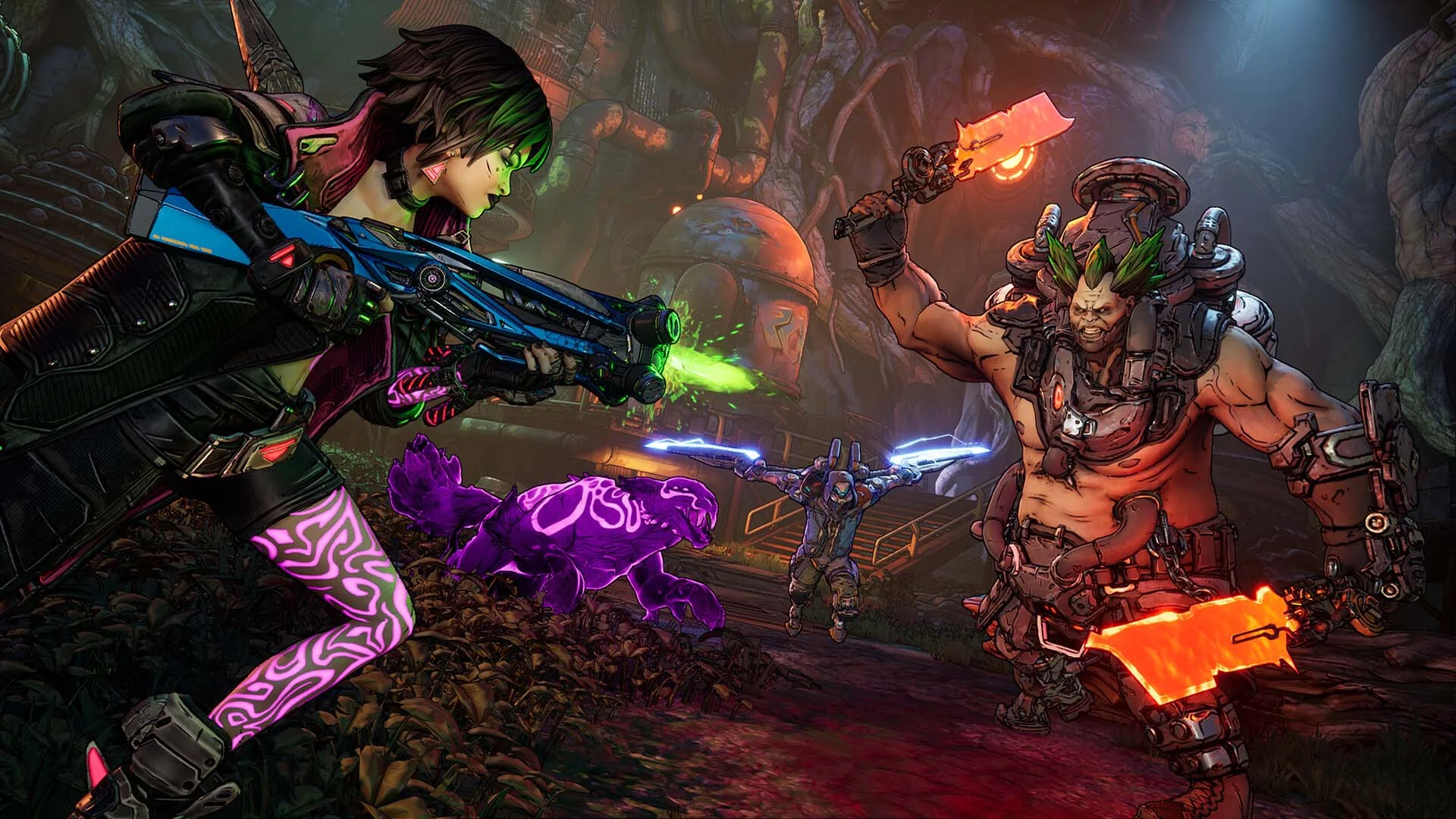
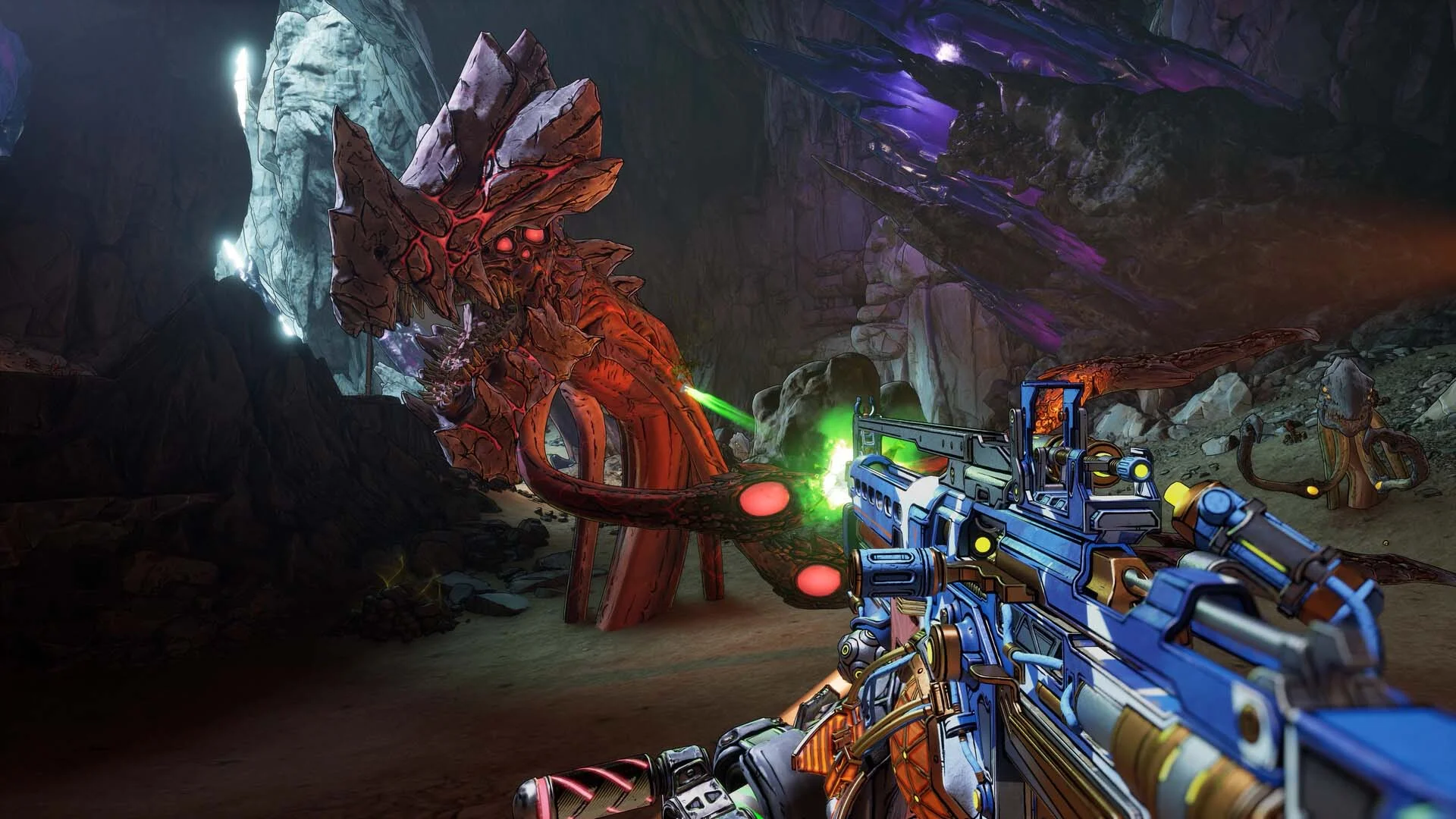
Borderlands 4 delivers high-octane action with fierce Vault Hunters and an arsenal of billions of outrageous weapons on a brand-new planet ruled by a brutal tyrant. Dive into Kairos as one of four fresh Vault Hunters, each on a quest for riches and fame. Harness mighty Action Skills, tailor your character with extensive skill trees, and outmaneuver foes with dynamic movement abilities. Challenge the oppressive Timekeeper, a merciless ruler who controls the masses from his lofty perch. A world-shaking disaster now threatens his so-called Order, sparking chaos across the planet. Become an unstoppable combat force, tearing through adversaries with a fresh arsenal of over-the-top weaponry. Traverse the Borderlands like never before—double jumping, gliding, dodging, grappling, and more—delivering destruction from every angle. Turn every battle into a spectacle with devastating Action Skills that unleash your Vault Hunter's special powers. Perfect your build with branching skill trees and indulge in a rewarding loot hunt filled with wild weapons and potent gear. Causing mayhem across Kairos is thrilling solo and even more exciting with friends in a 4-player online co-op. Borderlands 4 is designed from the ground up for co-op play; whether you're on a loot hunt, tackling missions, or exploring freely, level scaling and personalized difficulty ensure the group stays together and entertained.
Screenshots Trailer Release Features DLCs


  • Nothing is cut / nothing is recoded;
  • Installation time depends on the computer's power;
  • Language selection in the game settings, during installation, or in the *.ini file in the game folder.
  • Borderlands®4 - Bounty Pack 2: Legend of the Stone Demon
  • Borderlands 4 - Story Pack 1: Mad Ellie and the Vault of the Damned
  • Borderlands®4: Vault Hunter Pack
  • Borderlands®4: Bounty Pack Bundle
  • Borderlands®4: Gilded Glory Pack
  • Borderlands®4: Firehawk's Fury Weapon Skin
  • Borderlands®4: Ornate Order Pack
Comments 1
Admin
0
Admin1 March 2026 23:45

///////////////////ENGLISH//////////////////////////////

1. Disable your antivirus and Windows Defender, add the game folder to the exclusions
2. All files are already in the game folder. A backup copy is in the _bypass.rar archive in the game folder, in case the antivirus has deleted them
3. Prepare the system to launch games using a hypervisor:
- Reboot and enter the BIOS. Disable Secure Boot and enable virtualization (VT-x on Intel, SVM or AMD-V on AMD).
- Boot into the operating system.
- Run Command Prompt as Administrator and enter: bcdedit /set testsigning on (After rebooting, you will see a “Test Mode” message in the bottom-right corner of the desktop — this is normal.)
- Run Command Prompt as Administrator again and enter: bcdedit /set hypervisorlaunchtype off
- Reboot.
- At this point, the system preparation for launching games using this type of bypass is complete (this only needs to be done once).
4. Launch the game using Borderlands 4\OakGame\Binaries\Win64\steamclient_loader_x64.exe

If the game still doesn’t start after preparing the system, the following may help:
- Open the command prompt as an administrator and enter the command bcdedit.exe /set nointegritychecks on
- Disable NX Mode in the BIOS (if your BIOS has this option)

///////////////////РУССКИЙ//////////////////////////////

1. Отключите антивирус и Windows Defender, добавьте папку игры в исключения
2. Все файлы уже в папке игры, резервная копия в архиве _bypass.rar в папке игры, на случай если антивирус удалил
3. Подготавливаем систему к запуску игр с использованием гипервизора:
- Перезагружаемся и заходим в Bios, выключаем Secure Boot, а так же включаем виртуализацию (VT-x на Intel, SVM или AMD-V на AMD)
- Грузимся в систему
- Запускаем командную строку от имени администратора, вводим команду bcdedit /set testsigning on (после перезагрузки справа внизу на раб. столе появится надпись "тестовая версия" или как-то так, это нормально)
- Запускаем командную строку от имени администратора, вводим команду bcdedit /set hypervisorlaunchtype off
- Перезагружаемся
- На этом, в целом, подготовка системы к запуску игр с подобным обходом закончена (она делается разово)
4. Запускаем игру с файла Borderlands 4\OakGame\Binaries\Win64\steamclient_loader_x64.exe

Если у вас после подготовки системы игра всё равно не запускается, то может помочь следующее:
- Запускаем командную строку от имени администратора, вводим команду bcdedit.exe /set nointegritychecks on
- Выключаем в Bios NX Mode (если у вас таковой пункт имеется)

Information

The ability to comment on this publication has been disabled.