推荐
Atomic Heart - Premium Edition | RePack | Build 17141971

Atomic Heart - Premium Edition | RePack | Build 17141971

/ 查看:  151 / 评论: 1

发布日期: 2023

流派: Action, Adventure, RPG

开发者: Mundfish

出版商: Focus Entertainment, 4Divinity

游戏版本: Build 17141971

发售类型: RePack

界面语言: 中文, 英语, 法语, 德语, 西班牙语, 多语言

音频语言: 中文, 英语, 法语, 德语, 西班牙语, 多语言

药物: 内置 (Hypervisor Bypass)


系统要求


操作系统: Windows 10 (20H1 version or newer, 64-bit versions)

处理器: AMD Ryzen 3 1200 or Intel Core i5-2500

内存: 8 GB RAM

显卡: 4 GB VRAM, AMD Radeon R9 380 or NVIDIA GeForce GTX 960

硬盘剩余空间: 120.01 GB


游戏简介


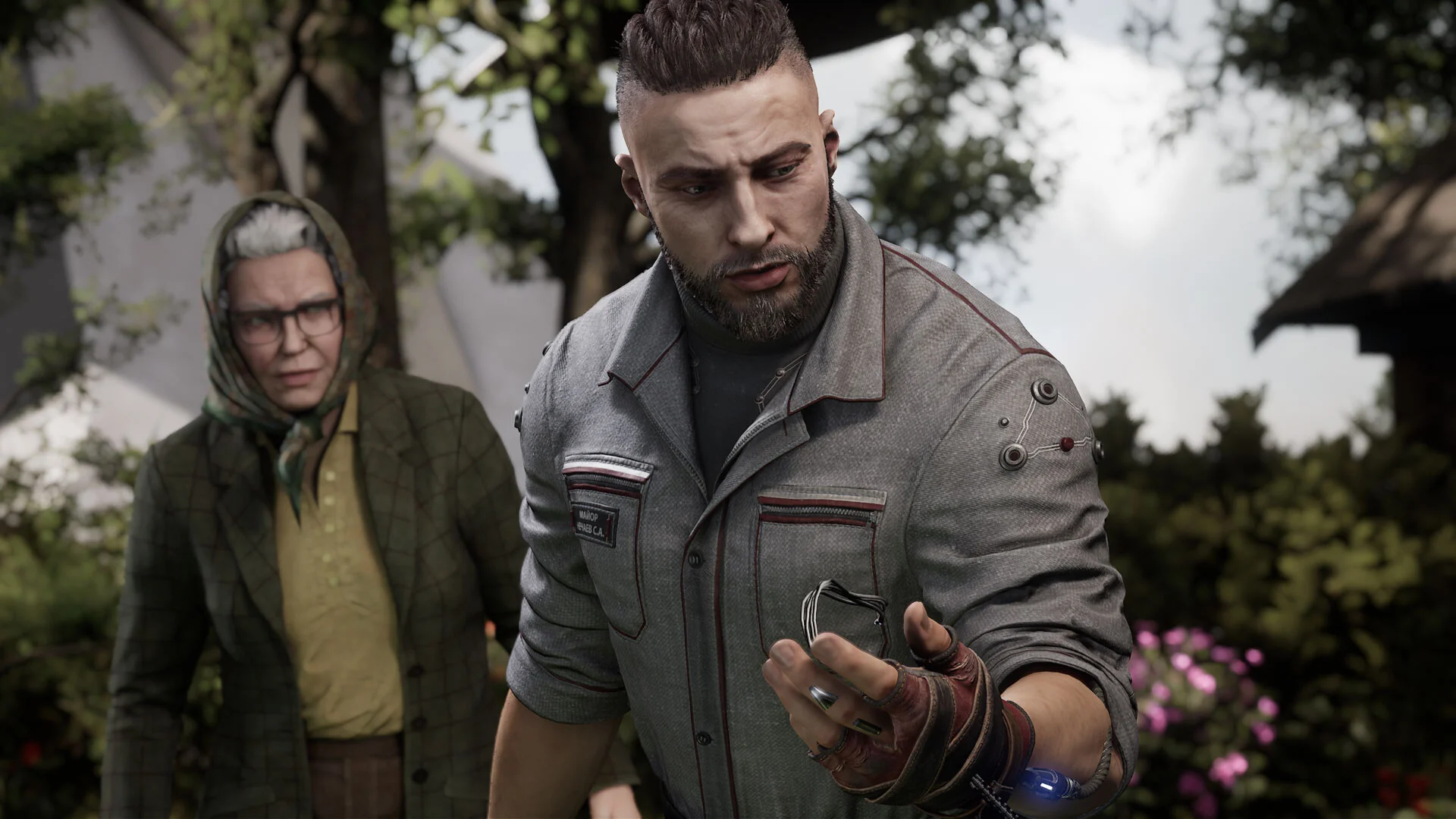
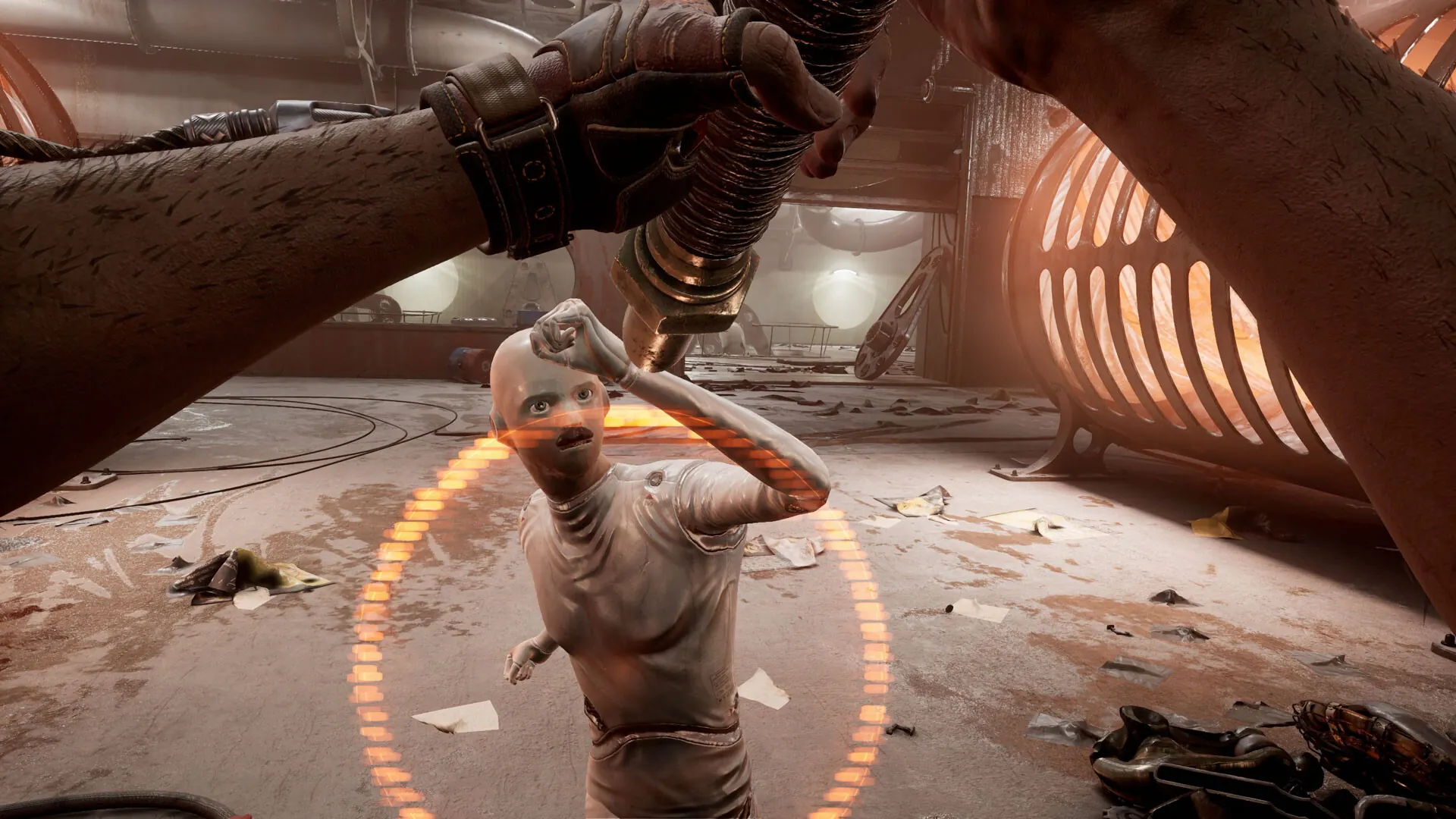
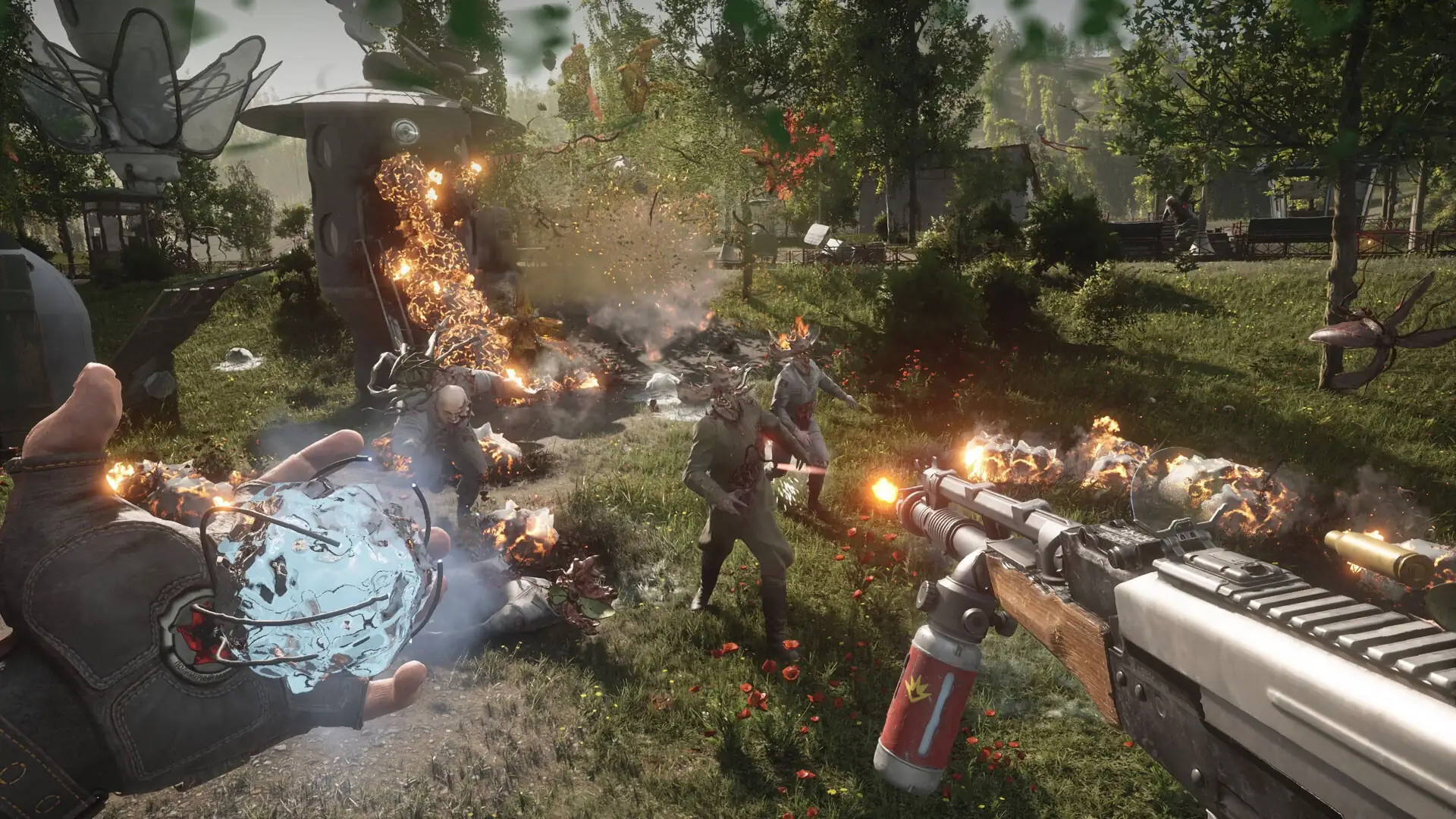
欢迎来到一个奇迹与完美并存的乌托邦世界,在这里人类与忠诚而热情的机器人和谐共处。然而,这一切已成为过去。距离最新的机器人控制系统发布仅有数天之遥,只有一场悲剧或全球阴谋才能打破这一切…科技的不可阻挡进程和秘密实验催生了变异生物、恐怖机器和超能机器人——它们突然反叛了创造者。只有你能阻止他们,并揭开这个理想化世界背后的真相。利用实验性能量手套赋予的战斗能力、你的刀刃武器库和尖端武器,在激烈而紧张的战斗中为生存而战。根据每个独特对手调整你的战斗风格。结合你的技能和资源,利用环境并升级装备,以克服挑战,为正义而战。

屏幕截图 预告片 发售特点 下载内容

  • 没有删除/没有重新编码;
  • 安装时间取决于计算机性能;
  • 在游戏设置中选择语言。
  • Atomic Heart - Labor & Science Weapon Skin Pack

  • Atomic Heart - Annihilation Instinct
  • Atomic Heart - Enchantment Under the Sea
  • Atomic Heart - Original Soundtrack
  • Atomic Heart - Digital Artbook
  • Atomic Heart - Trapped in Limbo
  • Atomic Heart - Golden Age Weapon Skin Pack
  • Atomic Heart - Midas Glove Skin
评论 1
Admin
1
Admin2 hours above

/////////////////// ENGLISH //////////////////////////////

1. Disable your antivirus and Windows Defender, add the game folder to the exclusions
2. All files are already in the game folder. A backup copy is in the _bypass.rar archive in the game folder, in case the antivirus has deleted them
3. Prepare the system to launch games using a hypervisor:
- Reboot and enter the BIOS. Disable Secure Boot and enable virtualization (VT-x on Intel, SVM or AMD-V on AMD).
- Boot into the operating system.
- Run Command Prompt as Administrator and enter: bcdedit /set testsigning on (After rebooting, you will see a “Test Mode” message in the bottom-right corner of the desktop — this is normal.)
- Run Command Prompt as Administrator again and enter: bcdedit /set hypervisorlaunchtype off
- Reboot.
- At this point, the system preparation for launching games using this type of bypass is complete (this only needs to be done once).
4. Open the Command Prompt as an administrator and enter the command: sc create denuvo type= kernel start= demand binPath= "D:\Atomic Heart\SimpleSvm.sys"  (Just make sure to specify your own path to the SimpleSvm.sys file for AMD. For Intel, use: sc create denuvo type= kernel start= demand binPath= "D:\Atomic Heart\hyperkd.sys)
- If it needs to be recreated (for example, if the path was incorrect), first delete it:  command: sc delete denuvo  then repeat steps 4 and 5.
5. In the same Command Prompt window, enter: sc start denuvo (After finishing the game, you can stop the service by entering: sc stop denuvo.)
6. Launch the game using AtomicHeart-Win64-Shipping.exe or HypervisorLauncher.exe located in Atomic Heart\AtomicHeart\Binaries\Win64 folder

If the game still doesn’t start after preparing the system, the following may help:
- Open the command prompt as an administrator and enter the command bcdedit.exe /set nointegritychecks on
- Disable NX Mode in the BIOS (if your BIOS has this option)

/////////////////// РУССКИЙ //////////////////////////////

1. Отключите антивирус и Windows Defender, добавьте папку игры в исключения
2. Все файлы уже в папке игры, резервная копия в архиве _bypass.rar в папке игры, на случай если антивирус удалил
3. Подготавливаем систему к запуску игр с использованием гипервизора:
- Перезагружаемся и заходим в Bios, выключаем Secure Boot, а так же включаем виртуализацию (VT-x на Intel, SVM или AMD-V на AMD)
- Грузимся в систему
- Запускаем командную строку от имени администратора, вводим команду bcdedit /set testsigning on (после перезагрузки справа внизу на раб. столе появится надпись "тестовая версия" или как-то так, это нормально)
- Запускаем командную строку от имени администратора, вводим команду bcdedit /set hypervisorlaunchtype off
- Перезагружаемся
- На этом, в целом, подготовка системы к запуску игр с подобным обходом закончена (она делается разово)
4. Запускаем командную строку от имени администратора, вводим команду sc create denuvo type= kernel start= demand binPath= "D:\Atomic Heart\SimpleSvm.sys (только указывайте ваш путь до файла SimpleSvm.sys (для AMD) или же sc create denuvo type= kernel start= demand binPath= "D:\Atomic Heart\hyperkd.sys)
- Если нужно пересоздать (например, путь был неправильный) Сначала удалить: вводим команду sc delete denuvo далее повторить пункт 4 и 5
5. В той же командной строке вводим команду sc start denuvo (после окончания игры можете ввести в командной строке команду sc stop denuvo чтобы остановить сервис)
6. Запускаем игру с файла AtomicHeart-Win64-Shipping.exe или HypervisorLauncher.exe из папки Atomic Heart\AtomicHeart\Binaries\Win64

Если у вас после подготовки системы игра всё равно не запускается, то может помочь следующее:
- Запускаем командную строку от имени администратора, вводим команду bcdedit.exe /set nointegritychecks on
- Выключаем в Bios NX Mode (если у вас таковой пункт имеется)

Information

The ability to comment on this publication has been disabled.