Recomendado
Atomic Heart - Premium Edition | RePack | Build 17141971

Atomic Heart - Premium Edition | RePack | Build 17141971

/ Vistas:  161 / Comentarios: 1

Fecha de lanzamiento: 2023

Género: Action, Adventure, RPG

Desarrollador: Mundfish

Editor: Focus Entertainment, 4Divinity

Versión del juego: Build 17141971

Tipo de lanzamiento: RePack

Idioma de la interfaz: Español, Inglés, Francés, Alemán, Japonés, Multilingüe

Idioma de audio: Español, Inglés, Francés, Alemán, Japonés, Multilingüe

Medicina: Incorporado (Hypervisor Bypass)


Requisitos del sistema


Sistema operativo: Windows 10 (20H1 version or newer, 64-bit versions)

Procesador: AMD Ryzen 3 1200 or Intel Core i5-2500

Memoria RAM: 8 GB RAM

Tarjeta gráfica: 4 GB VRAM, AMD Radeon R9 380 or NVIDIA GeForce GTX 960

Espacio libre en disco duro: 120.01 GB


Acerca de este juego


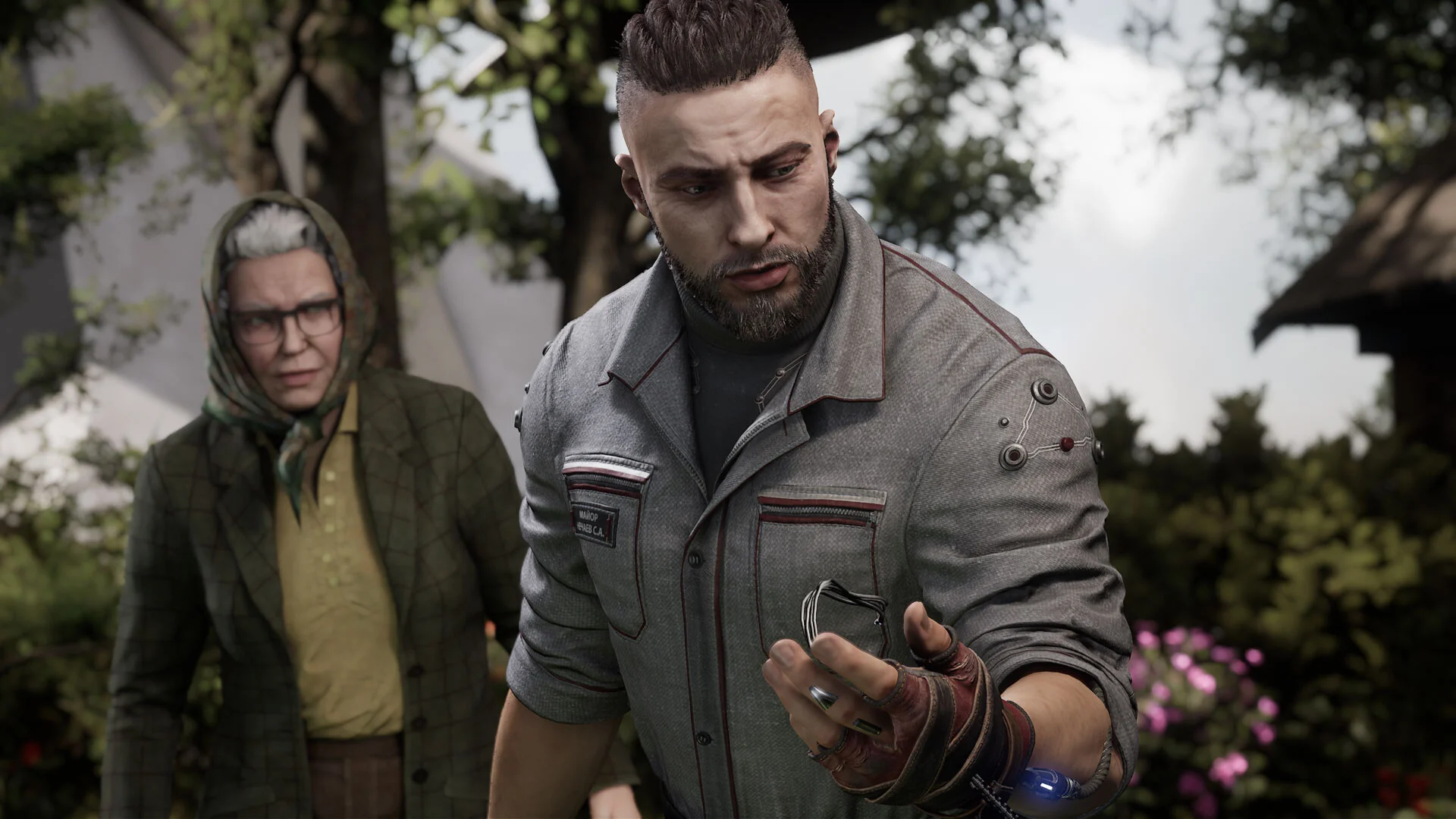
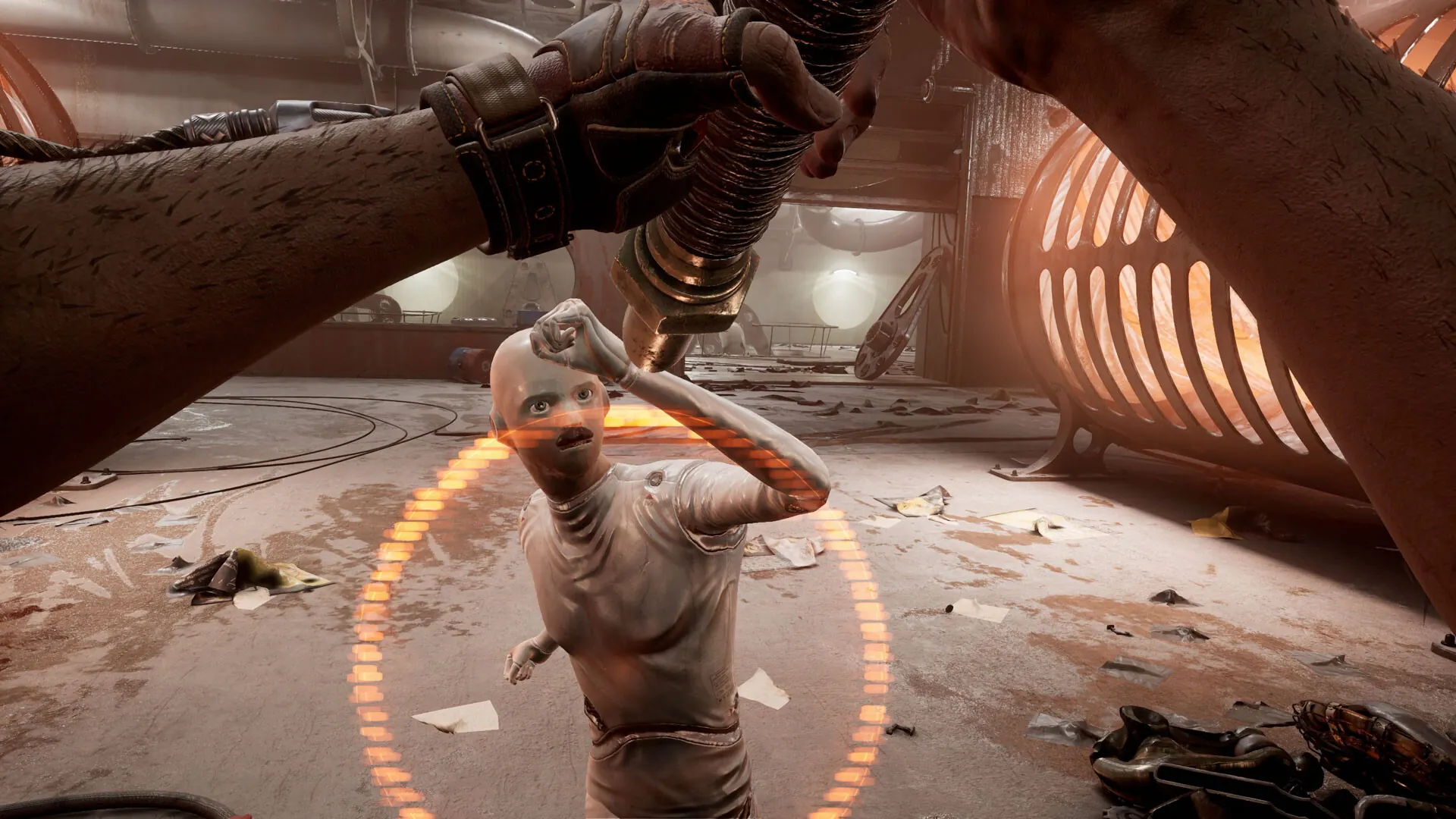
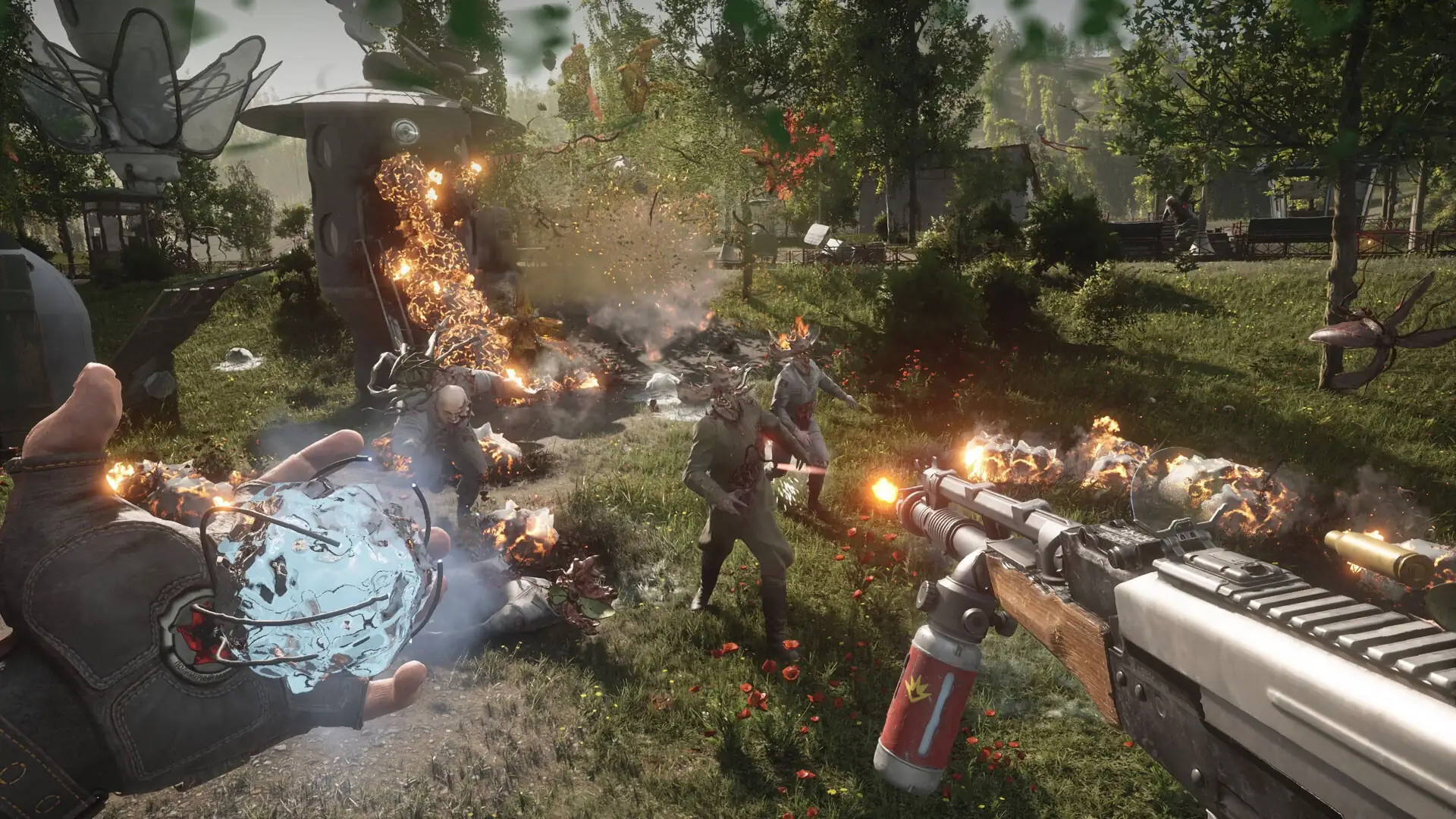
Bienvenido a un mundo utópico de maravillas y perfección, donde los humanos viven en armonía con sus leales y fervientes robots. Bueno, así solía ser. Con el lanzamiento del último sistema de control de robots a solo unos días, solo un trágico accidente o una conspiración global podría interrumpirlo... El imparable avance de la tecnología junto con experimentos secretos ha dado lugar a criaturas mutantes, máquinas aterradoras y robots con superpoderes, todos rebelándose de repente contra sus creadores. Solo tú puedes detenerlos y descubrir qué se esconde detrás de este mundo idealizado. Usando las habilidades de combate que te otorga tu guante de poder experimental, tu arsenal de cuchillas y armamento de última generación, lucha por tu vida en encuentros explosivos y frenéticos. Adapta tu estilo de combate a cada oponente único. Combina tus habilidades y recursos, utiliza el entorno y mejora tu equipo para superar desafíos y luchar por el bien.

Capturas de pantalla Tráiler Características del lanzamiento Contenido descargable

  • Nada recortado / nada recodificado;
  • Tiempo de instalación depende del PC;
  • Selección de idioma en configuración.
  • Atomic Heart - Labor & Science Weapon Skin Pack

  • Atomic Heart - Annihilation Instinct
  • Atomic Heart - Enchantment Under the Sea
  • Atomic Heart - Original Soundtrack
  • Atomic Heart - Digital Artbook
  • Atomic Heart - Trapped in Limbo
  • Atomic Heart - Golden Age Weapon Skin Pack
  • Atomic Heart - Midas Glove Skin
Comentarios 1
Admin
1
Admin2 hours above

/////////////////// ENGLISH //////////////////////////////

1. Disable your antivirus and Windows Defender, add the game folder to the exclusions
2. All files are already in the game folder. A backup copy is in the _bypass.rar archive in the game folder, in case the antivirus has deleted them
3. Prepare the system to launch games using a hypervisor:
- Reboot and enter the BIOS. Disable Secure Boot and enable virtualization (VT-x on Intel, SVM or AMD-V on AMD).
- Boot into the operating system.
- Run Command Prompt as Administrator and enter: bcdedit /set testsigning on (After rebooting, you will see a “Test Mode” message in the bottom-right corner of the desktop — this is normal.)
- Run Command Prompt as Administrator again and enter: bcdedit /set hypervisorlaunchtype off
- Reboot.
- At this point, the system preparation for launching games using this type of bypass is complete (this only needs to be done once).
4. Open the Command Prompt as an administrator and enter the command: sc create denuvo type= kernel start= demand binPath= "D:\Atomic Heart\SimpleSvm.sys"  (Just make sure to specify your own path to the SimpleSvm.sys file for AMD. For Intel, use: sc create denuvo type= kernel start= demand binPath= "D:\Atomic Heart\hyperkd.sys)
- If it needs to be recreated (for example, if the path was incorrect), first delete it:  command: sc delete denuvo  then repeat steps 4 and 5.
5. In the same Command Prompt window, enter: sc start denuvo (After finishing the game, you can stop the service by entering: sc stop denuvo.)
6. Launch the game using AtomicHeart-Win64-Shipping.exe or HypervisorLauncher.exe located in Atomic Heart\AtomicHeart\Binaries\Win64 folder

If the game still doesn’t start after preparing the system, the following may help:
- Open the command prompt as an administrator and enter the command bcdedit.exe /set nointegritychecks on
- Disable NX Mode in the BIOS (if your BIOS has this option)

/////////////////// РУССКИЙ //////////////////////////////

1. Отключите антивирус и Windows Defender, добавьте папку игры в исключения
2. Все файлы уже в папке игры, резервная копия в архиве _bypass.rar в папке игры, на случай если антивирус удалил
3. Подготавливаем систему к запуску игр с использованием гипервизора:
- Перезагружаемся и заходим в Bios, выключаем Secure Boot, а так же включаем виртуализацию (VT-x на Intel, SVM или AMD-V на AMD)
- Грузимся в систему
- Запускаем командную строку от имени администратора, вводим команду bcdedit /set testsigning on (после перезагрузки справа внизу на раб. столе появится надпись "тестовая версия" или как-то так, это нормально)
- Запускаем командную строку от имени администратора, вводим команду bcdedit /set hypervisorlaunchtype off
- Перезагружаемся
- На этом, в целом, подготовка системы к запуску игр с подобным обходом закончена (она делается разово)
4. Запускаем командную строку от имени администратора, вводим команду sc create denuvo type= kernel start= demand binPath= "D:\Atomic Heart\SimpleSvm.sys (только указывайте ваш путь до файла SimpleSvm.sys (для AMD) или же sc create denuvo type= kernel start= demand binPath= "D:\Atomic Heart\hyperkd.sys)
- Если нужно пересоздать (например, путь был неправильный) Сначала удалить: вводим команду sc delete denuvo далее повторить пункт 4 и 5
5. В той же командной строке вводим команду sc start denuvo (после окончания игры можете ввести в командной строке команду sc stop denuvo чтобы остановить сервис)
6. Запускаем игру с файла AtomicHeart-Win64-Shipping.exe или HypervisorLauncher.exe из папки Atomic Heart\AtomicHeart\Binaries\Win64

Если у вас после подготовки системы игра всё равно не запускается, то может помочь следующее:
- Запускаем командную строку от имени администратора, вводим команду bcdedit.exe /set nointegritychecks on
- Выключаем в Bios NX Mode (если у вас таковой пункт имеется)

Information

The ability to comment on this publication has been disabled.