Recomendado
Black Myth: Wukong Digital Deluxe Edition | RePack | v1.0.21.23831
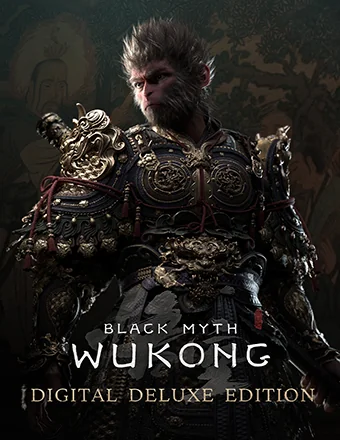
Black Myth: Wukong Digital Deluxe Edition | RePack | v1.0.21.23831

/ Visualizações:  361 / Comentários: 1

Data de Lançamento: 2024

Gênero: Action, Adventure, RPG

Desenvolvedor: Game Science

Editora: Game Science

Versão do Jogo: v1.0.21.23831

Tipo de Lançamento: RePack

Idioma da Interface: Português, Inglês, Francês, Alemão, Espanhol, Multilíngue

Idioma do Áudio: Inglês, Chinês

Medicamento: Embutido (Hypervisor Bypass)


Requisitos do Sistema


Sistema operacional: Windows 10 64-bit

Processador: Intel Core i5-8400 / AMD Ryzen 5 1600

Memória RAM: 16 GB RAM

Placa de vídeo: NVIDIA GeForce GTX 1060 6GB / AMD Radeon RX 580 8GB

Espaço livre no disco rígido: 139.62 GB


Sobre o Jogo


Black Myth: Wukong é um RPG de ação enraizado na mitologia chinesa. A história é baseada em Jornada ao Oeste, um dos Quatro Grandes Romances Clássicos da literatura chinesa. Você assumirá o papel do Escolhido para se aventurar nos desafios e maravilhas que estão por vir, desvendando a verdade oculta sob o véu de uma gloriosa lenda do passado. Entre em um reino fascinante repleto de maravilhas e descobertas da antiga mitologia chinesa! Como o Escolhido, você percorrerá uma série de paisagens deslumbrantes e únicas do conto clássico, compondo uma nova e épica aventura. Um dos maiores destaques de Jornada ao Oeste é sua diversa gama de adversários, cada um com suas forças únicas. Como o Escolhido, você encontrará inimigos poderosos e rivais dignos ao longo de sua jornada. Encare-os sem medo em batalhas épicas onde a rendição não é uma opção. Feitiços, transformações e artefatos mágicos de todas as formas, em que alguns neutralizam enquanto outros amplificam, são elementos de combate icônicos da mitologia chinesa. Como o Escolhido, além de dominar várias técnicas com o bastão, você poderá combinar livremente diferentes feitiços, habilidades, armas e equipamentos para encontrar uma estratégia vencedora que melhor se adapte ao seu estilo de combate.
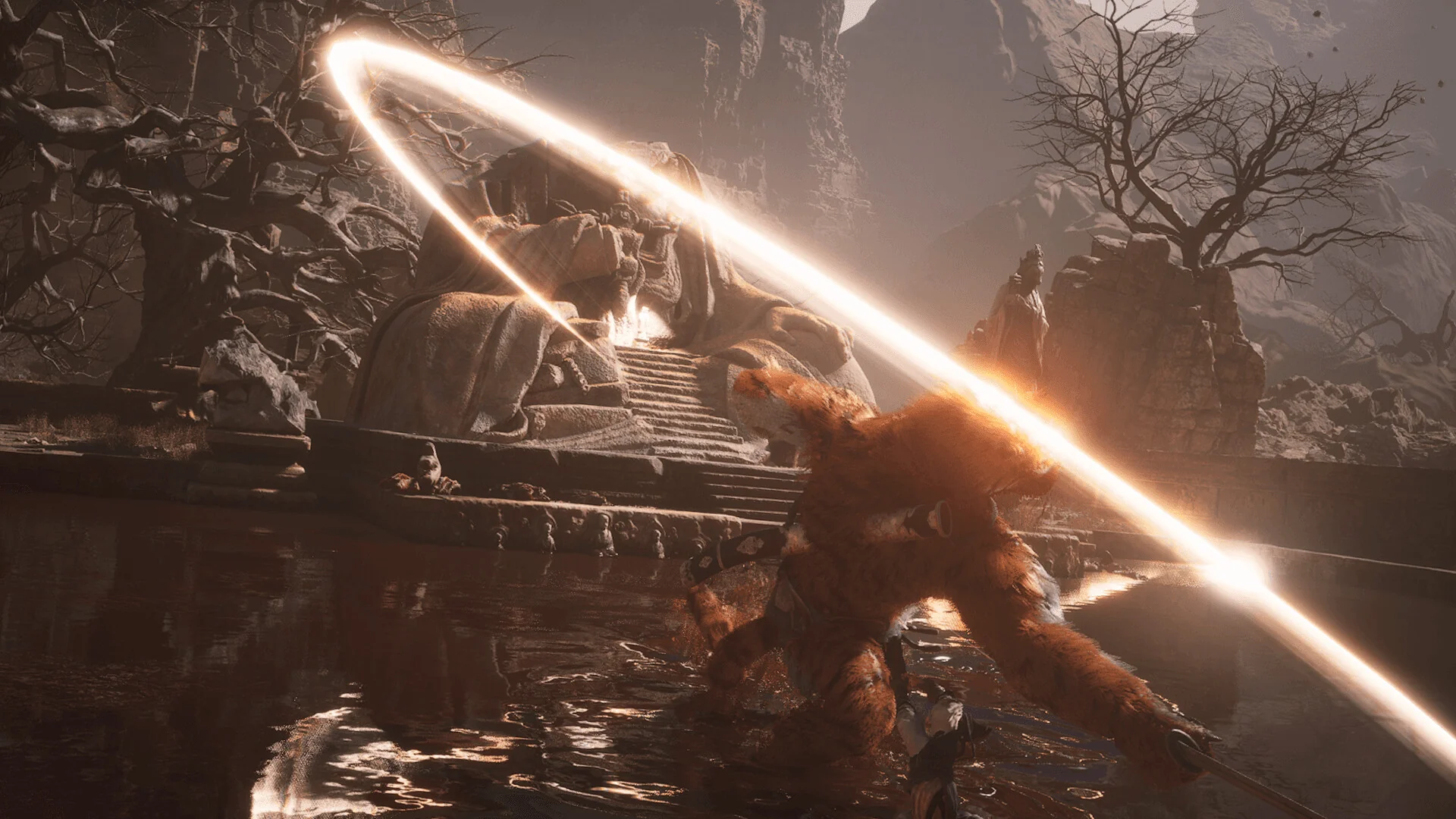
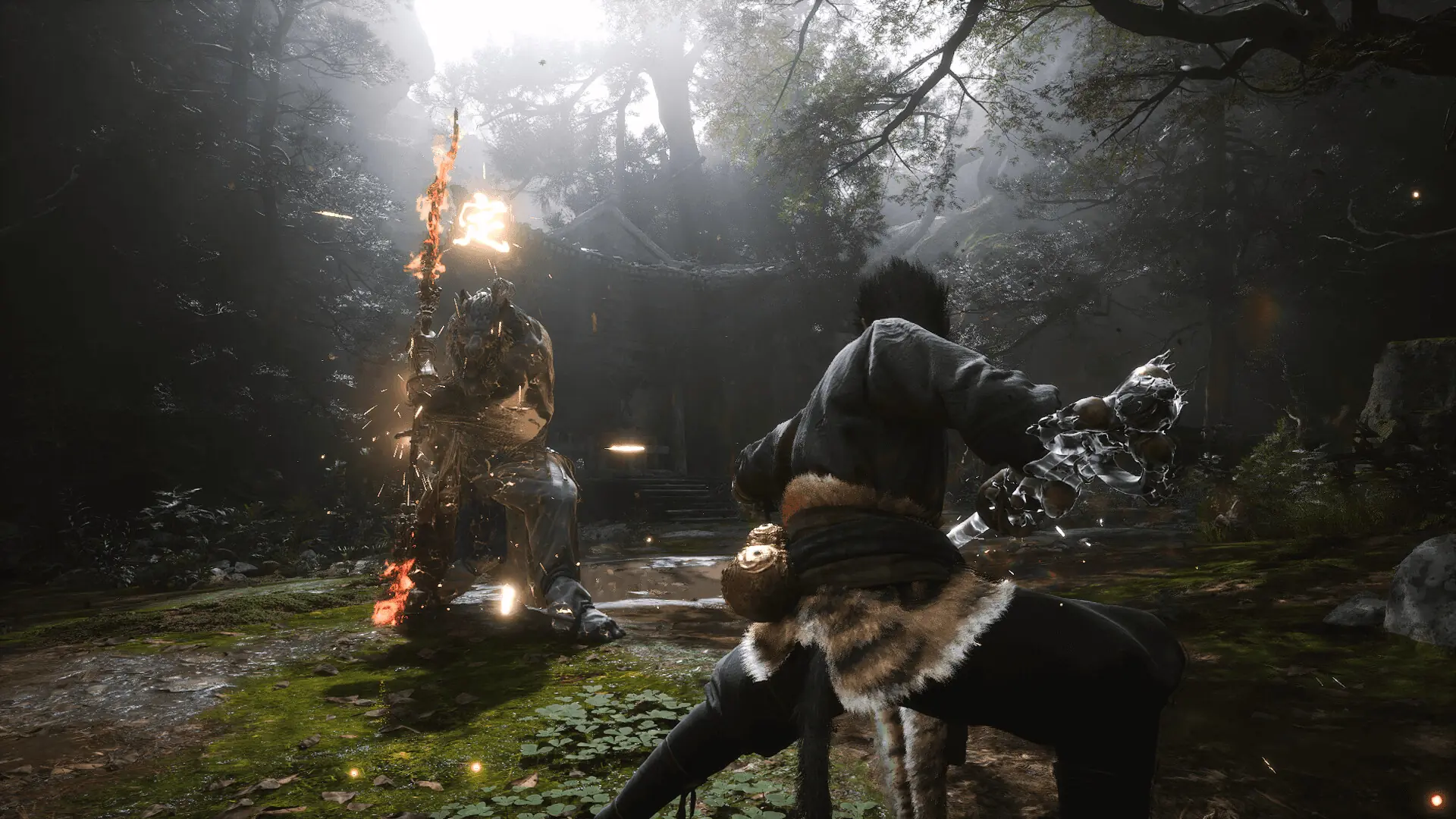
Capturas de tela Trailer Recursos do Lançamento Conteúdo adicional

  • Nada foi cortado / nada foi recodificado;
  • Tempo de instalação depende do computador;
  • Escolha de idioma nas configurações.
  • Black Myth: Wukong Deluxe Edition Upgrade
  • Black Myth: Wukong Soundtrack Selection

Comentários 1
Admin
0
Admin2 hours above

///////////////////ENGLISH//////////////////////////////

1. Disable your antivirus and Windows Defender, add the game folder to the exclusions
2. All files are already in the game folder. A backup copy is in the _bypass.zip archive in the game folder, in case the antivirus has deleted them
3. Prepare the system to launch games using a hypervisor:
- Reboot and enter the BIOS. Disable Secure Boot and enable virtualization (VT-x on Intel, SVM or AMD-V on AMD).
- Boot into the operating system.
- Run Command Prompt as Administrator and enter: bcdedit /set testsigning on (After rebooting, you will see a “Test Mode” message in the bottom-right corner of the desktop — this is normal.)
- Run Command Prompt as Administrator again and enter: bcdedit /set hypervisorlaunchtype off
- Reboot.
- At this point, the system preparation for launching games using this type of bypass is complete (this only needs to be done once).
4. Open the Command Prompt as an administrator and enter the command: sc create denuvo type= kernel start= demand binPath= "D:\Black Myth Wukong\b1\Binaries\Win64\SimpleSvm.sys"  (Just make sure to specify your own path to the SimpleSvm.sys file for AMD. For Intel, use: sc create denuvo type= kernel start= demand binPath= "D:\Black Myth Wukong\b1\Binaries\Win64\hyperkd.sys)
- If it needs to be recreated (for example, if the path was incorrect), first delete it:  command: sc delete denuvo  then repeat steps 4 and 5.
5. In the same Command Prompt window, enter: sc start denuvo (After finishing the game, you can stop the service by entering: sc stop denuvo.)
6. Launch the game using b1-Win64-Shipping.exe located in Black Myth Wukong\b1\Binaries\Win64 folder.

If the game still doesn’t start after preparing the system, the following may help:
- Open the command prompt as an administrator and enter the command bcdedit.exe /set nointegritychecks on
- Disable NX Mode in the BIOS (if your BIOS has this option)

///////////////////РУССКИЙ//////////////////////////////

1. Отключите антивирус и Windows Defender, добавьте папку игры в исключения
2. Все файлы уже в папке игры, резервная копия в архиве _bypass.zip в папке игры, на случай если антивирус удалил
3. Подготавливаем систему к запуску игр с использованием гипервизора:
- Перезагружаемся и заходим в Bios, выключаем Secure Boot, а так же включаем виртуализацию (VT-x на Intel, SVM или AMD-V на AMD)
- Грузимся в систему
- Запускаем командную строку от имени администратора, вводим команду bcdedit /set testsigning on (после перезагрузки справа внизу на раб. столе появится надпись "тестовая версия" или как-то так, это нормально)
- Запускаем командную строку от имени администратора, вводим команду bcdedit /set hypervisorlaunchtype off
- Перезагружаемся
- На этом, в целом, подготовка системы к запуску игр с подобным обходом закончена (она делается разово)
4. Запускаем командную строку от имени администратора, вводим команду sc create denuvo type= kernel start= demand binPath= "D:\Black Myth Wukong\b1\Binaries\Win64\SimpleSvm.sys (только указывайте ваш путь до файла SimpleSvm.sys (для AMD) или же sc create denuvo type= kernel start= demand binPath= "D:\Black Myth Wukong\b1\Binaries\Win64\hyperkd.sys)
- Если нужно пересоздать (например, путь был неправильный) Сначала удалить: вводим команду sc delete denuvo далее повторить пункт 4 и 5
5. В той же командной строке вводим команду sc start denuvo (после окончания игры можете ввести в командной строке команду sc stop denuvo чтобы остановить сервис)
6. Запускаем игру с файла b1-Win64-Shipping.exe из папки Black Myth Wukong\b1\Binaries\Win64

Если у вас после подготовки системы игра всё равно не запускается, то может помочь следующее:
- Запускаем командную строку от имени администратора, вводим команду bcdedit.exe /set nointegritychecks on
- Выключаем в Bios NX Mode (если у вас таковой пункт имеется)

Information

The ability to comment on this publication has been disabled.