Recommended
Black Myth: Wukong Digital Deluxe Edition | RePack | v1.0.21.23831
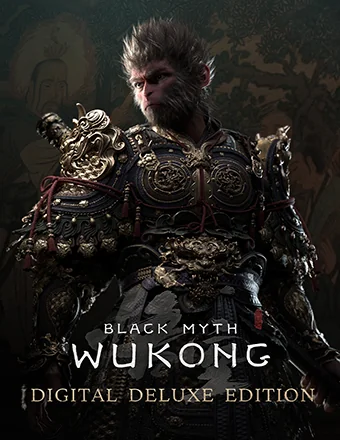
Black Myth: Wukong Digital Deluxe Edition | RePack | v1.0.21.23831

/ Views:  385 / Comments: 1

Release Date: 2024

Genre: Action, Adventure, RPG

Developer: Game Science

Publisher: Game Science

Game version: v1.0.21.23831

Release type: RePack

Interface language: English, French, German, Spanish, Japanese, Multi

Audio language: English, Chinese

Мedicine: Included (Hypervisor Bypass)


System requirements


Operation system: Windows 10 64-bit

Processor: Intel Core i5-8400 / AMD Ryzen 5 1600

Memory: 16 GB RAM

Graphics: NVIDIA GeForce GTX 1060 6GB / AMD Radeon RX 580 8GB

Free hard disk space: 139.62 GB


About This Game


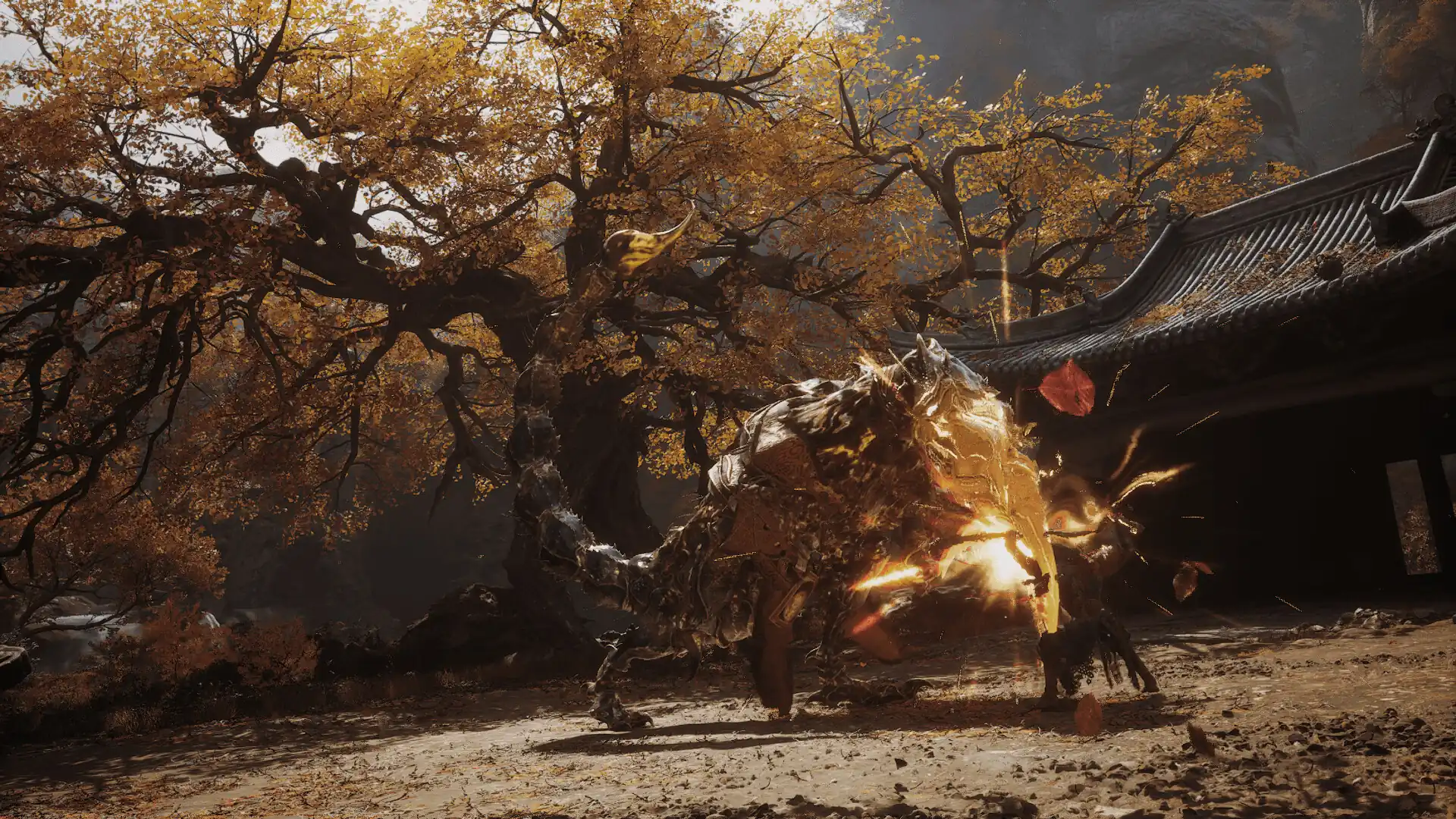
Black Myth: Wukong is an action-packed RPG steeped in Chinese mythology. Inspired by Journey to the West, one of the Four Great Classical Novels of Chinese literature, you step into the shoes of the Destined One. Embark on a journey filled with challenges and wonders as you unravel the hidden truths woven into an ancient, glorious legend. Dive into a captivating world brimming with the mystical elements of ancient Chinese mythology and explore breathtaking and unique landscapes drawn from this classic tale. As the Destined One, you will craft a new chapter in this epic adventure. One of the standout features of Journey to the West is its rich variety of adversaries, each bringing their own strengths to the table. You'll face formidable foes and worthy rivals at every turn. Engage in epic battles where retreat is not an option. The game offers an array of spells, transformations, and magical vessels, reflecting the iconic combat elements of Chinese mythology. As the Destined One, you'll master various staff techniques and have the freedom to combine different spells, abilities, weapons, and equipment. This flexibility allows you to develop a strategy that perfectly complements your combat style.
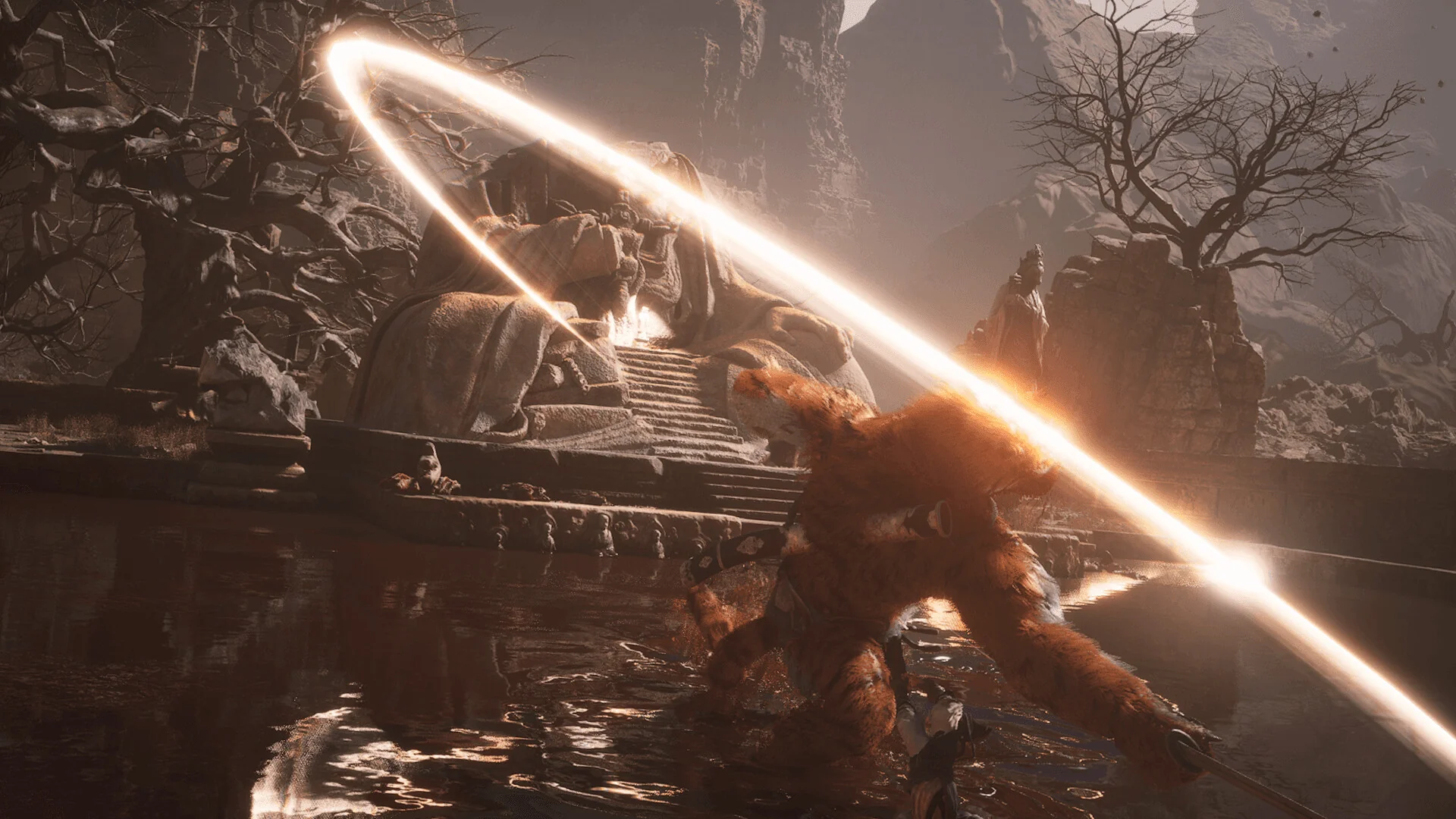
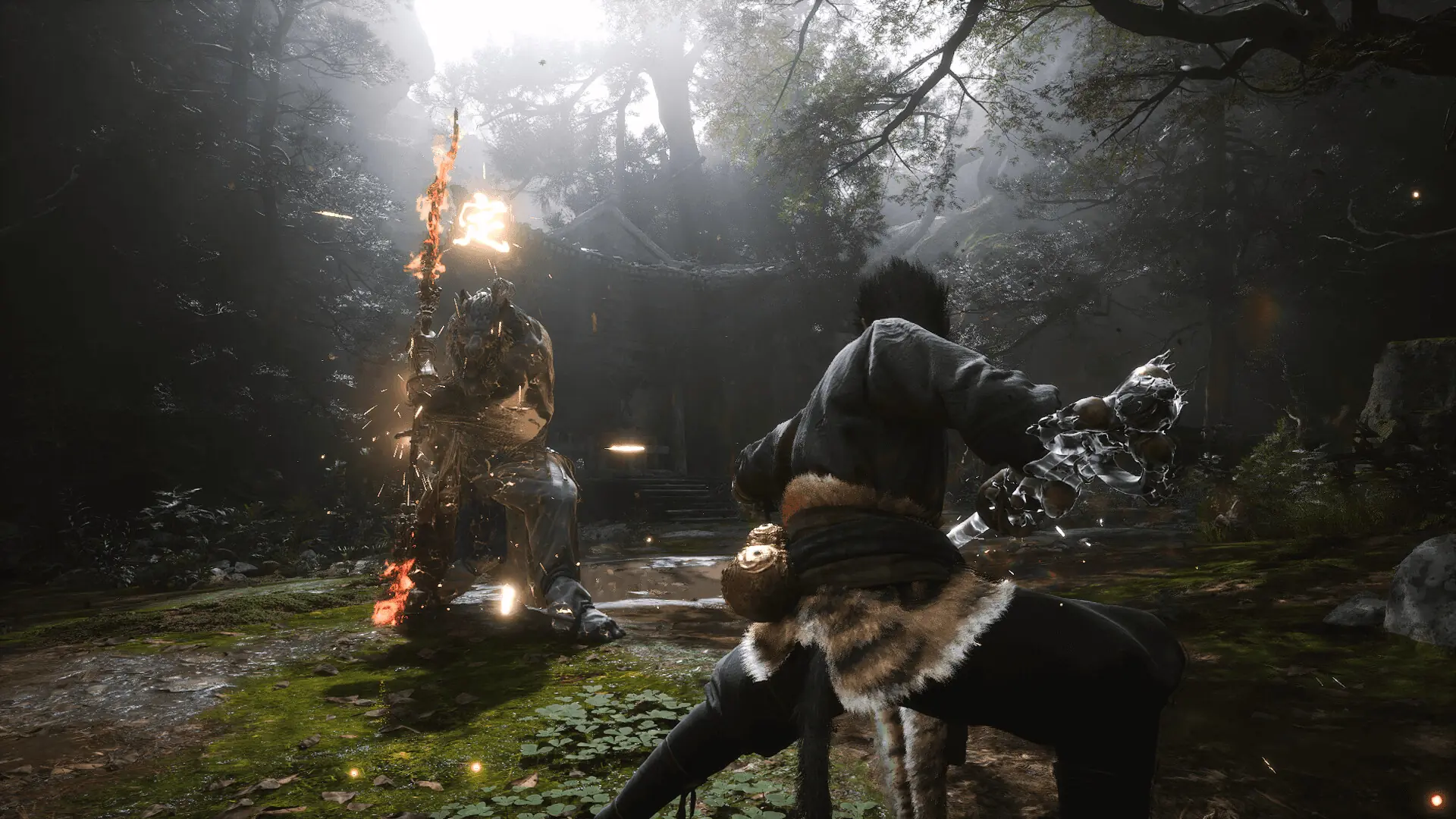
Screenshots Trailer Release Features DLCs

  • Nothing is cut / nothing is recoded;
  • Installation time depends on computer power;
  • Language selection in game settings.
  • Black Myth: Wukong Deluxe Edition Upgrade
  • Black Myth: Wukong Soundtrack Selection

Comments 1
Admin
0
Admin2 hours above

///////////////////ENGLISH//////////////////////////////

1. Disable your antivirus and Windows Defender, add the game folder to the exclusions
2. All files are already in the game folder. A backup copy is in the _bypass.zip archive in the game folder, in case the antivirus has deleted them
3. Prepare the system to launch games using a hypervisor:
- Reboot and enter the BIOS. Disable Secure Boot and enable virtualization (VT-x on Intel, SVM or AMD-V on AMD).
- Boot into the operating system.
- Run Command Prompt as Administrator and enter: bcdedit /set testsigning on (After rebooting, you will see a “Test Mode” message in the bottom-right corner of the desktop — this is normal.)
- Run Command Prompt as Administrator again and enter: bcdedit /set hypervisorlaunchtype off
- Reboot.
- At this point, the system preparation for launching games using this type of bypass is complete (this only needs to be done once).
4. Open the Command Prompt as an administrator and enter the command: sc create denuvo type= kernel start= demand binPath= "D:\Black Myth Wukong\b1\Binaries\Win64\SimpleSvm.sys"  (Just make sure to specify your own path to the SimpleSvm.sys file for AMD. For Intel, use: sc create denuvo type= kernel start= demand binPath= "D:\Black Myth Wukong\b1\Binaries\Win64\hyperkd.sys)
- If it needs to be recreated (for example, if the path was incorrect), first delete it:  command: sc delete denuvo  then repeat steps 4 and 5.
5. In the same Command Prompt window, enter: sc start denuvo (After finishing the game, you can stop the service by entering: sc stop denuvo.)
6. Launch the game using b1-Win64-Shipping.exe located in Black Myth Wukong\b1\Binaries\Win64 folder.

If the game still doesn’t start after preparing the system, the following may help:
- Open the command prompt as an administrator and enter the command bcdedit.exe /set nointegritychecks on
- Disable NX Mode in the BIOS (if your BIOS has this option)

///////////////////РУССКИЙ//////////////////////////////

1. Отключите антивирус и Windows Defender, добавьте папку игры в исключения
2. Все файлы уже в папке игры, резервная копия в архиве _bypass.zip в папке игры, на случай если антивирус удалил
3. Подготавливаем систему к запуску игр с использованием гипервизора:
- Перезагружаемся и заходим в Bios, выключаем Secure Boot, а так же включаем виртуализацию (VT-x на Intel, SVM или AMD-V на AMD)
- Грузимся в систему
- Запускаем командную строку от имени администратора, вводим команду bcdedit /set testsigning on (после перезагрузки справа внизу на раб. столе появится надпись "тестовая версия" или как-то так, это нормально)
- Запускаем командную строку от имени администратора, вводим команду bcdedit /set hypervisorlaunchtype off
- Перезагружаемся
- На этом, в целом, подготовка системы к запуску игр с подобным обходом закончена (она делается разово)
4. Запускаем командную строку от имени администратора, вводим команду sc create denuvo type= kernel start= demand binPath= "D:\Black Myth Wukong\b1\Binaries\Win64\SimpleSvm.sys (только указывайте ваш путь до файла SimpleSvm.sys (для AMD) или же sc create denuvo type= kernel start= demand binPath= "D:\Black Myth Wukong\b1\Binaries\Win64\hyperkd.sys)
- Если нужно пересоздать (например, путь был неправильный) Сначала удалить: вводим команду sc delete denuvo далее повторить пункт 4 и 5
5. В той же командной строке вводим команду sc start denuvo (после окончания игры можете ввести в командной строке команду sc stop denuvo чтобы остановить сервис)
6. Запускаем игру с файла b1-Win64-Shipping.exe из папки Black Myth Wukong\b1\Binaries\Win64

Если у вас после подготовки системы игра всё равно не запускается, то может помочь следующее:
- Запускаем командную строку от имени администратора, вводим команду bcdedit.exe /set nointegritychecks on
- Выключаем в Bios NX Mode (если у вас таковой пункт имеется)

Information

The ability to comment on this publication has been disabled.