推荐
Black Myth: Wukong Digital Deluxe Edition | RePack | v1.0.21.23831
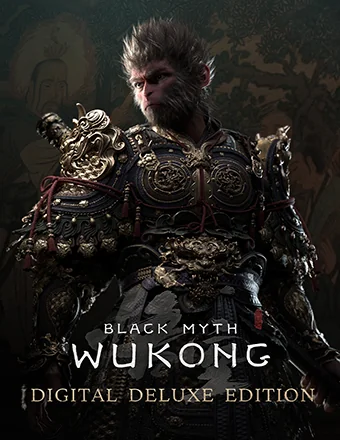
Black Myth: Wukong Digital Deluxe Edition | RePack | v1.0.21.23831

/ 查看:  384 / 评论: 1

发布日期: 2024

流派: Action, Adventure, RPG

开发者: Game Science

出版商: Game Science

游戏版本: v1.0.21.23831

发售类型: RePack

界面语言: 中文, 英语, 法语, 德语, 西班牙语, 多语言

音频语言: 中文, 英语

药物: 内置 (Hypervisor Bypass)


系统要求


操作系统: Windows 10 64-bit

处理器: Intel Core i5-8400 / AMD Ryzen 5 1600

内存: 16 GB RAM

显卡: NVIDIA GeForce GTX 1060 6GB / AMD Radeon RX 580 8GB

硬盘剩余空间: 139.62 GB


游戏简介


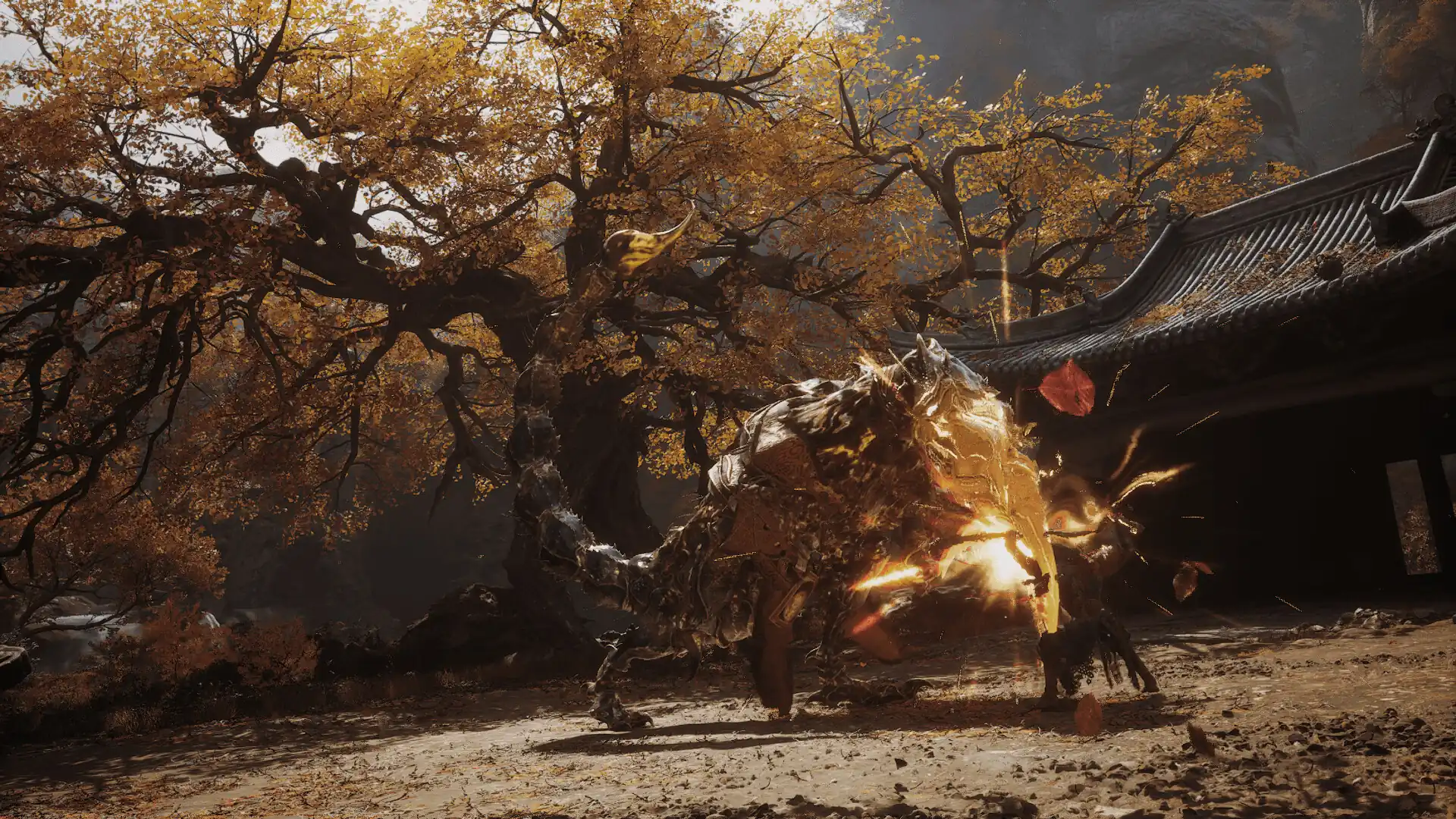
《黑神话:悟空》是一款根植于中国神话的动作角色扮演游戏。故事基于中国古典四大名著之一的《西游记》。你将作为命定之人踏上冒险旅程,迎接前方的挑战与奇迹,揭开昔日辉煌传奇背后的隐秘真相。进入一个充满古代中国神话奇观与发现的迷人世界吧!作为命定之人,你将穿越经典故事中的壮丽且独特的风景,谱写一段全新的冒险史诗。《西游记》的一个主要亮点是其多样化的对手阵容,每个对手都有独特的实力。作为命定之人,你将在旅途中遇到强大的敌人和有价值的对手。勇敢地参与到史诗般的战斗中,绝不投降。法术、变身以及各种法宝,既有相互克制也有互相增强,早已成为中国神话中标志性的战斗元素。作为命定之人,除了掌握多种棍法技巧外,你还可以自由组合不同的法术、技能、武器和装备,找到最适合自己战斗风格的制胜策略。
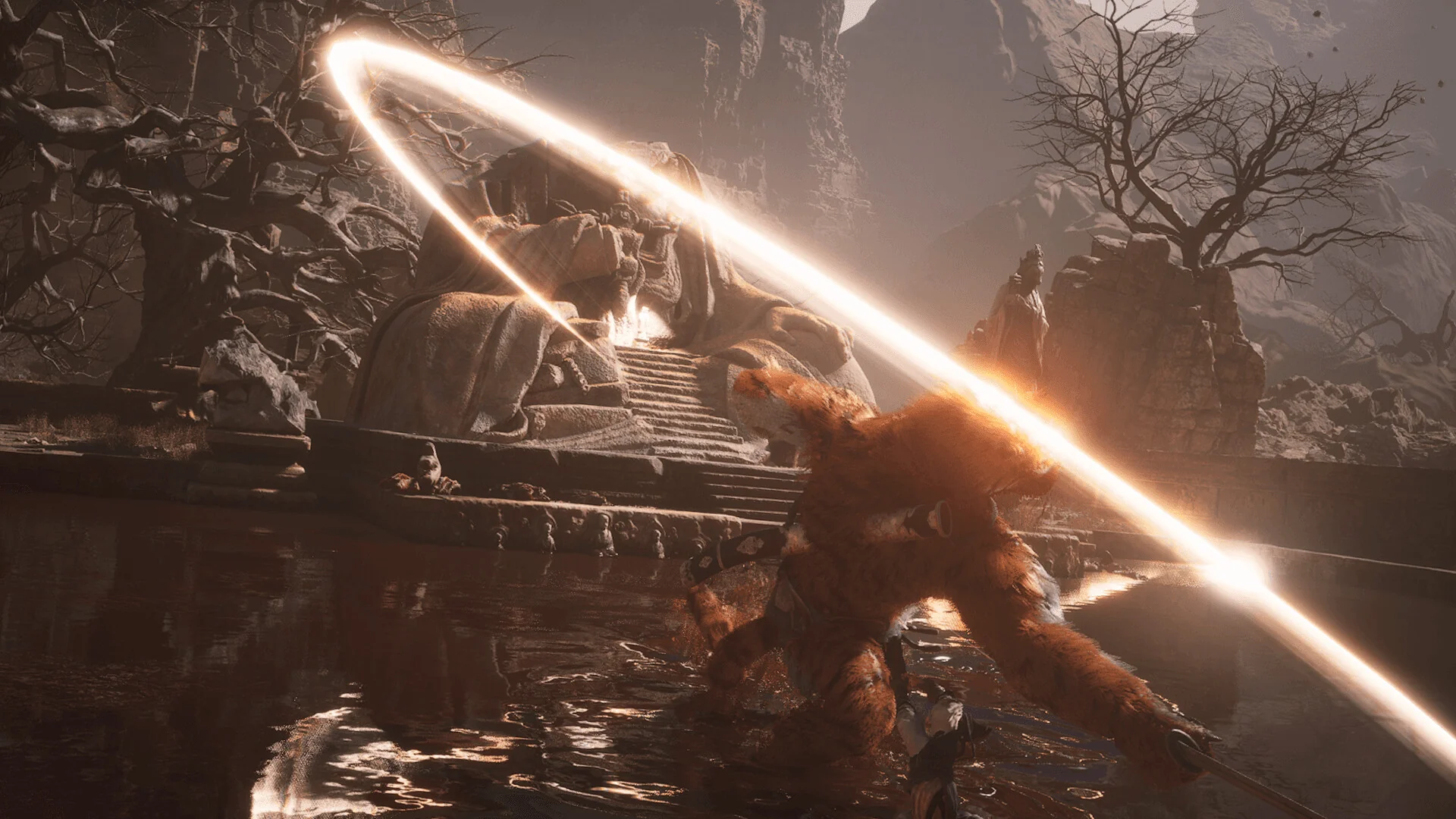
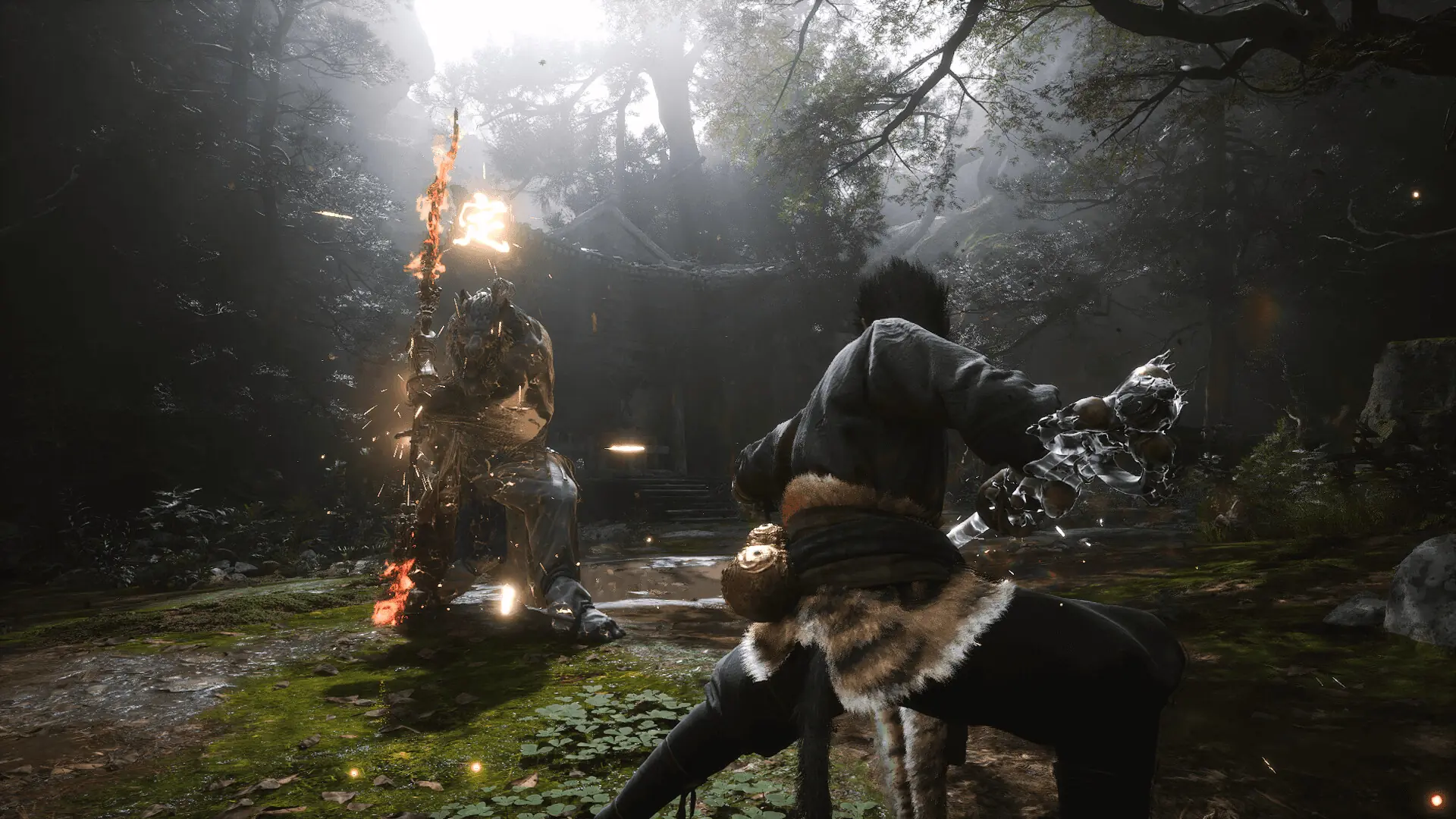
屏幕截图 预告片 发售特点 下载内容

  • 没有删除/没有重新编码;
  • 安装时间取决于计算机性能;
  • 在游戏设置中选择语言。
  • Black Myth: Wukong Deluxe Edition Upgrade
  • Black Myth: Wukong Soundtrack Selection

评论 1
Admin
0
Admin2 hours above

///////////////////ENGLISH//////////////////////////////

1. Disable your antivirus and Windows Defender, add the game folder to the exclusions
2. All files are already in the game folder. A backup copy is in the _bypass.zip archive in the game folder, in case the antivirus has deleted them
3. Prepare the system to launch games using a hypervisor:
- Reboot and enter the BIOS. Disable Secure Boot and enable virtualization (VT-x on Intel, SVM or AMD-V on AMD).
- Boot into the operating system.
- Run Command Prompt as Administrator and enter: bcdedit /set testsigning on (After rebooting, you will see a “Test Mode” message in the bottom-right corner of the desktop — this is normal.)
- Run Command Prompt as Administrator again and enter: bcdedit /set hypervisorlaunchtype off
- Reboot.
- At this point, the system preparation for launching games using this type of bypass is complete (this only needs to be done once).
4. Open the Command Prompt as an administrator and enter the command: sc create denuvo type= kernel start= demand binPath= "D:\Black Myth Wukong\b1\Binaries\Win64\SimpleSvm.sys"  (Just make sure to specify your own path to the SimpleSvm.sys file for AMD. For Intel, use: sc create denuvo type= kernel start= demand binPath= "D:\Black Myth Wukong\b1\Binaries\Win64\hyperkd.sys)
- If it needs to be recreated (for example, if the path was incorrect), first delete it:  command: sc delete denuvo  then repeat steps 4 and 5.
5. In the same Command Prompt window, enter: sc start denuvo (After finishing the game, you can stop the service by entering: sc stop denuvo.)
6. Launch the game using b1-Win64-Shipping.exe located in Black Myth Wukong\b1\Binaries\Win64 folder.

If the game still doesn’t start after preparing the system, the following may help:
- Open the command prompt as an administrator and enter the command bcdedit.exe /set nointegritychecks on
- Disable NX Mode in the BIOS (if your BIOS has this option)

///////////////////РУССКИЙ//////////////////////////////

1. Отключите антивирус и Windows Defender, добавьте папку игры в исключения
2. Все файлы уже в папке игры, резервная копия в архиве _bypass.zip в папке игры, на случай если антивирус удалил
3. Подготавливаем систему к запуску игр с использованием гипервизора:
- Перезагружаемся и заходим в Bios, выключаем Secure Boot, а так же включаем виртуализацию (VT-x на Intel, SVM или AMD-V на AMD)
- Грузимся в систему
- Запускаем командную строку от имени администратора, вводим команду bcdedit /set testsigning on (после перезагрузки справа внизу на раб. столе появится надпись "тестовая версия" или как-то так, это нормально)
- Запускаем командную строку от имени администратора, вводим команду bcdedit /set hypervisorlaunchtype off
- Перезагружаемся
- На этом, в целом, подготовка системы к запуску игр с подобным обходом закончена (она делается разово)
4. Запускаем командную строку от имени администратора, вводим команду sc create denuvo type= kernel start= demand binPath= "D:\Black Myth Wukong\b1\Binaries\Win64\SimpleSvm.sys (только указывайте ваш путь до файла SimpleSvm.sys (для AMD) или же sc create denuvo type= kernel start= demand binPath= "D:\Black Myth Wukong\b1\Binaries\Win64\hyperkd.sys)
- Если нужно пересоздать (например, путь был неправильный) Сначала удалить: вводим команду sc delete denuvo далее повторить пункт 4 и 5
5. В той же командной строке вводим команду sc start denuvo (после окончания игры можете ввести в командной строке команду sc stop denuvo чтобы остановить сервис)
6. Запускаем игру с файла b1-Win64-Shipping.exe из папки Black Myth Wukong\b1\Binaries\Win64

Если у вас после подготовки системы игра всё равно не запускается, то может помочь следующее:
- Запускаем командную строку от имени администратора, вводим команду bcdedit.exe /set nointegritychecks on
- Выключаем в Bios NX Mode (если у вас таковой пункт имеется)

Information

The ability to comment on this publication has been disabled.