Recomendado
Black Myth: Wukong Digital Deluxe Edition | RePack | v1.0.21.23831
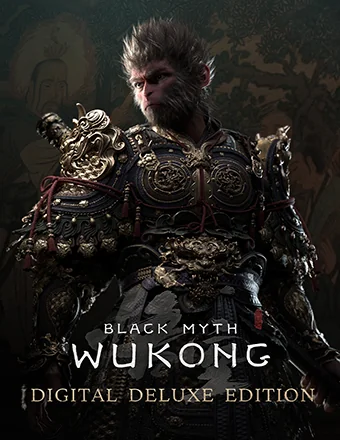
Black Myth: Wukong Digital Deluxe Edition | RePack | v1.0.21.23831

/ Vistas:  383 / Comentarios: 1

Fecha de lanzamiento: 2024

Género: Action, Adventure, RPG

Desarrollador: Game Science

Editor: Game Science

Versión del juego: v1.0.21.23831

Tipo de lanzamiento: RePack

Idioma de la interfaz: Español, Inglés, Francés, Alemán, Japonés, Multilingüe

Idioma de audio: Inglés, Chino

Medicina: Incorporado (Hypervisor Bypass)


Requisitos del sistema


Sistema operativo: Windows 10 64-bit

Procesador: Intel Core i5-8400 / AMD Ryzen 5 1600

Memoria RAM: 16 GB RAM

Tarjeta gráfica: NVIDIA GeForce GTX 1060 6GB / AMD Radeon RX 580 8GB

Espacio libre en disco duro: 139.62 GB


Acerca de este juego


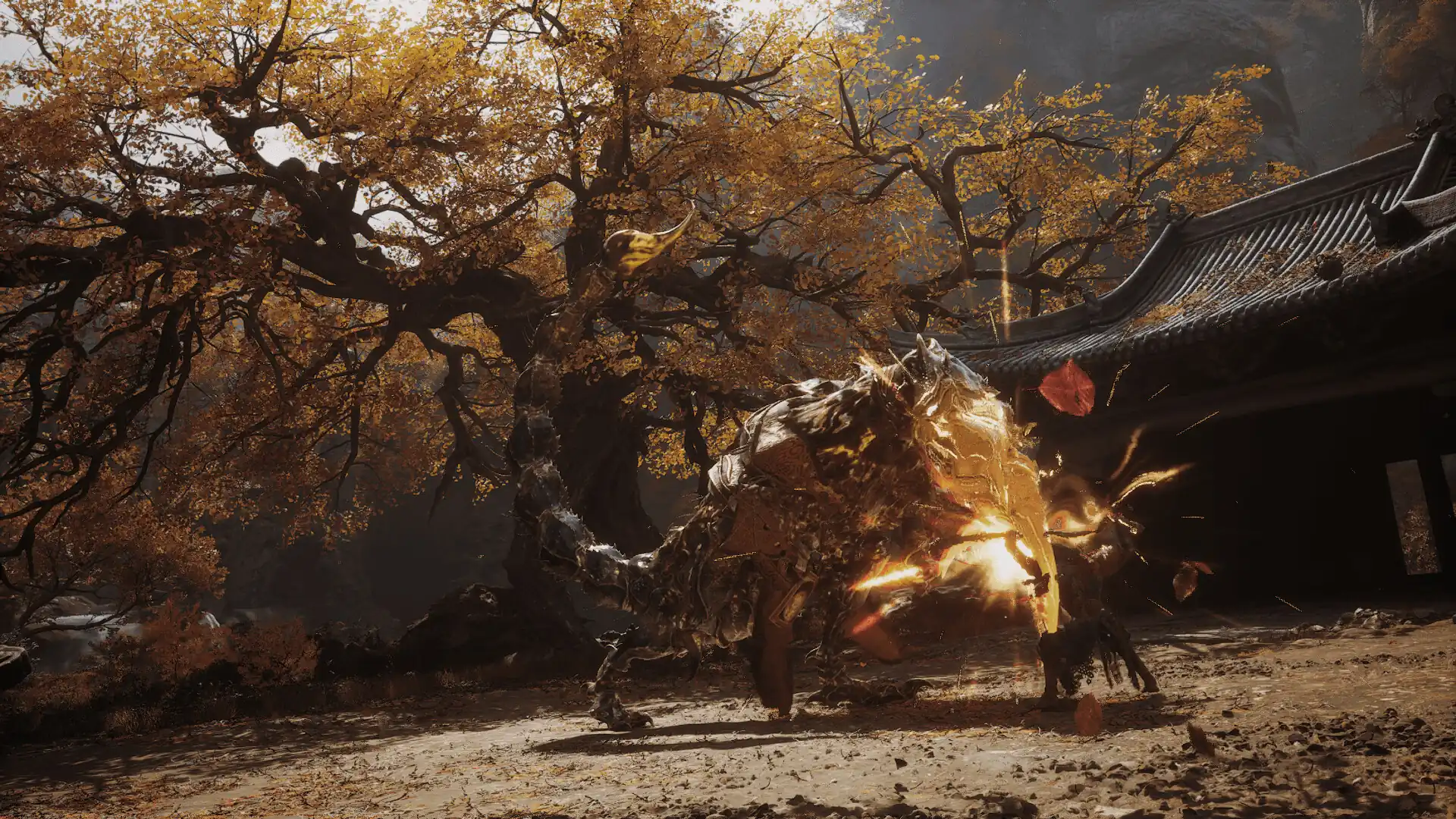
Black Myth: Wukong es un RPG de acción inspirado en la mitología china. La historia se basa en Viaje al Oeste, una de las Cuatro Grandes Novelas Clásicas de la literatura china. Te embarcarás como el Elegido para enfrentar los desafíos y maravillas que te esperan, descubriendo la verdad oculta bajo el velo de una gloriosa leyenda del pasado. Entra en un fascinante reino lleno de maravillas y descubrimientos de la antigua mitología china. Como el Elegido, atravesarás una serie de paisajes impresionantes y distintivos del cuento clásico, componiendo una épica de aventura que se ve con nuevos ojos. Uno de los aspectos más destacados de Viaje al Oeste es su diverso elenco de adversarios, cada uno con sus propias fortalezas únicas. Como el Elegido, te encontrarás con poderosos enemigos y dignos rivales a lo largo de tu viaje. Enfréntalos valientemente en batallas épicas donde rendirse no es una opción. Hechizos, transformaciones y artefactos mágicos de todas las manifestaciones, donde algunos contrarrestan mientras otros potencian, han sido durante mucho tiempo elementos icónicos de combate en la mitología china. Como el Elegido, además de dominar diversas técnicas con el bastón, también podrás combinar libremente diferentes hechizos, habilidades, armas y equipamiento para encontrar una estrategia ganadora que mejor se adapte a tu estilo de combate.
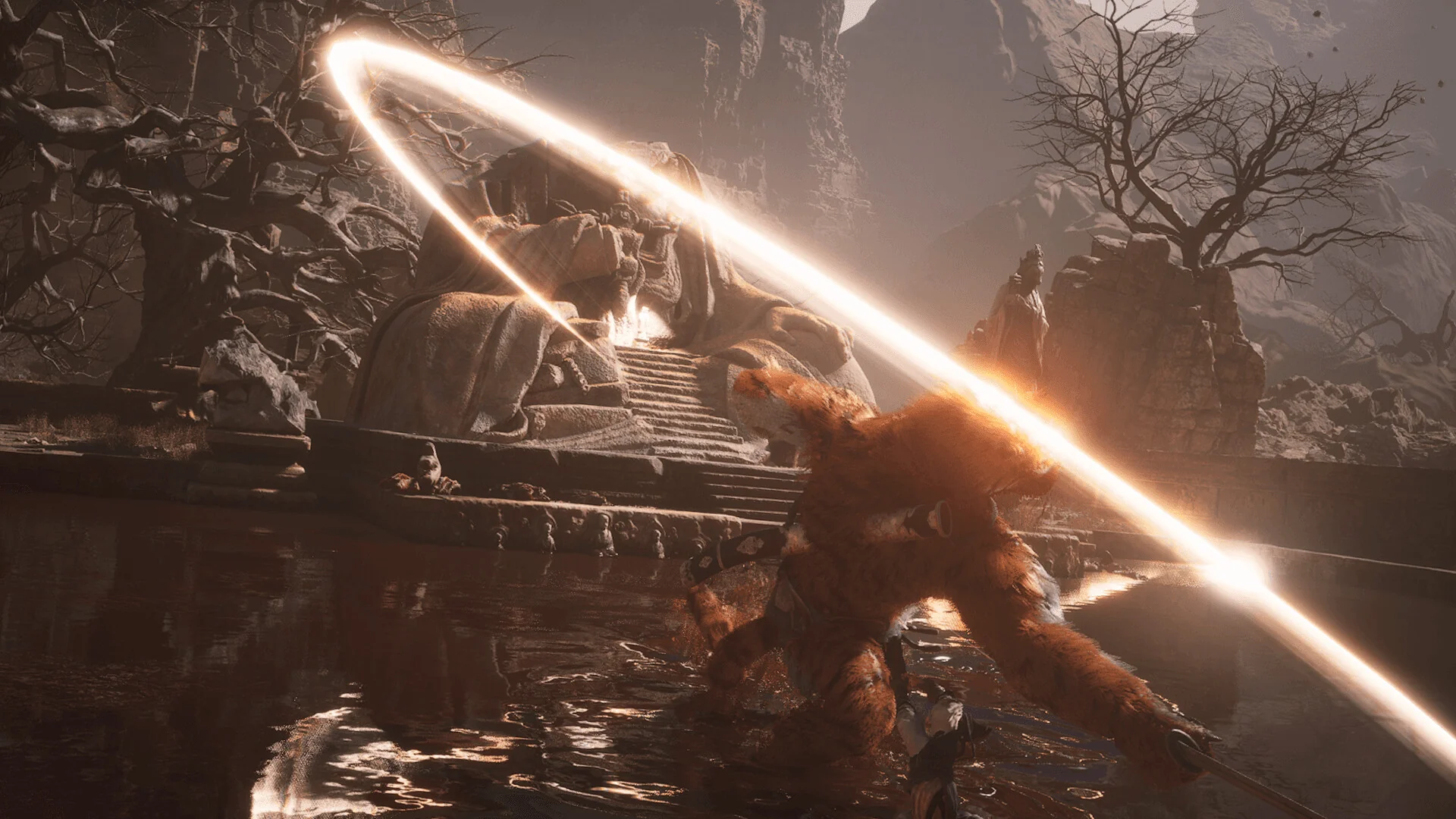
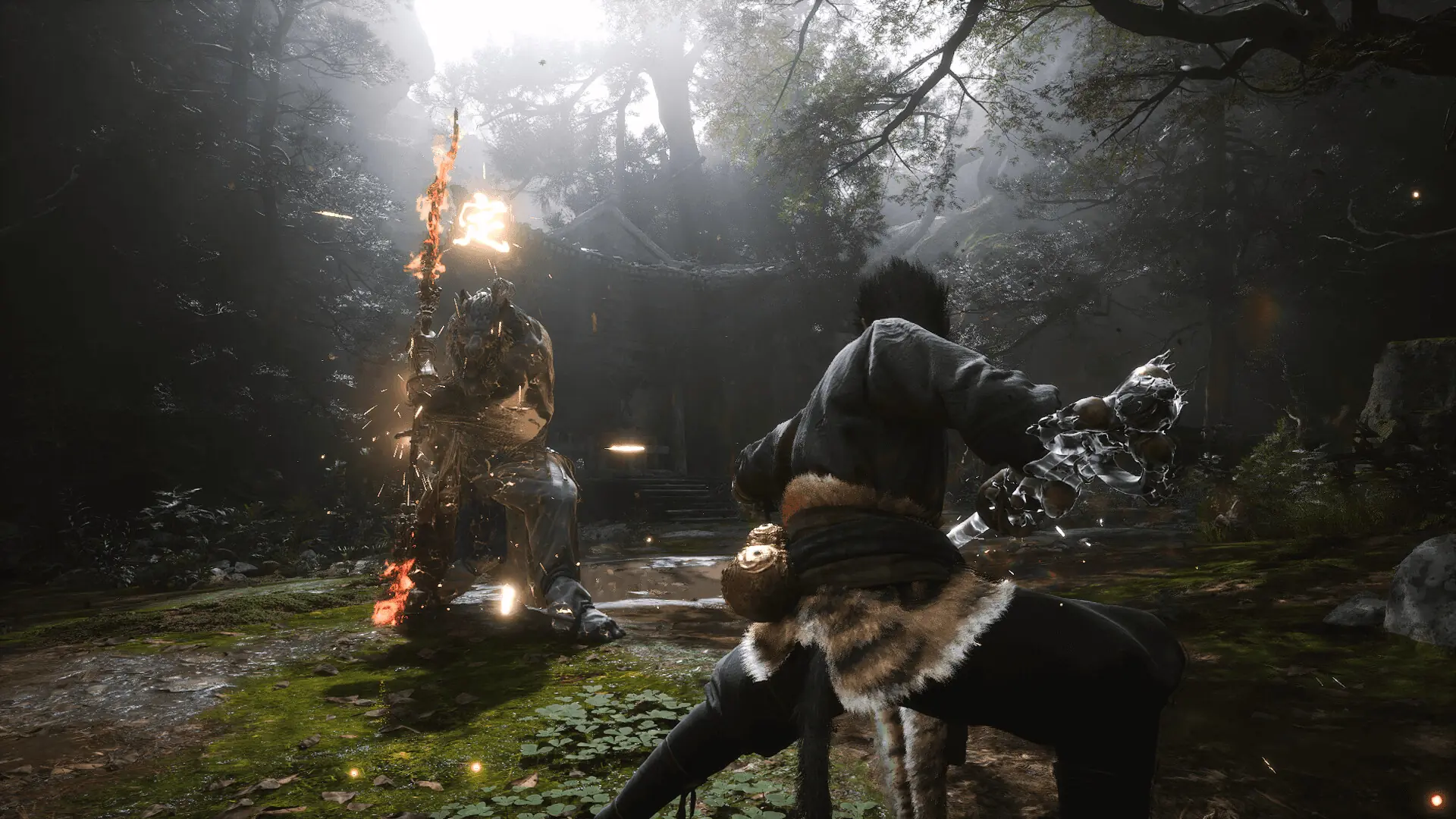
Capturas de pantalla Tráiler Características del lanzamiento Contenido descargable

  • Nada recortado / nada recodificado;
  • Tiempo de instalación depende del PC;
  • Selección de idioma en configuración.
  • Black Myth: Wukong Deluxe Edition Upgrade
  • Black Myth: Wukong Soundtrack Selection

Comentarios 1
Admin
0
Admin2 hours above

///////////////////ENGLISH//////////////////////////////

1. Disable your antivirus and Windows Defender, add the game folder to the exclusions
2. All files are already in the game folder. A backup copy is in the _bypass.zip archive in the game folder, in case the antivirus has deleted them
3. Prepare the system to launch games using a hypervisor:
- Reboot and enter the BIOS. Disable Secure Boot and enable virtualization (VT-x on Intel, SVM or AMD-V on AMD).
- Boot into the operating system.
- Run Command Prompt as Administrator and enter: bcdedit /set testsigning on (After rebooting, you will see a “Test Mode” message in the bottom-right corner of the desktop — this is normal.)
- Run Command Prompt as Administrator again and enter: bcdedit /set hypervisorlaunchtype off
- Reboot.
- At this point, the system preparation for launching games using this type of bypass is complete (this only needs to be done once).
4. Open the Command Prompt as an administrator and enter the command: sc create denuvo type= kernel start= demand binPath= "D:\Black Myth Wukong\b1\Binaries\Win64\SimpleSvm.sys"  (Just make sure to specify your own path to the SimpleSvm.sys file for AMD. For Intel, use: sc create denuvo type= kernel start= demand binPath= "D:\Black Myth Wukong\b1\Binaries\Win64\hyperkd.sys)
- If it needs to be recreated (for example, if the path was incorrect), first delete it:  command: sc delete denuvo  then repeat steps 4 and 5.
5. In the same Command Prompt window, enter: sc start denuvo (After finishing the game, you can stop the service by entering: sc stop denuvo.)
6. Launch the game using b1-Win64-Shipping.exe located in Black Myth Wukong\b1\Binaries\Win64 folder.

If the game still doesn’t start after preparing the system, the following may help:
- Open the command prompt as an administrator and enter the command bcdedit.exe /set nointegritychecks on
- Disable NX Mode in the BIOS (if your BIOS has this option)

///////////////////РУССКИЙ//////////////////////////////

1. Отключите антивирус и Windows Defender, добавьте папку игры в исключения
2. Все файлы уже в папке игры, резервная копия в архиве _bypass.zip в папке игры, на случай если антивирус удалил
3. Подготавливаем систему к запуску игр с использованием гипервизора:
- Перезагружаемся и заходим в Bios, выключаем Secure Boot, а так же включаем виртуализацию (VT-x на Intel, SVM или AMD-V на AMD)
- Грузимся в систему
- Запускаем командную строку от имени администратора, вводим команду bcdedit /set testsigning on (после перезагрузки справа внизу на раб. столе появится надпись "тестовая версия" или как-то так, это нормально)
- Запускаем командную строку от имени администратора, вводим команду bcdedit /set hypervisorlaunchtype off
- Перезагружаемся
- На этом, в целом, подготовка системы к запуску игр с подобным обходом закончена (она делается разово)
4. Запускаем командную строку от имени администратора, вводим команду sc create denuvo type= kernel start= demand binPath= "D:\Black Myth Wukong\b1\Binaries\Win64\SimpleSvm.sys (только указывайте ваш путь до файла SimpleSvm.sys (для AMD) или же sc create denuvo type= kernel start= demand binPath= "D:\Black Myth Wukong\b1\Binaries\Win64\hyperkd.sys)
- Если нужно пересоздать (например, путь был неправильный) Сначала удалить: вводим команду sc delete denuvo далее повторить пункт 4 и 5
5. В той же командной строке вводим команду sc start denuvo (после окончания игры можете ввести в командной строке команду sc stop denuvo чтобы остановить сервис)
6. Запускаем игру с файла b1-Win64-Shipping.exe из папки Black Myth Wukong\b1\Binaries\Win64

Если у вас после подготовки системы игра всё равно не запускается, то может помочь следующее:
- Запускаем командную строку от имени администратора, вводим команду bcdedit.exe /set nointegritychecks on
- Выключаем в Bios NX Mode (если у вас таковой пункт имеется)

Information

The ability to comment on this publication has been disabled.