推荐
Stellar Blade Complete Edition | RePack | v1.4.1
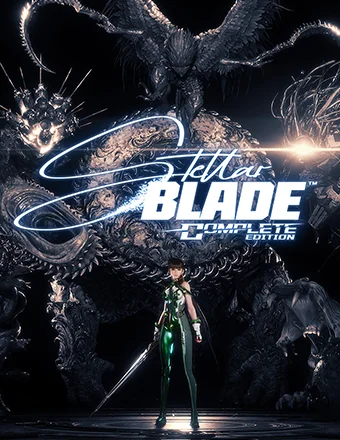
Stellar Blade Complete Edition | RePack | v1.4.1

/ 查看:  89 934 / 评论: 1

发布日期: 2025

流派: Action, Adventure, RPG

开发者: SHIFT UP Corporation

出版商: PlayStation Publishing LLC

游戏版本: v1.4.1

发售类型: RePack

界面语言: 英语,多语言

音频语言: 英语,多语言

药物: 内置 (Hypervisor Bypass)


系统要求


操作系统: Windows 10 64-bit

处理器: Intel® Core™ i5-7600k Processor / AMD Ryzen™ 5 1600X Processor

内存: 16 GB

显卡: NVIDIA GeForce GTX 1060 6GB or AMD Radeon RX 580 8GB

硬盘剩余空间: 60.27 GB


游戏简介


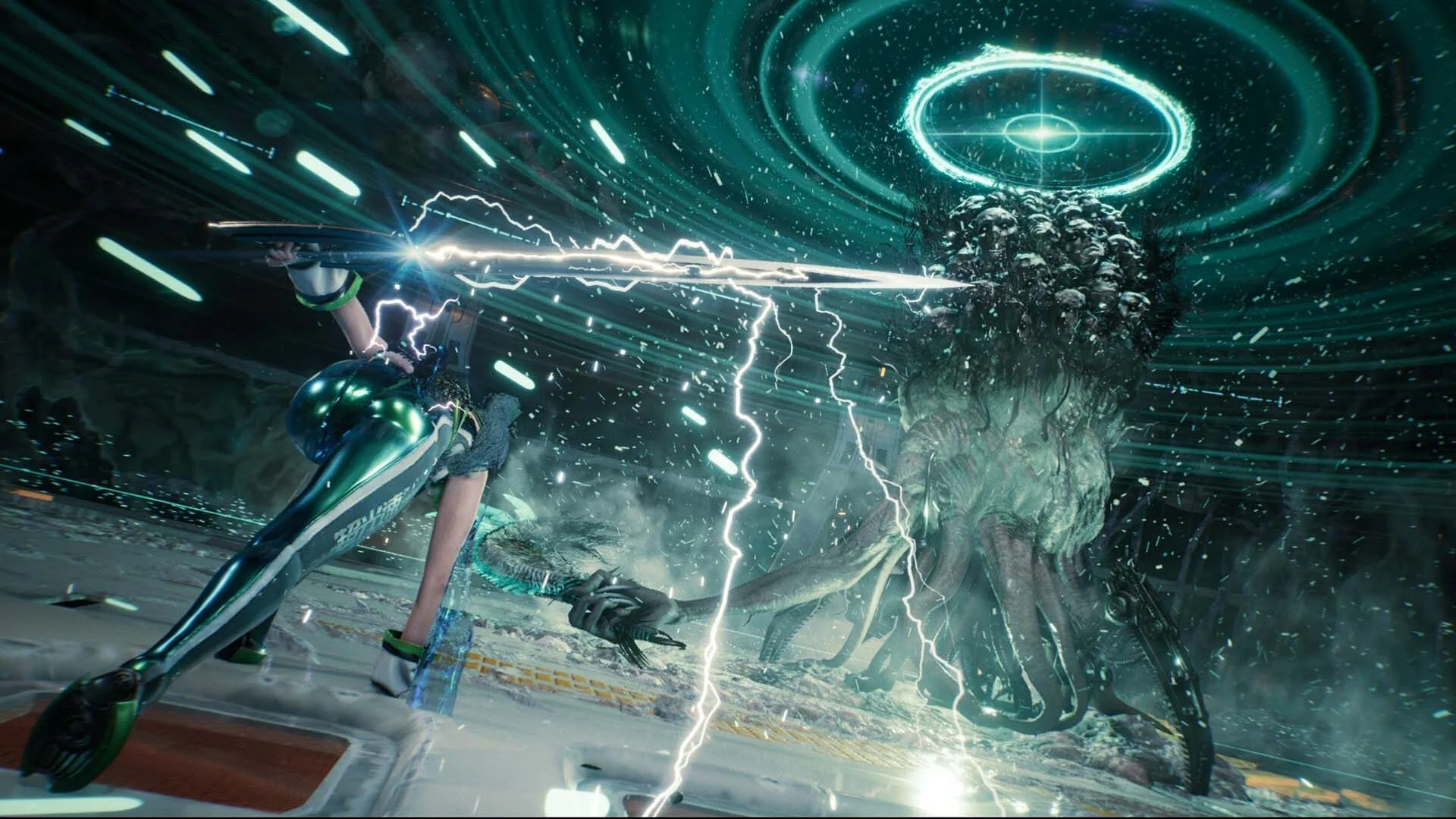
人类的未来如刀尖般悬而未决。地球被神秘且强大的生物蹂躏,人类残存的种族已逃往太空中的一个殖民地。在殖民地的旅程之后,EVE抵达了我们星球荒芜的遗迹,肩负着一个明确的使命:从摧毁地球的邪恶力量Naytiba手中夺回地球,拯救人类。然而,当EVE逐一对抗Naytiba,并在废墟中拼凑过去的谜团时,她意识到自己的任务远非想象中那么简单。事实上,几乎所有事物都不像表面那样……在地球的残余中斩出一条路,参与激烈的快速战斗。释放优雅而又残酷的攻击连招,解锁新招式和武器升级,并面对史诗般的头目战,这将同时考验你的智慧和力量。沉浸在一个高度细致的后末日世界中,这个世界将美丽与恐怖完美融合。解开一个扣人心弦的人类命运故事,故事中涉及成熟的主题、引人深思的叙述,以及从头到尾充满情感的揭示。


屏幕截图 预告片 发售特点 下载内容


  • 没有删除/没有重新编码;
  • 安装时间取决于计算机性能;
  • 在游戏设置、安装时或游戏文件夹内的 *.ini 文件中选择语言。
  • -
评论 1
Admin
3
Admin2 March 2026 00:57

///////////////////ENGLISH//////////////////////////////

1. Disable your antivirus and Windows Defender, add the game folder to the exclusions
2. All files are already in the game folder. A backup copy is in the _bypass.zip archive in the game folder, in case the antivirus has deleted them
3. Prepare the system to launch games using a hypervisor:
- Reboot and enter the BIOS. Disable Secure Boot and enable virtualization (VT-x on Intel, SVM or AMD-V on AMD).
- Boot into the operating system.
- Run Command Prompt as Administrator and enter: bcdedit /set testsigning on (After rebooting, you will see a “Test Mode” message in the bottom-right corner of the desktop — this is normal.)
- Run Command Prompt as Administrator again and enter: bcdedit /set hypervisorlaunchtype off
- Reboot.
- At this point, the system preparation for launching games using this type of bypass is complete (this only needs to be done once).
4. Open the Command Prompt as an administrator and enter the command: sc create denuvo type=kernel start=demand binPath=D:\Stellar Blade\SB\Binaries\Win64\driver_amd\SimpleSvm.sys  (Just make sure to specify your own path to the SimpleSvm.sys file for AMD. For Intel, use: sc create denuvo type=kernel start=demand binPath=D:\Stellar Blade\SB\Binaries\Win64\driver_intel\SimpleSvm.sys. These files are located in the driver_amd and driver_intel folders respectively.)
5. In the same Command Prompt window, enter: sc start denuvo (After finishing the game, you can stop the service by entering: sc stop denuvo.)
6. Launch the game using SB-Win64-Shipping.exe located in game folder.

If the game still doesn’t start after preparing the system, the following may help:
- Open the command prompt as an administrator and enter the command bcdedit.exe /set nointegritychecks on
- Disable NX Mode in the BIOS (if your BIOS has this option)

///////////////////РУССКИЙ//////////////////////////////

1. Отключите антивирус и Windows Defender, добавьте папку игры в исключения
2. Все файлы уже в папке игры, резервная копия в архиве _bypass.zip в папке игры, на случай если антивирус удалил
3. Подготавливаем систему к запуску игр с использованием гипервизора:
- Перезагружаемся и заходим в Bios, выключаем Secure Boot, а так же включаем виртуализацию (VT-x на Intel, SVM или AMD-V на AMD)
- Грузимся в систему
- Запускаем командную строку от имени администратора, вводим команду bcdedit /set testsigning on (после перезагрузки справа внизу на раб. столе появится надпись "тестовая версия" или как-то так, это нормально)
- Запускаем командную строку от имени администратора, вводим команду bcdedit /set hypervisorlaunchtype off
- Перезагружаемся
- На этом, в целом, подготовка системы к запуску игр с подобным обходом закончена (она делается разово)
4. Запускаем командную строку от имени администратора, вводим команду sc create denuvo type=kernel start=demand binPath=D:\Stellar Blade\SB\Binaries\Win64\driver_amd\SimpleSvm.sys (только указывайте ваш путь до файла SimpleSvm.sys (для AMD) или же sc create denuvo type=kernel start=demand binPath=D:\Stellar Blade\SB\Binaries\Win64\driver_intel (для INTEL), данные файлы будут лежать в папках driver_amd и driver_intel соответственно)
5. В той же командной строке вводим команду sc start denuvo (после окончания игры можете ввести в командной строке команду sc stop denuvo чтобы остановить сервис)
6. Запускаем игру с файла SB-Win64-Shipping.exe в главной директории игры

Если у вас после подготовки системы игра всё равно не запускается, то может помочь следующее:
- Запускаем командную строку от имени администратора, вводим команду bcdedit.exe /set nointegritychecks on
- Выключаем в Bios NX Mode (если у вас таковой пункт имеется)

Information

The ability to comment on this publication has been disabled.