Recomendado
Jurassic World Evolution 3: Premium Edition | RePack | v1.2.5.783194
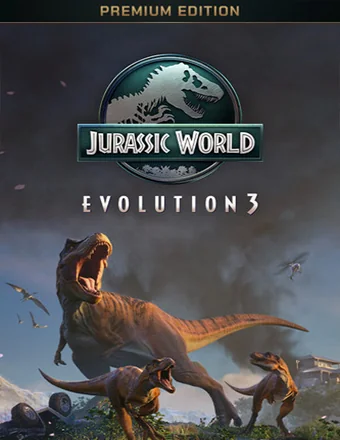
Jurassic World Evolution 3: Premium Edition | RePack | v1.2.5.783194

/ Vistas:  27 040 / Comentarios: 2

Fecha de lanzamiento: 2025

Género: Simulation, Strategy

Desarrollador: Frontier Developments

Editor: Frontier Developments

Versión del juego: v1.2.5.783194

Tipo de lanzamiento: RePack

Idioma de la interfaz: Inglés, Multilingüe

Idioma de audio: Inglés

Medicina: Incorporado (Hypervisor Bypass)


Requisitos del sistema


Sistema operativo: Windows 10 64bit (min version 22H2)

Procesador: Intel i5-6600K / AMD Ryzen 5 2600

Memoria RAM: 16 GB

Tarjeta gráfica: NVIDIA GeForce GTX 1060 (6GB VRAM) / AMD Radeon RX 5600XT (6GB VRAM) / Intel Arc A750 (8GB VRAM)

Espacio libre en disco duro: 20.68 GB


Acerca de este juego


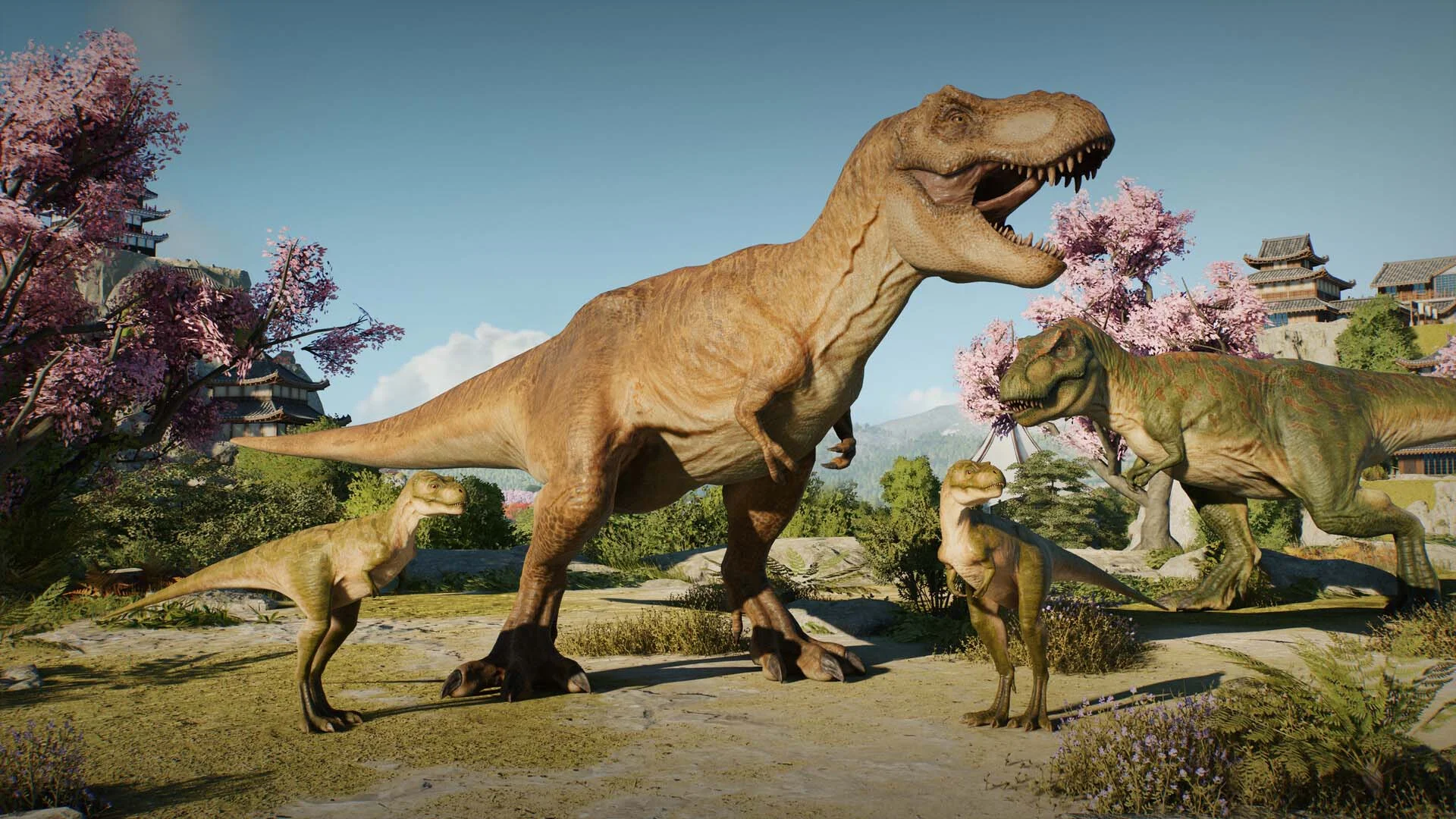
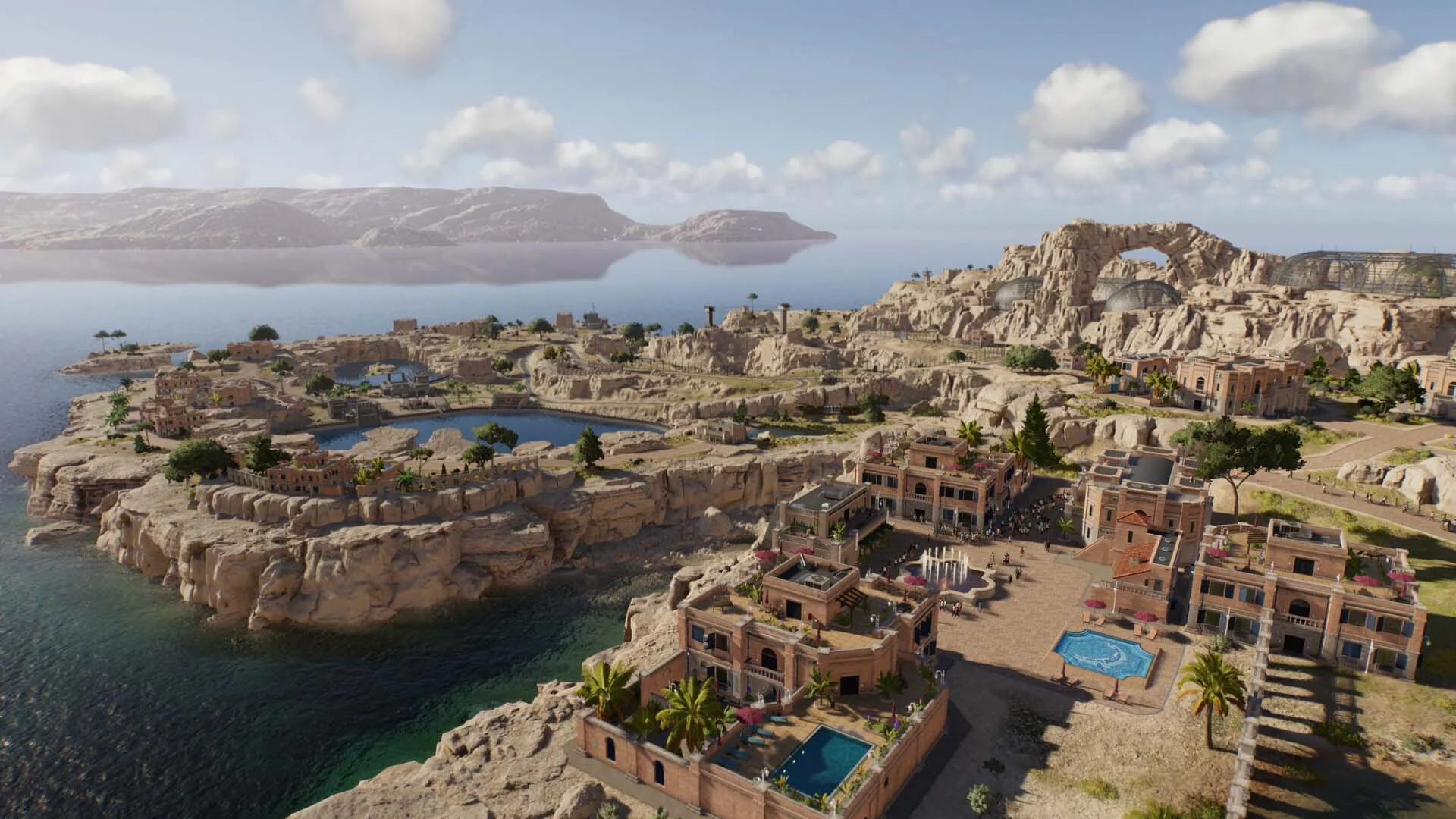
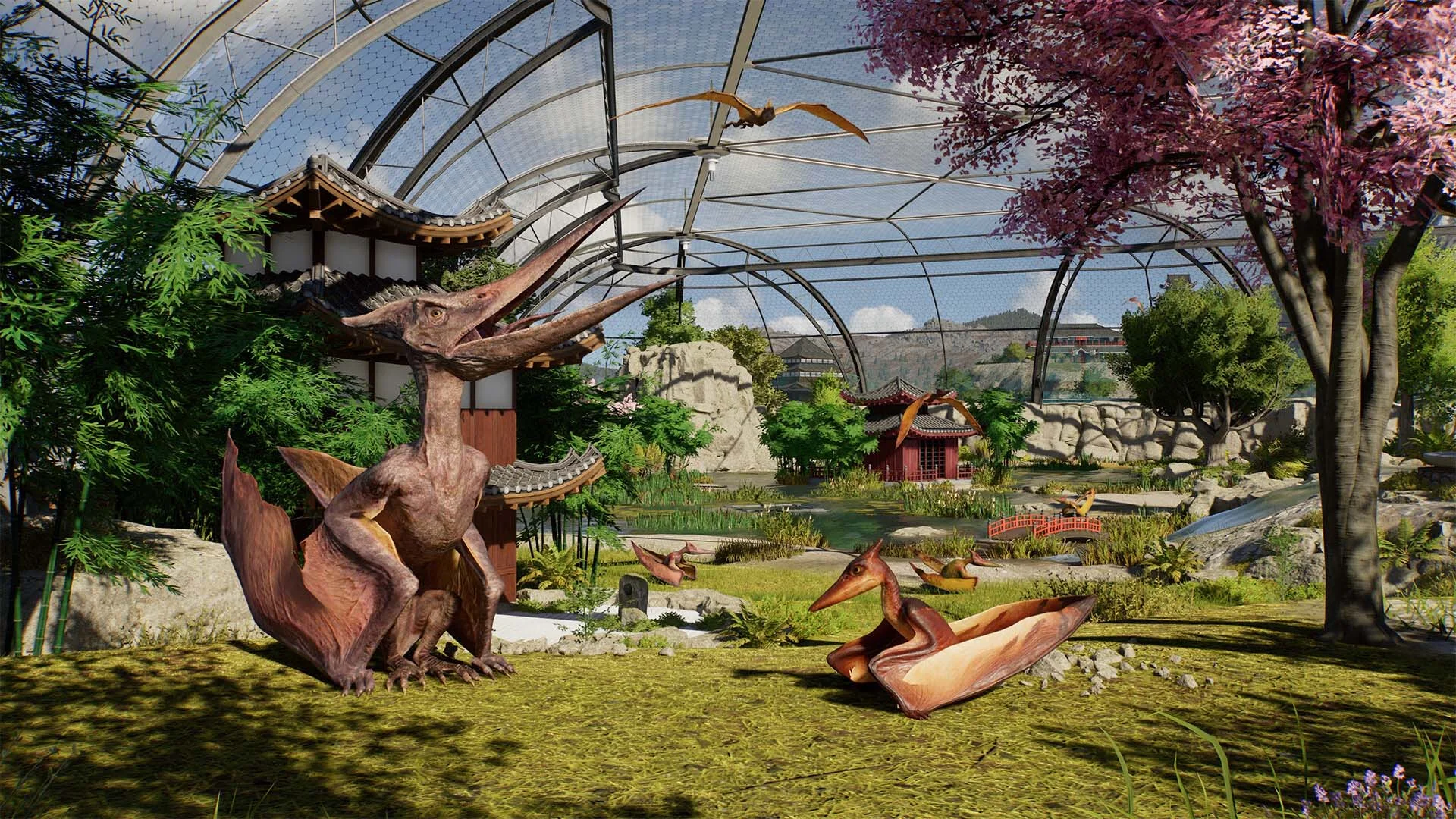
La próxima entrega de la galardonada serie, Jurassic World Evolution 3, te coloca al mando de construir y gestionar tu propio Mundo Jurásico. Ayuda a la vida a abrirse camino sintetizando, criando y cuidando especies prehistóricas. Gestiona cada especie y permite que prosperen, mientras ayudas a tus dinosaurios a formar familias y transmitir sus genes a futuras generaciones. Crea refugios increíbles para tus dinosaurios para que florezcan, construye nuevas atracciones emocionantes para asombrar a los visitantes y mantén el control cuando inevitablemente se desaten desastres. Con más de 85 especies prehistóricas impresionantes, 75 de las cuales te permiten gestionar, criar y cuidar familias de dinosaurios a lo largo de generaciones completas. Críalos desde juveniles juguetones hasta adultos imponentes, cada uno con variantes femeninas, masculinas y juveniles distintas. Los visitantes del parque se maravillarán al ver cómo estas majestuosas criaturas socializan y reaccionan al vibrante mundo que las rodea. Gestiona necesidades sociales únicas y observa nuevos comportamientos, con dinosaurios semiacuáticos aventurándose en aguas profundas y pterosaurios caminando en tierra. Crea parques impresionantes con nuevas herramientas creativas nunca antes vistas en la serie Jurassic World Evolution. Desde la innovadora edición de terrenos hasta la personalización modular de escenarios: construye y ajusta cada aspecto de tu parque desde cero o genera un mapa personalizado único cada vez con el Generador de Islas. ¡La elección está en tus manos! Construye tus instalaciones con recintos naturalistas usando pendientes pronunciadas y paisajes, introduce nuevas atracciones asombrosas como el Tour en Globo, una atracción cercana que permite a los visitantes ver y tocar animales prehistóricos con el Encuentro de Dinosaurios o el icónico Crucero Cretácico donde los visitantes pueden observar dinosaurios desde una nueva perspectiva acuática. Crea, sube y comparte creaciones de la comunidad multiplataforma usando el Taller de Frontier. Explora las mejores creaciones de la comunidad, colócalas en tu propio juego o diseña tus propios parques, edificios y recintos personalizados antes de compartirlos para que otros jugadores los utilicen.
Capturas de pantalla Tráiler Características del lanzamiento Contenido descargable


  • Nada recortado / nada recodificado;
  • El tiempo de instalación depende de la potencia de la computadora;
  • Elección del idioma en la configuración del juego, durante la instalación o en el archivo *.ini en la carpeta del juego.
  • Jurassic World Evolution 3: Wetlands
  • Jurassic World Evolution 3: Deluxe Upgrade Pack
  • Jurassic World Evolution 3: Badlands Set

Comentarios 2
Admin
0
Admin1 March 2026 21:52

///////////////////ENGLISH//////////////////////////////

1. Disable your antivirus and Windows Defender, add the game folder to the exclusions
2. All files are already in the game folder. A backup copy is in the _bypass.zip archive in the game folder, in case the antivirus has deleted them
3. Prepare the system to launch games using a hypervisor:
- Reboot and enter the BIOS. Disable Secure Boot and enable virtualization (VT-x on Intel, SVM or AMD-V on AMD).
- Boot into the operating system.
- Run Command Prompt as Administrator and enter: bcdedit /set testsigning on (After rebooting, you will see a “Test Mode” message in the bottom-right corner of the desktop — this is normal.)
- Run Command Prompt as Administrator again and enter: bcdedit /set hypervisorlaunchtype off
- Reboot.
- At this point, the system preparation for launching games using this type of bypass is complete (this only needs to be done once).
4. Open the Command Prompt as an administrator and enter the command: sc create denuvo type=kernel start=demand binPath=D:\Jurassic World Evolution 3\driver_amd\SimpleSvm.sys  (Just make sure to specify your own path to the SimpleSvm.sys file for AMD. For Intel, use: sc create denuvo type=kernel start=demand binPath=D:\Jurassic World Evolution 3\driver_intel\SimpleSvm.sys. These files are located in the driver_amd and driver_intel folders respectively.)
5. In the same Command Prompt window, enter: sc start denuvo (After finishing the game, you can stop the service by entering: sc stop denuvo.)
6. Launch the game using HypervisorLauncher.exe or hypervisor-launcher.exe located in game folder

If the game still doesn’t start after preparing the system, the following may help:
- Open the command prompt as an administrator and enter the command bcdedit.exe /set nointegritychecks on
- Disable NX Mode in the BIOS (if your BIOS has this option)

///////////////////РУССКИЙ//////////////////////////////

1. Отключите антивирус и Windows Defender, добавьте папку игры в исключения
2. Все файлы уже в папке игры, резервная копия в архиве _bypass.zip в папке игры, на случай если антивирус удалил
3. Подготавливаем систему к запуску игр с использованием гипервизора:
- Перезагружаемся и заходим в Bios, выключаем Secure Boot, а так же включаем виртуализацию (VT-x на Intel, SVM или AMD-V на AMD)
- Грузимся в систему
- Запускаем командную строку от имени администратора, вводим команду bcdedit /set testsigning on (после перезагрузки справа внизу на раб. столе появится надпись "тестовая версия" или как-то так, это нормально)
- Запускаем командную строку от имени администратора, вводим команду bcdedit /set hypervisorlaunchtype off
- Перезагружаемся
- На этом, в целом, подготовка системы к запуску игр с подобным обходом закончена (она делается разово)
4. Запускаем командную строку от имени администратора, вводим команду sc create denuvo type=kernel start=demand binPath=D:\Jurassic World Evolution 3\driver_amd\SimpleSvm.sys (только указывайте ваш путь до файла SimpleSvm.sys (для AMD) или же sc create denuvo type=kernel start=demand binPath=D:\Jurassic World Evolution 3\driver_intel (для INTEL), данные файлы будут лежать в папках driver_amd и driver_intel соответственно)
5. В той же командной строке вводим команду sc start denuvo (после окончания игры можете ввести в командной строке команду sc stop denuvo чтобы остановить сервис)
6. Запускаем игру с файла hypervisor-launcher.exe в главной директории игры

Если у вас после подготовки системы игра всё равно не запускается, то может помочь следующее:
- Запускаем командную строку от имени администратора, вводим команду bcdedit.exe /set nointegritychecks on
- Выключаем в Bios NX Mode (если у вас таковой пункт имеется)

top games
2
top games1 March 2026 23:55

Boa noite você poderia ensinar como instalo o jogo poderia fazer um vídeo não estou conseguindo instalar do jeito que você ensinou pelo contexto acima não estou conseguindo

Agregar un comentario
reload, if the code cannot be seen