Recommended
Mafia: The Old Country Deluxe Edition | RePack | Build 20951841
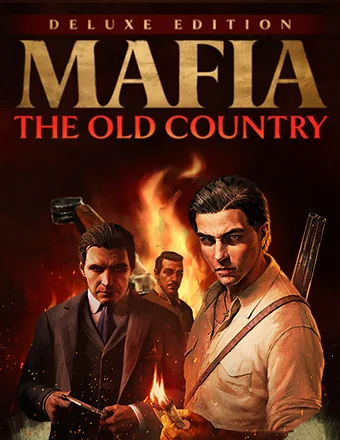
Mafia: The Old Country Deluxe Edition | RePack | Build 20951841

/ Views:  61 057 / Comments: 1

Release Date: 2025

Genre: Action, Adventure

Developer: Hangar 13

Publisher: 2K

Game version: Build 20951841

Release type: RePack

Interface language: English, Russian, Multi

Audio language: English

Мedicine: Included (Hypervisor Bypass)


System requirements


Operation system: x64 Windows 10 / 11

Processor: AMD Ryzen 7 2700X / Intel Core i7-9700K

Memory: 16 GB

Graphics: AMD Radeon RX 5700 XT / NVIDIA RTX 2070

Free hard disk space: 45.62 GB


About This Game


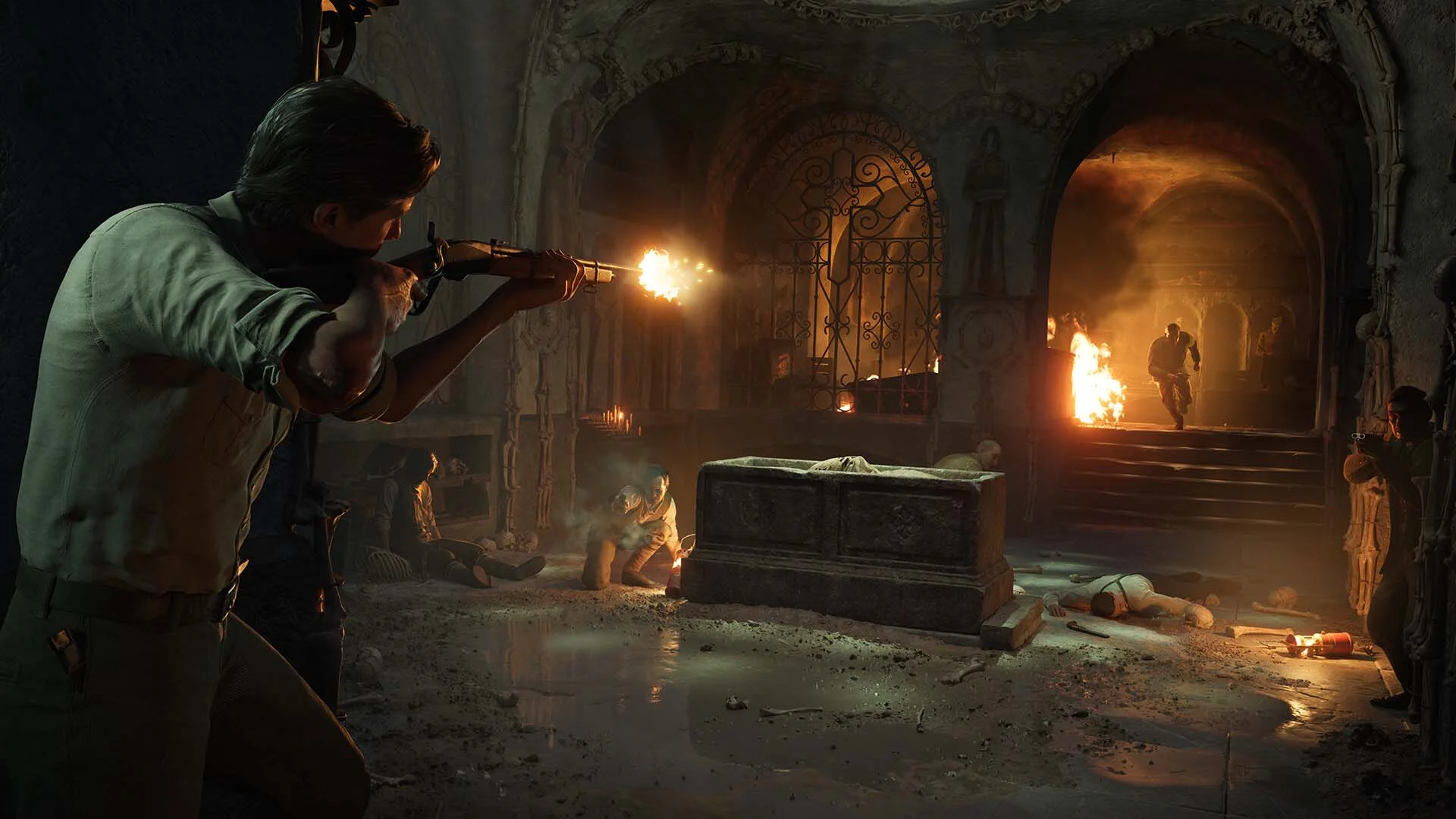
Explore the roots of organized crime in Mafia: The Old Country, a gripping mob tale set in the harsh underworld of early 1900s Sicily. Step into the shoes of Enzo Favara and fight to earn your place within the Family in this captivating third-person action-adventure set in a perilous and unforgiving time. Enzo is willing to risk it all for a better life. After enduring a brutal childhood of forced labor, he's ready to prove himself as a man of honor in the Torrisi crime family. His commitment to the Mafia, with all its power, temptation, and challenges, serves as a constant reminder of this simple reality. This riveting story comes alive through stunning visuals, cinematic storytelling, and the authentic realism that the acclaimed Mafia series is celebrated for. Enzo's journey unfolds in an era where skill with a stiletto blade was a lethal advantage, a lupara sawed-off shotgun was the weapon of choice, and deadly feuds raged on for decades. Mafiosi operated their protection rackets on foot, on horseback, or behind the wheel of early motorcars. The rugged beauty of Sicily's countryside starkly contrasts with the gritty urban alleyways—but the treachery and violence run equally deep. Rival families and their merciless leaders engage in endless turf wars, hidden from the public eye. Trust is a rare commodity, and loyalties can be deadly. You become the antihero of this thrilling 1900s saga, experiencing every tense moment of Enzo's plunge into Sicily’s secretive criminal world. Encounter a cast of unpredictable allies and ruthless foes in this classic crime drama, rich with period-authentic details that draw you into this perilous Mediterranean setting.
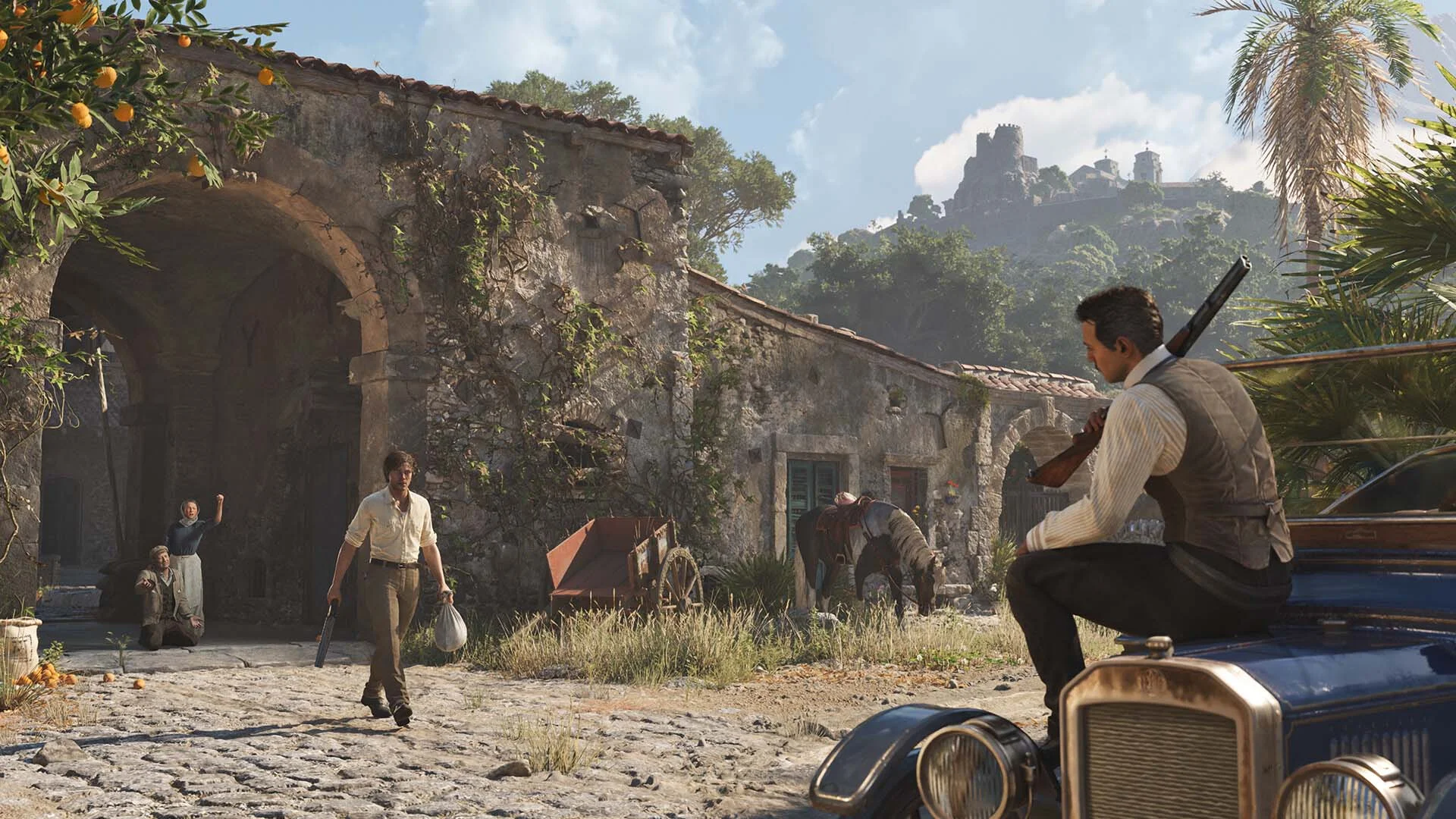
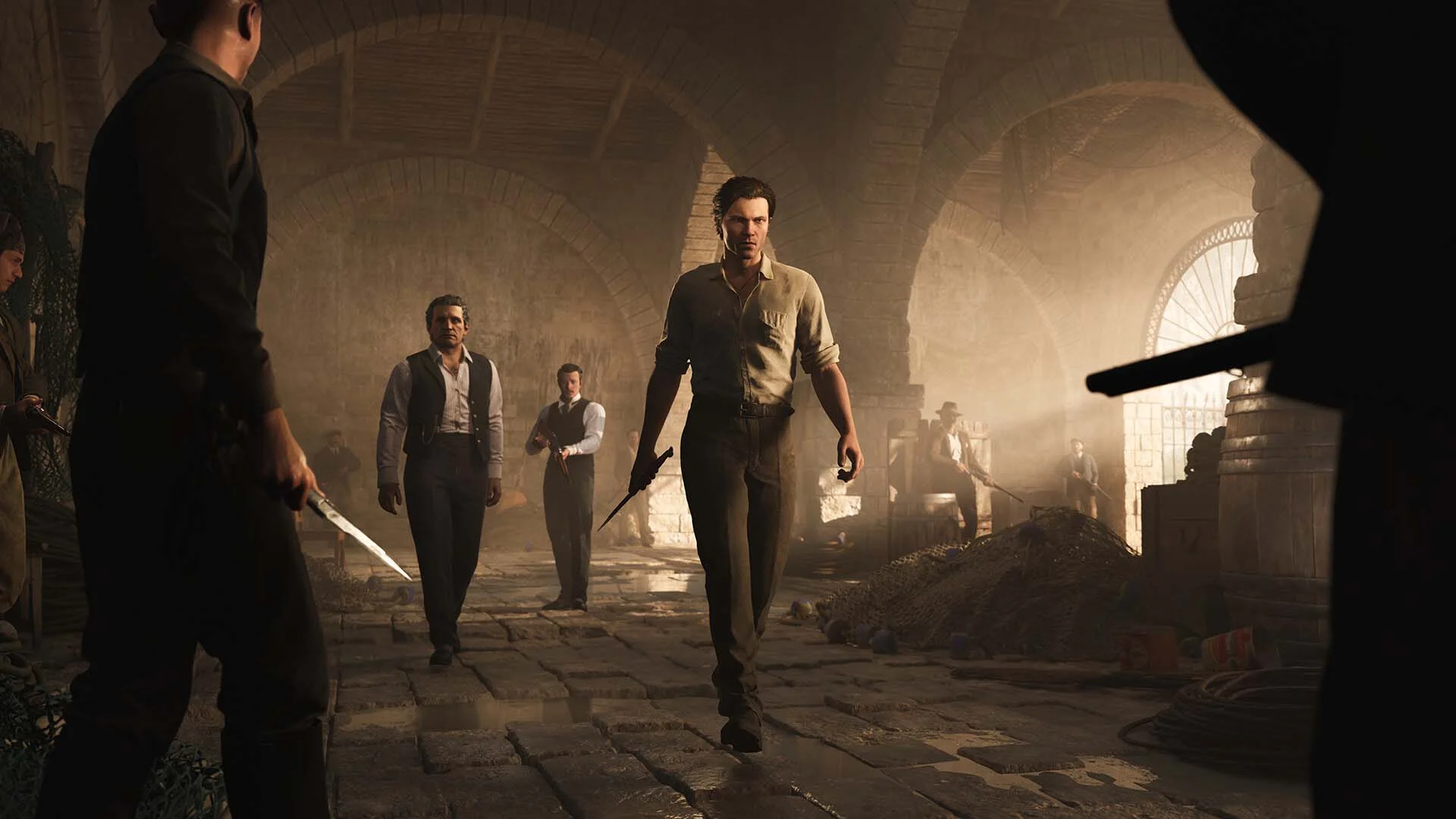
Screenshots Trailer Release Features DLCs


  • Nothing is cut / nothing is recoded;
  • Installation time depends on the computer's power;
  • Language selection in the game settings, during installation, or in the *.ini file in the game folder.
  • Mafia: The Old Country - Soldato Pack
  • Mafia: The Old Country - Padrino Pack
  • Mafia: The Old Country - Gatto Nero Pack
  • Mafia: The Old Country - Soundtrack and Digital Artbook
Comments 1
Admin
0
AdminSunday at 04:50

///////////////////ENGLISH//////////////////////////////

1. Disable your antivirus and Windows Defender, add the game folder to the exclusions
2. All files and the backup copy are located in the game folder\Hypervisor Bypass folder, in case the antivirus deletes them
3. Prepare the system to launch games using a hypervisor:
- Reboot and enter the BIOS. Disable Secure Boot and enable virtualization (VT-x on Intel, SVM or AMD-V on AMD).
- Boot into the operating system.
- Run Command Prompt as Administrator and enter: bcdedit /set testsigning on (After rebooting, you will see a “Test Mode” message in the bottom-right corner of the desktop — this is normal.)
- Run Command Prompt as Administrator again and enter: bcdedit /set hypervisorlaunchtype off
- Reboot.
- At this point, the system preparation for launching games using this type of bypass is complete (this only needs to be done once).
4. Inside the downloaded archive, select the folder matching your processor (AMD CPU or INTEL CPU) and copy its contents into the game folder.
5. Run Command Prompt as Administrator and enter: sc create denuvo type=kernel start=demand binPath=C:\Mafia The Old Country\MafiaTheOldCountry\Binaries\Win64\Simplesvm.sys (Make sure to specify your actual path to the file SimpleSvm.sys (for AMD) or hyperkd.sys (for Intel). These files will be located in MafiaTheOldCountry\Binaries\Win64.)
6. In the same Command Prompt window, enter: sc start denuvo (After finishing the game, you can stop the service by entering: sc stop denuvo.)
7. Launch the game using HypervisorLauncher.exe or MafiaTheOldCountry.exe located in MafiaTheOldCountry\Binaries\Win64.

If the game still doesn’t start after preparing the system, the following may help:
- Open the command prompt as an administrator and enter the command bcdedit.exe /set nointegritychecks on
- Disable NX Mode in the BIOS (if your BIOS has this option)

///////////////////РУССКИЙ//////////////////////////////

1. Отключите антивирус и Windows Defender, добавьте папку игры в исключения
2. Все файлы и резервная копия находятся в папке игры\Hypervisor Bypass, на случай если антивирус удалил
3. Подготавливаем систему к запуску игр с использованием гипервизора:
- Перезагружаемся и заходим в Bios, выключаем Secure Boot, а так же включаем виртуализацию (VT-x на Intel, SVM или AMD-V на AMD)
- Грузимся в систему
- Запускаем командную строку от имени администратора, вводим команду bcdedit /set testsigning on (после перезагрузки справа внизу на раб. столе появится надпись "тестовая версия" или как-то так, это нормально)
- Запускаем командную строку от имени администратора, вводим команду bcdedit /set hypervisorlaunchtype off
- Перезагружаемся
- На этом, в целом, подготовка системы к запуску игр с подобным обходом закончена (она делается разово)
4. Внутри скачанного архива выбираем папку под ваш процессор AMD CPU или INTEL CPU и её содержимое закидываем в папку с игрой
5. Запускаем командную строку от имени администратора, вводим команду sc create denuvo type=kernel start=demand binPath=C:\Mafia The Old Country\MafiaTheOldCountry\Binaries\Win64\Simplesvm.sys (только указывайте ваш путь до файла SimpleSvm.sys (для AMD) или же hyperkd.sys (для INTEL), данные файлы будут лежать по пути MafiaTheOldCountry\Binaries\Win64)
6. В той же командной строке вводим команду sc start denuvo (после окончания игры можете ввести в командной строке команду sc stop denuvo чтобы остановить сервис)
7. Запускаем игру с файла MafiaTheOldCountry.exe по пути MafiaTheOldCountry\Binaries\Win64

Если у вас после подготовки системы игра всё равно не запускается, то может помочь следующее:
- Запускаем командную строку от имени администратора, вводим команду bcdedit.exe /set nointegritychecks on
- Выключаем в Bios NX Mode (если у вас таковой пункт имеется)

Information

The ability to comment on this publication has been disabled.