Recommended
Star Wars Outlaws - Ultimate Edition | RePack | v1.7

Star Wars Outlaws - Ultimate Edition | RePack | v1.7

/ Views:  344 / Comments: 1

Release Date: 2024

Genre: Action, Adventure

Developer: Massive Entertainment – A Ubisoft Studio

Publisher: Ubisoft

Game version: v1.7

Release type: RePack

Interface language: English, French, Italian, German, Spanish, Multi

Audio language: English, French, German, Spanish, Japanese, Multi

Мedicine: Included (Hypervisor Bypass)


System requirements


Operation system: Windows 10, Windows 11 (64-bit versions)

Processor: AMD Ryzen 5 3600 @ 3.6 GHz, Intel Core i7-8700K @ 3.70 GHz, or better

Memory: 16 GB RAM

Graphics: NVIDIA GeForce GTX 1660 (6 GB), AMD RX 5600XT (6 GB), Intel Arc A750 (8 GB, with ReBAR on) or better

Free hard disk space: 84.41 GB


About This Game


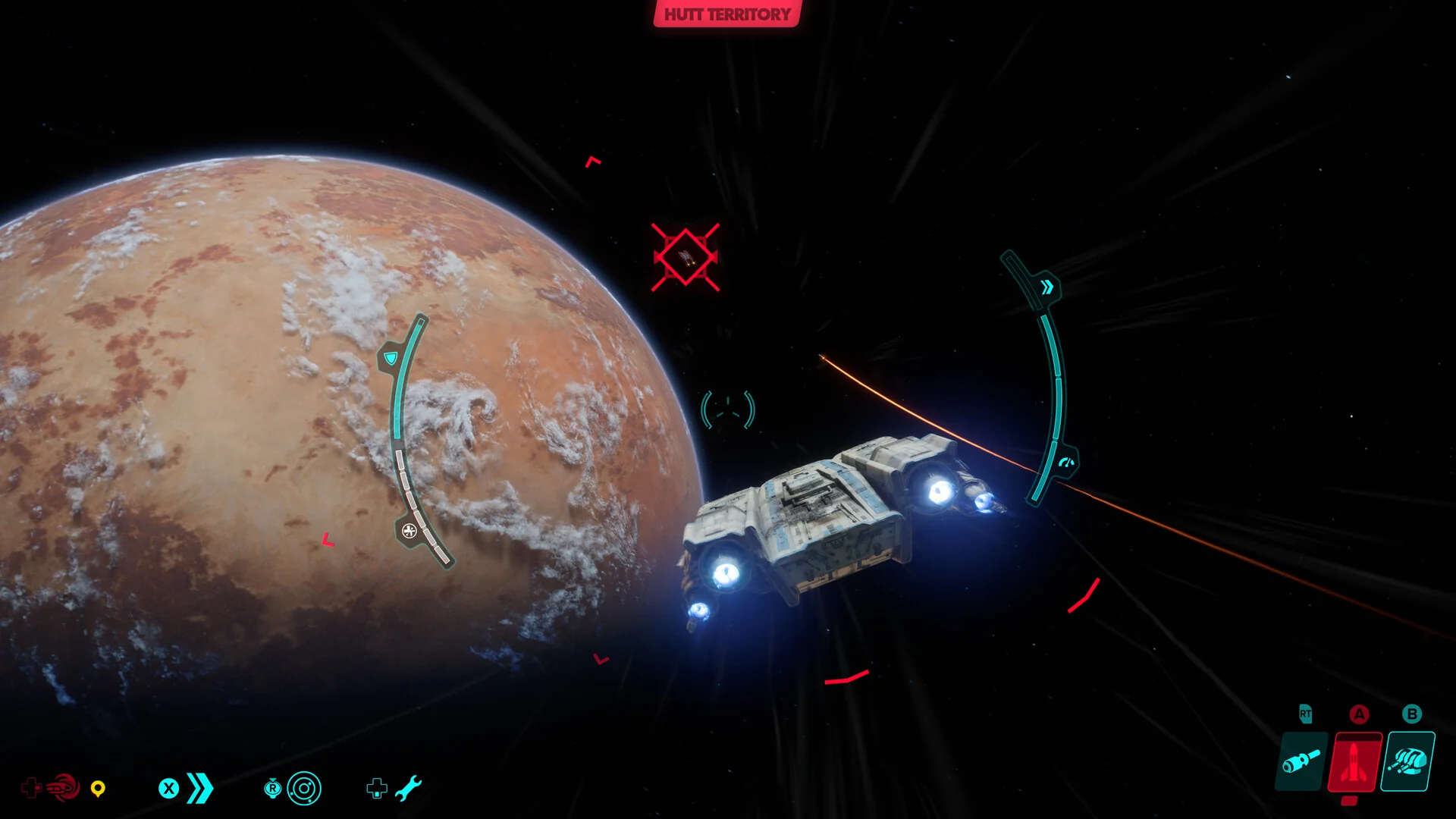
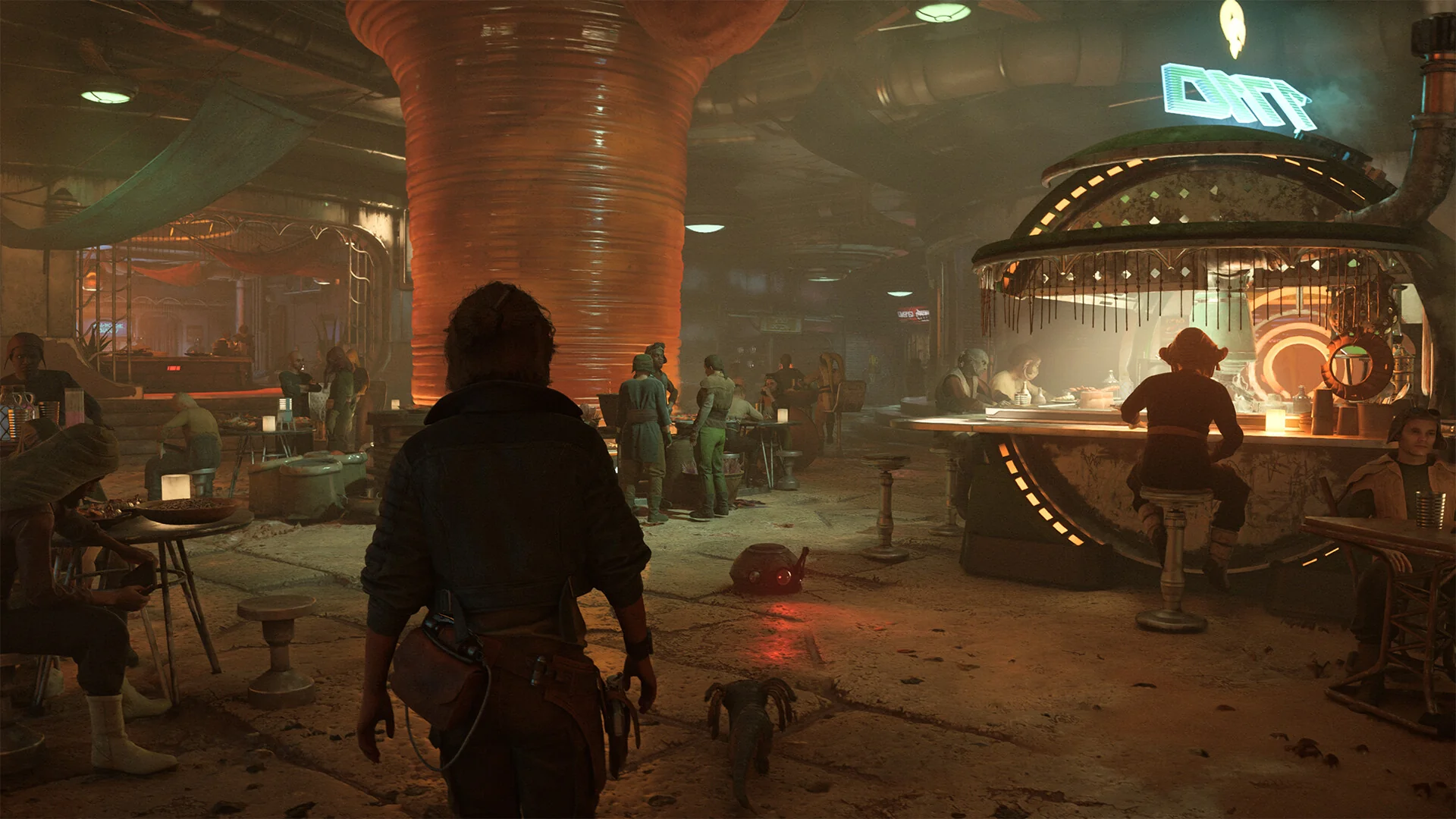
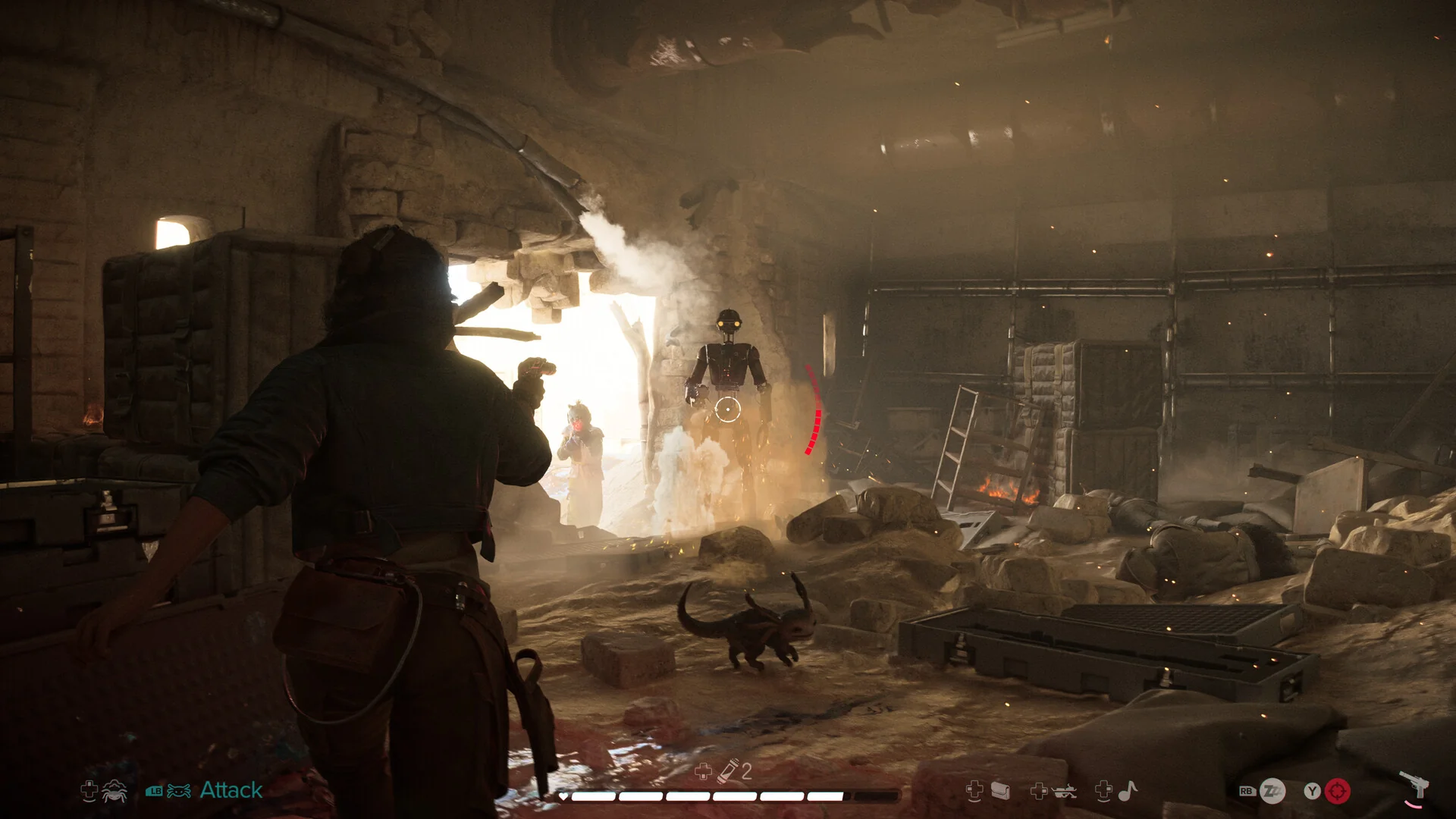
Step into the galaxy far, far away with the first-ever open world Star Wars action-adventure game. Dive into a universe filled with both iconic and new locations across the galaxy. Live life on the edge as Kay Vess, a daring scoundrel in search of freedom and a fresh start. Navigate the galaxy's crime underworld by battling, stealing, and outsmarting your foes as one of the most wanted. If you're ready to embrace the risk, the galaxy is a land of opportunity. Discover vibrant cities and bustling cantinas, or speed through vast landscapes on your speeder. Each place offers new adventures, unique challenges, and enticing rewards for those bold enough to seize them. Experience the thrill of living as an outlaw, always ready to turn situations to your advantage. With Nix by your side, engage in combat with your blaster, use stealth and gadgets to overcome enemies, or find the perfect moments to distract and outmaneuver them. Take on high-stakes missions from the galaxy's crime syndicates, stealing valuable goods, infiltrating secret locations, and staying one step ahead of your adversaries. Your choices will shape your ever-evolving reputation. Pilot your ship, the Trailblazer, and dive into exhilarating dogfights against the Empire and other foes. Master the art of chasing, evading, and striking to gain the upper hand. Be aware that offer, content, and dates are subject to change.
Screenshots Trailer Release Features DLCs

  • Nothing is cut / nothing is recoded;
  • Installation time depends on computer power;
  • Language selection in game settings.
  • Star Wars Outlaws - Ultimate Pack
  • Star Wars Outlaws - Hunter's Legacy Bundle
  • Star Wars Outlaws - Desert Nomad Bundle

  • Star Wars Outlaws: Wild Card DLC
  • Star Wars Outlaws - Forest Commando Pack
  • Star Wars Outlaws: A Pirate's Fortune DLC
  • Star Wars Outlaws - Season Pass
  • Star Wars Outlaws - Naboo Nobility Bundle
  • Star Wars Outlaws - Cartel Ronin Bundle
Comments 1
Admin
0
Admin1 hour above

####################################### English #######################################
1. Hypervisor-based releases require certain security features to be disabled.
2. To prepare your system, run VBS.cmd from the game folder or use the desktop shortcut with administrator privileges.
3. In the window that opens, press 1 (Continue), then press 1 again (Restart Now). During reboot, a menu will appear — press F7.
4. Launch the game using the desktop shortcut or Outlaws.exe as an administrator.
5. Once you finish playing, you can restore the original settings by following the same steps in reverse via VBS.cmd.

####################################### Русский #######################################
1. Релизы с гипервизором требуют отключения некоторых функций безопасности.
2. Чтобы подготовить систему, запустите VBS.cmd из папки игры или через ярлык на рабочем столе с правами администратора.
2. В открывшемся окне нажмите 1 (Continue), затем снова 1 (Restart Now). Во время перезагрузки появится меню — нажмите F7.
2. Запускайте игру через ярлык на рабочем столе или файл Outlaws.exe от имени администратора.
2. После завершения игры вы можете вернуть изменения обратно, выполнив те же действия в обратном порядке через VBS.cmd.

####################################### 简体中文 #######################################
1. 使用虚拟机管理程序的版本需要关闭某些安全功能。
2. 要准备系统,请以管理员身份从游戏文件夹运行 VBS.cmd,或使用桌面快捷方式启动。
3. 在打开的窗口中按 1(Continue),然后再次按 1(Restart Now)。重启过程中会出现菜单,请按 F7。
4. 请通过桌面快捷方式或以管理员身份运行 Outlaws.exe 启动游戏。
5. 游戏结束后,您可以通过 VBS.cmd 按相同步骤反向操作以恢复原始设置。

####################################### Brasil #######################################
1. Versões com hipervisor exigem a desativação de alguns recursos de segurança.
2. Para preparar o sistema, execute o VBS.cmd na pasta do jogo ou use o atalho da área de trabalho como administrador.
3. Na janela que abrir, pressione 1 (Continue) e depois novamente 1 (Restart Now). Durante a reinicialização, aparecerá um menu — pressione F7.
4. Inicie o jogo pelo atalho da área de trabalho ou pelo arquivo Outlaws.exe com privilégios de administrador.
5. Após terminar de jogar, você pode restaurar as configurações seguindo os mesmos passos em ordem inversa через o VBS.cmd.

####################################### Español #######################################
1. Las versiones con hipervisor requieren desactivar ciertas funciones de seguridad.
2. Para preparar el sistema, ejecute VBS.cmd desde la carpeta del juego o use el acceso directo del escritorio con permisos de administrador.
3. En la ventana que se abre, presione 1 (Continue) y luego nuevamente 1 (Restart Now). Durante el reinicio aparecerá un menú — presione F7.
4. Inicie el juego desde el acceso directo del escritorio o ejecute Outlaws.exe como administrador.
5. Cuando termine de jugar, puede restaurar los ajustes siguiendo los mismos pasos en orden inverso mediante VBS.cmd.

####################################### Polski #######################################
1. Wersje z hiperwizorem wymagają wyłączenia niektórych funkcji zabezpieczeń.
2. Aby przygotować system, uruchom plik VBS.cmd z folderu gry lub użyj skrótu na pulpicie z uprawnieniami administratora.
3. W otwartym oknie naciśnij 1 (Continue), a następnie ponownie 1 (Restart Now). Podczas ponownego uruchamiania pojawi się menu — naciśnij F7.
4. Uruchamiaj grę za pomocą skrótu na pulpicie lub pliku Outlaws.exe jako administrator.
5. Po zakończeniu gry możesz przywrócić ustawienia, wykonując te same kroki w odwrotnej kolejności za pomocą VBS.cmd.

Add a comment
reload, if the code cannot be seen