Recommended
Sniper Elite: Resistance Deluxe Edition | RePack | v1.31
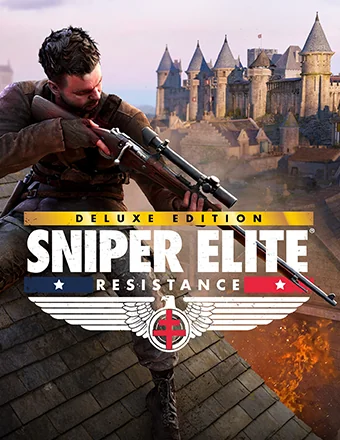
Sniper Elite: Resistance Deluxe Edition | RePack | v1.31

/ Views:  7 759 / Comments: 8

Release Date: 2025

Genre: Action, Adventure

Developer: Rebellion

Publisher: Rebellion

Game version: v1.31

Release type: RePack

Interface language: English, French, Italian, German, Spanish, Multi

Audio language: English

Мedicine: Included (Hypervisor Bypass)


System requirements


Operation system: Windows 10 or later

Processor: Intel CPU Core i5-9400f or equivalent

Memory: 16 GB RAM

Graphics: Nvidia 2060, Intel Arc A750, AMD Radeon RX 6600 or equivalent (6GB minimum)

Free hard disk space: 119.11 GB


About This Game


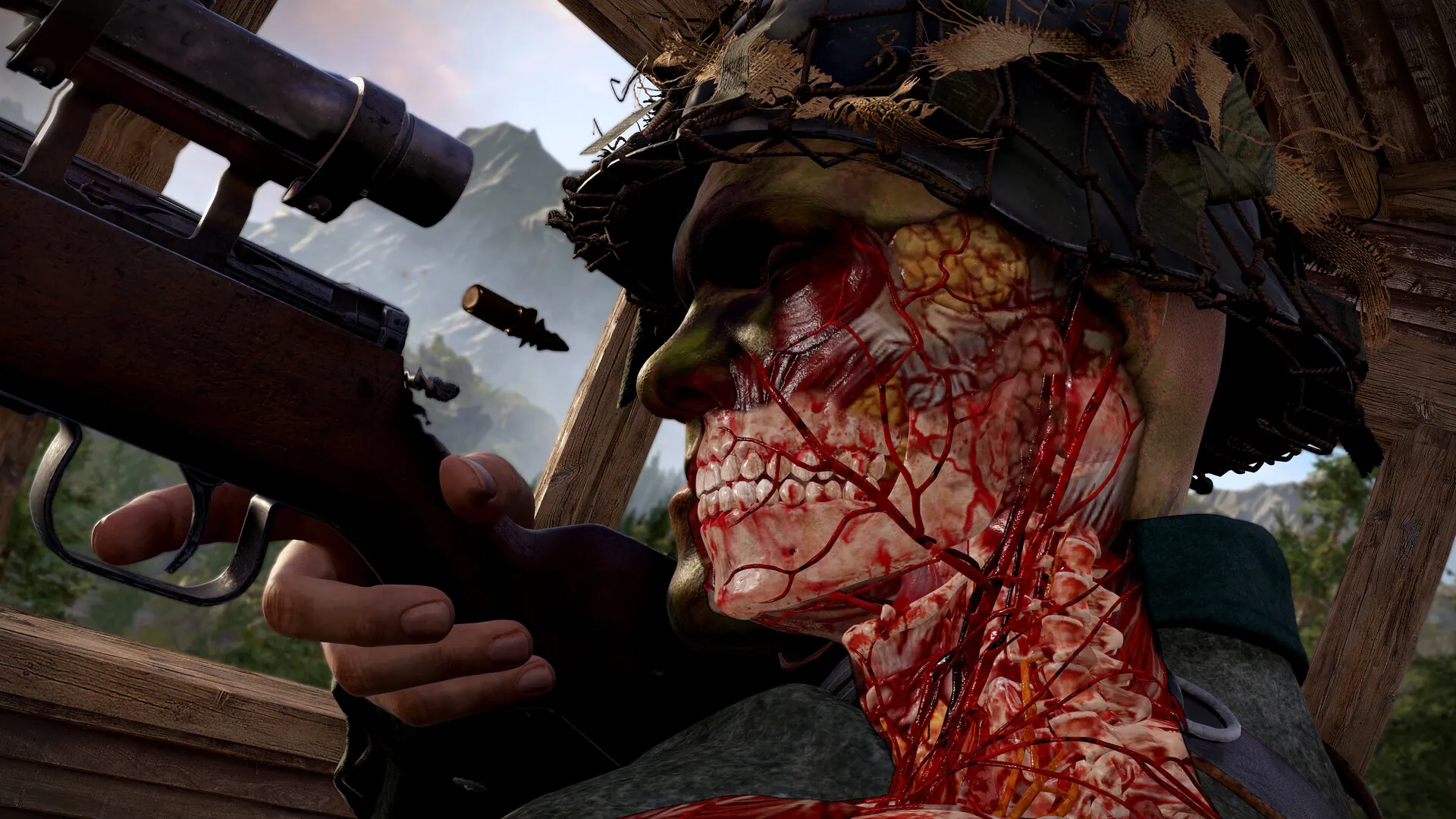
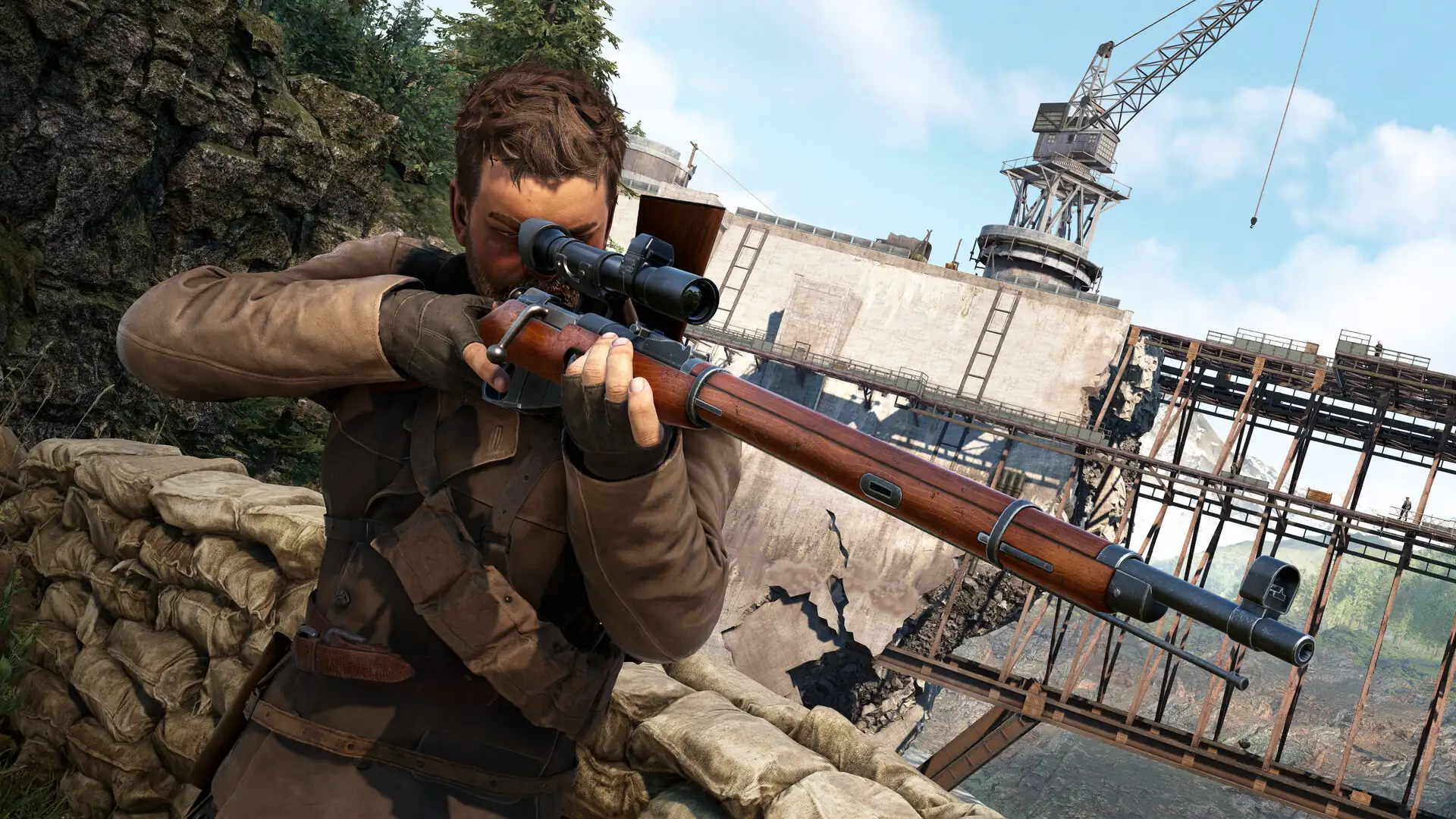
Sniper Elite: Resistance takes the acclaimed series to a new frontier, offering top-notch sniping mechanics, stealth, and tactical third-person combat. Set in the depths of occupied France, far from the main battlefields, the game presents a hidden war narrative. In this gripping story that parallels Sniper Elite 5, you step into the shoes of Harry Hawker, an agent from the Special Operations Executive (SOE). For the first time, he uncovers an ominous new Wunderwaffe - a weapon so powerful that it could guarantee victory for the Nazis. Teaming up with the French Resistance, you must stop this deadly addition to the Reich's arsenal. You'll have a wealth of options to choose from in how you achieve your objectives. Tackle multiple Kill List targets and explore different infiltration and extraction points, allowing you to craft your own playstyle. The full campaign is also playable in co-op mode, where you can fight against the Nazi war machine alongside a friend. Share weapons, items, and tactical insights, and help each other back into the action during intense firefights. The iconic X-ray kill cam makes a return, highlighting the destructive force of each of your precision shots. Watch as bullets take unpredictable paths through enemy bodies, with SMGs and pistols also triggering dramatic slow-motion kill cams. To land that perfect shot, you'll need to think like a true sniper - consider rifle stock and barrel options, gravity, wind, and even your heart rate as you zero in on your target. Your arsenal features beloved franchise weapons alongside new, authentic WWII additions. Choosing the right loadout is crucial to thwarting the Reich’s plans. Customize your weapon to fit your style by finding workbenches throughout the campaign where you can upgrade your rifles, secondaries, and pistols with new scopes, stocks, barrels, magazines, and more. Remember to pick the right ammo for each mission, whether it's armor-piercing rounds or non-lethal takedown options. Discover unique Propaganda posters scattered across the campaign and experience the life of a French Resistance fighter in new Propaganda missions. In these scenarios, use stealth and sniping skills to complete time-sensitive objectives and aid in ending the Nazi occupation. Back by popular demand, the Axis Invasion mode lets you invade another player's campaign as an Axis sniper, engaging in a tense game of cat and mouse. Whether you prefer to stalk your prey, set up ambushes, or charge in with guns blazing, the threat of invasion adds a thrilling new layer of challenge to the campaign. Once you've honed your sniping skills, customize your character and loadout for competitive 16-player online battles where you can earn XP, medals, and ribbons. If competitive play isn’t your style, team up with up to three other players to fend off waves of enemies in the intense Survival mode.
Screenshots Trailer Release Features DLCs

  • Nothing is cut / nothing is recoded;
  • Installation time depends on computer power;
  • Language selection in game settings.
  • Sniper Elite: Resistance - Target Führer - Lights, Camera, Achtung
  • Sniper Elite: Resistance - Striking Range Mission, Weapons and Skins Pack
  • Sniper Elite: Resistance - Vercors Vendetta Mission and Weapons Pack
  • Sniper Elite: Resistance - Mud and Thunder Mission, Weapons and Skin Pack
  • Sniper Elite: Resistance - Karabiner 98 Rifle
  • Sniper Elite: Resistance - M1911 pistol
  • Sniper Elite: Resistance - Fairburne's Armoury Weapons and Skins Pack
  • Sniper Elite: Resistance - Commando Weapon and Skin Pack
  • Sniper Elite: Resistance Season Pass
  • Sniper Elite: Resistance - Wrath of the Resistance Weapon and Skins Pack

Comments 8
Гость Алексей
0
Гость Алексей26 March 2026 10:03

Подскажите пожалуйста. установка сложная?

Buster Keaton
0
Buster Keaton26 March 2026 14:41

Awesome game. This game i can play for hours. If you like WW2 games. Then this is the game for you.

Admin
0
Admin27 March 2026 19:32
26 March 2026 10:03, Гость Алексей says:

Подскажите пожалуйста. установка сложная?

####################################### English #######################################
1. Hypervisor-based releases require certain security features to be disabled.
2. To prepare your system, run VBS.cmd from the game folder or use the desktop shortcut with administrator privileges.
3. In the window that opens, press 1 (Continue), then press 1 again (Restart Now). During reboot, a menu will appear — press F7.
4. Launch the game using the desktop shortcut or bin\launcher.exe as an administrator.
5. Once you finish playing, you can restore the original settings by following the same steps in reverse via VBS.cmd.

####################################### Русский #######################################
1. Релизы с гипервизором требуют отключения некоторых функций безопасности.
2. Чтобы подготовить систему, запустите VBS.cmd из папки игры или через ярлык на рабочем столе с правами администратора.
2. В открывшемся окне нажмите 1 (Continue), затем снова 1 (Restart Now). Во время перезагрузки появится меню — нажмите F7.
2. Запускайте игру через ярлык на рабочем столе или файл bin\launcher.exe от имени администратора.
2. После завершения игры вы можете вернуть изменения обратно, выполнив те же действия в обратном порядке через VBS.cmd.

####################################### 简体中文 #######################################
1. 使用虚拟机管理程序的版本需要关闭某些安全功能。
2. 要准备系统,请以管理员身份从游戏文件夹运行 VBS.cmd,或使用桌面快捷方式启动。
3. 在打开的窗口中按 1(Continue),然后再次按 1(Restart Now)。重启过程中会出现菜单,请按 F7。
4. 请通过桌面快捷方式或以管理员身份运行 bin\launcher.exe 启动游戏。
5. 游戏结束后,您可以通过 VBS.cmd 按相同步骤反向操作以恢复原始设置。

####################################### Brasil #######################################
1. Versões com hipervisor exigem a desativação de alguns recursos de segurança.
2. Para preparar o sistema, execute o VBS.cmd na pasta do jogo ou use o atalho da área de trabalho como administrador.
3. Na janela que abrir, pressione 1 (Continue) e depois novamente 1 (Restart Now). Durante a reinicialização, aparecerá um menu — pressione F7.
4. Inicie o jogo pelo atalho da área de trabalho ou pelo arquivo bin\launcher.exe com privilégios de administrador.
5. Após terminar de jogar, você pode restaurar as configurações seguindo os mesmos passos em ordem inversa через o VBS.cmd.

####################################### Español #######################################
1. Las versiones con hipervisor requieren desactivar ciertas funciones de seguridad.
2. Para preparar el sistema, ejecute VBS.cmd desde la carpeta del juego o use el acceso directo del escritorio con permisos de administrador.
3. En la ventana que se abre, presione 1 (Continue) y luego nuevamente 1 (Restart Now). Durante el reinicio aparecerá un menú — presione F7.
4. Inicie el juego desde el acceso directo del escritorio o ejecute bin\launcher.exe como administrador.
5. Cuando termine de jugar, puede restaurar los ajustes siguiendo los mismos pasos en orden inverso mediante VBS.cmd.

####################################### Polski #######################################
1. Wersje z hiperwizorem wymagają wyłączenia niektórych funkcji zabezpieczeń.
2. Aby przygotować system, uruchom plik VBS.cmd z folderu gry lub użyj skrótu na pulpicie z uprawnieniami administratora.
3. W otwartym oknie naciśnij 1 (Continue), a następnie ponownie 1 (Restart Now). Podczas ponownego uruchamiania pojawi się menu — naciśnij F7.
4. Uruchamiaj grę za pomocą skrótu na pulpicie lub pliku bin\launcher.exe jako administrator.
5. Po zakończeniu gry możesz przywrócić ustawienia, wykonując te same kroki w odwrotnej kolejności za pomocą VBS.cmd.

RichMan96
0
RichMan9628 March 2026 12:45

Здраствуйте. Извиняюсь не совсем понял, про выполнить те же самые действия в обратном порядке

Максим
0
Максим28 March 2026 21:29

"После завершения игры вы можете вернуть изменения обратно, выполнив те же действия в обратном порядке через VBS.cmd".

Можно поподробнее, как это те же действия выполнить в обратном порядке?

sniper
0
sniper28 March 2026 22:43

please change language

Admin
0
Admin29 March 2026 01:46
28 March 2026 22:43, sniper says:

please change language

you can change language in configs.user.ini line language=english

29 March 2026 01:46, Admin says:
28 March 2026 22:43, sniper says:

please change language

you can change language in configs.user.ini line language=english

так там в самом батнике указано, сделать реверт

Waskes
0
Waskes29 March 2026 22:43

После выполнения всех шагов у меня появляется крестик с этой надписью "denuvo tried to delete found token, closing". У кого-нибудь заработало вообще?

Add a comment
reload, if the code cannot be seen