Recommended
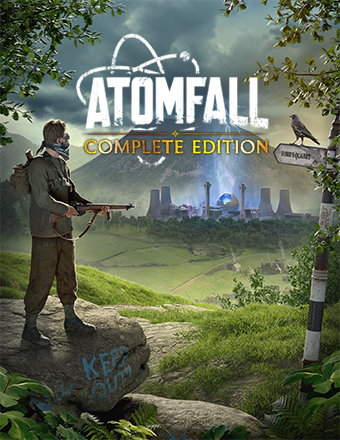
Atomfall Deluxe Edition | RePack | v1.2.2

Atomfall Deluxe Edition | RePack | v1.2.2

/ Views:  31 995 / Comments: 1

Release Date: 2025

Genre: Action, Adventure

Developer: Rebellion

Publisher: Rebellion

Game version: v1.2.2

Release type: RePack

Interface language: English, Russian, Multi

Audio language: English

Мedicine: Included (Hypervisor Bypass)


System requirements


Operation system: x64 Windows 10 or later

Processor: Intel CPU Core i5-9400f or equivalent

Memory: 16 GB

Graphics: Nvidia 2060 6GB or equivalent

Free hard disk space: 74.16 GB


About This Game


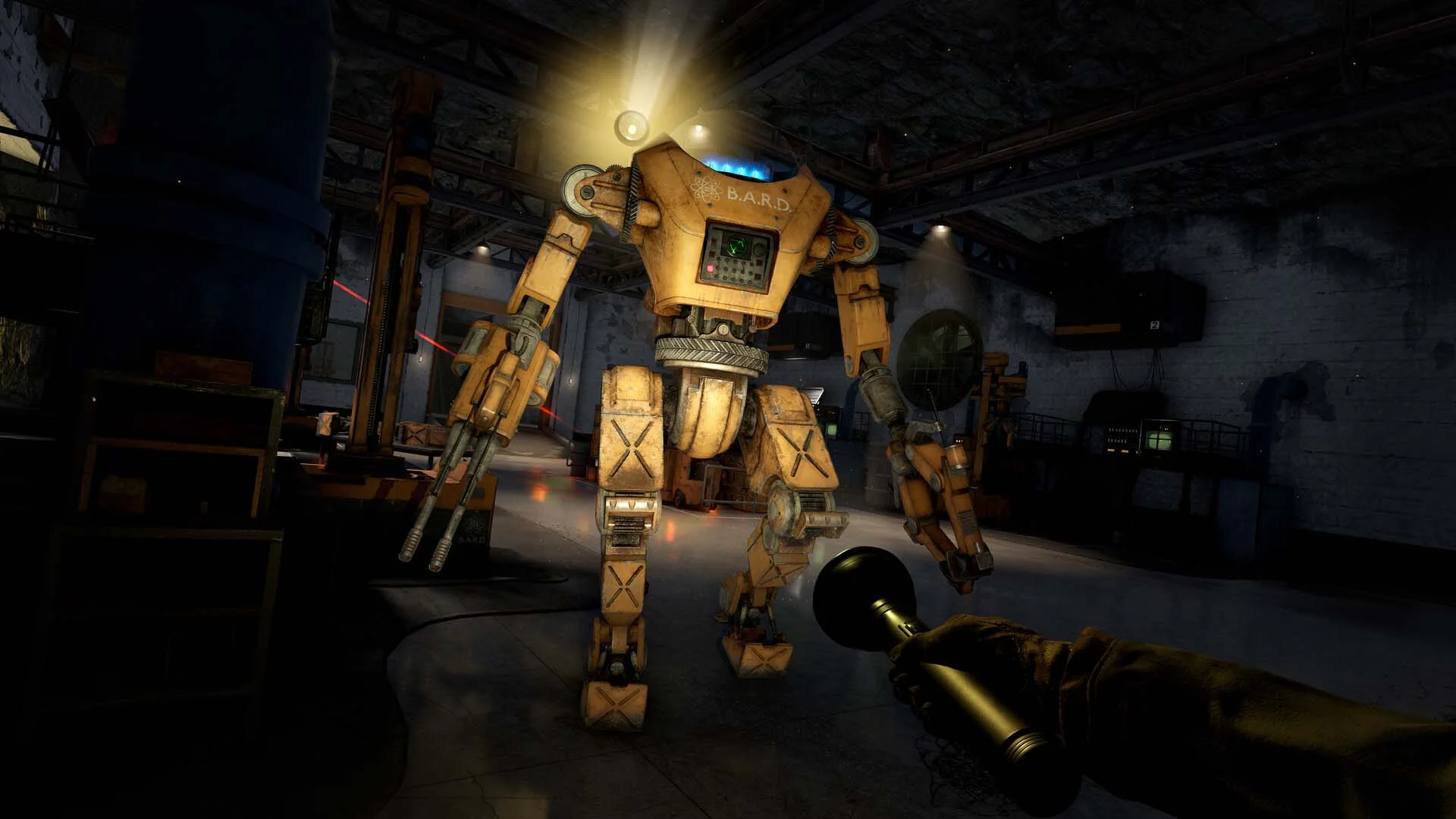
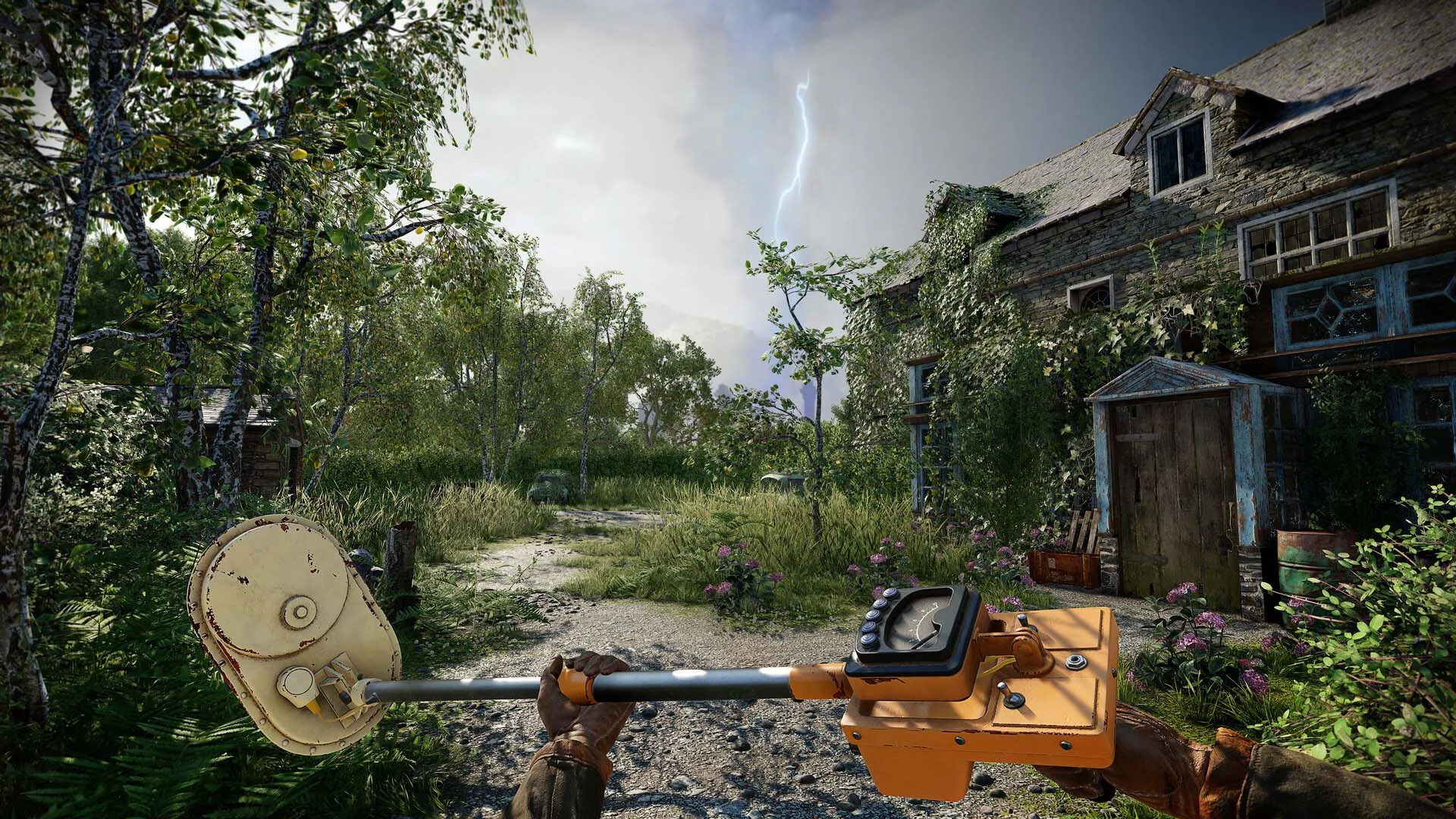
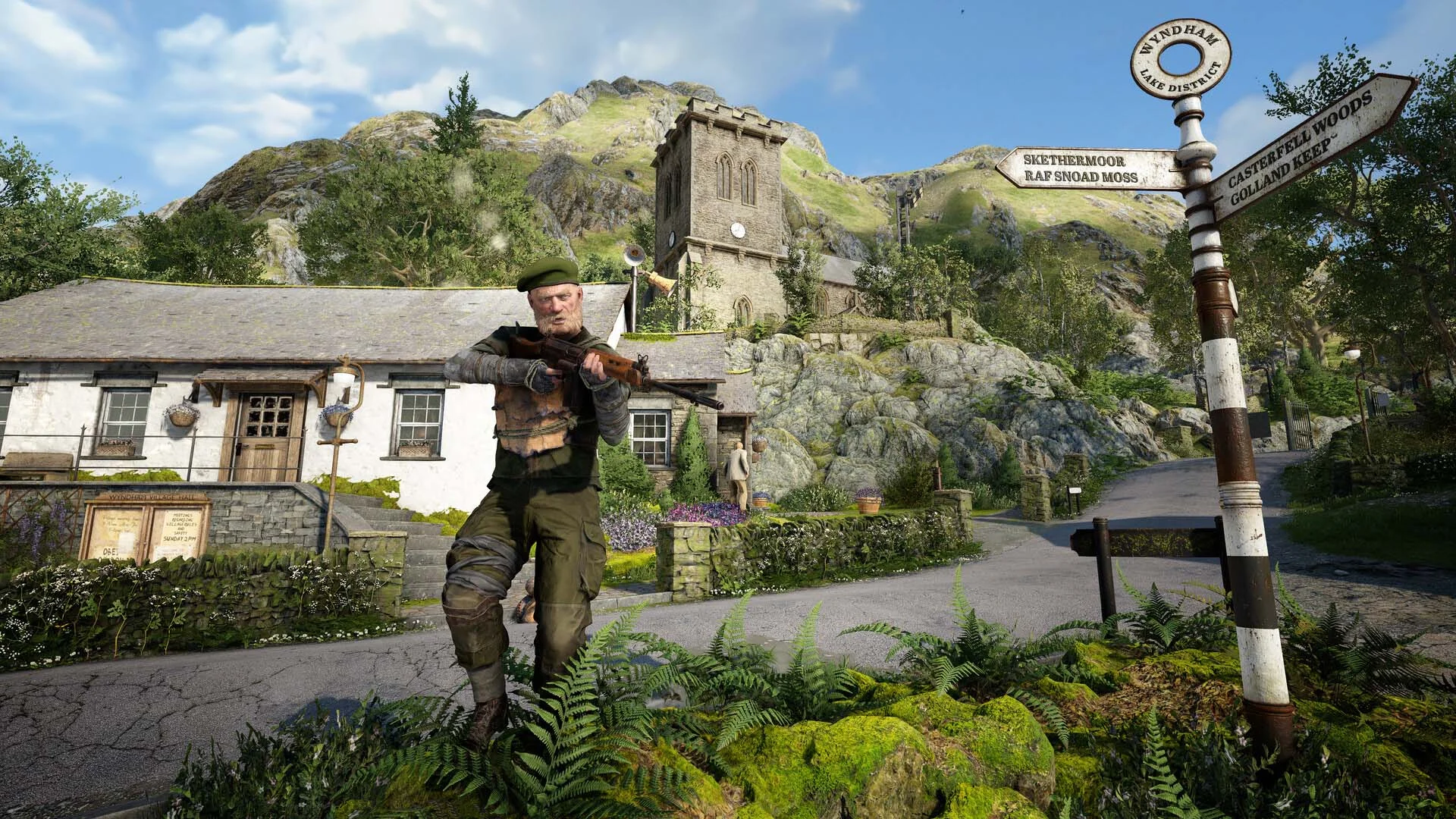
Atomfall is a gripping survival-action game inspired by real-world events, set five years after the Windscale nuclear disaster in Northern England. Dive into a fictional quarantine zone where you'll scavenge, craft, barter, fight, and negotiate your way through the British countryside, encountering quirky characters, mysticism, cults, and rogue government agencies. From the creators of Sniper Elite and Zombie Army, Rebellion challenges you to uncover the dark mystery of what truly happened. In this player-driven mystery, you'll unravel a complex web of narratives through exploration, conversation, investigation, and combat, with every decision carrying weighty consequences. You'll need to scour the environment for supplies, craft weapons and items, and fight tooth and nail to survive. With scarce weapons and ammo, each intense encounter demands a mix of sharpshooting and brutal hand-to-hand combat. Keep your heart rate in check to maintain a steady aim and muster the strength to swing your cricket bat for a decisive strike. The beautiful yet treacherous British countryside, with its rolling hills, lush valleys, and quaint villages, conceals lurking dangers. Navigate cult-occupied ruins, natural caves, nuclear bunkers, and more in this dense and ominous world. Atomfall reimagines the Windscale event, blending science fiction, folk horror, and Cold War influences to craft a setting that feels eerily familiar yet distinctly otherworldly.
Screenshots Trailer Release Features DLCs


  • Nothing is cut / nothing is recoded;
  • Installation time depends on the computer's power;
  • Language selection in the game settings, during installation, or in the *.ini file in the game folder.
  • Atomfall Story Expansion Pack: The Red Strain
  • Atomfall Deluxe Upgrade
  • Atomfall: Story Expansion Pack Wicked Isle
  • Atomfall: Enhanced Supply Bundle
  • Atomfall: Basic Supply Bundle
Comments 1
Admin
0
Admin27 March 2026 23:55

####################################### English #######################################
1. Hypervisor-based releases require certain security features to be disabled.
2. To prepare your system, run VBS.cmd from the game folder or use the desktop shortcut with administrator privileges.
3. In the window that opens, press 1 (Continue), then press 1 again (Restart Now). During reboot, a menu will appear — press F7.
4. Launch the game using the desktop shortcut or \bin\steamclient_loader_x64.exe as an administrator.
5. Once you finish playing, you can restore the original settings by following the same steps in reverse via VBS.cmd.

####################################### Русский #######################################
1. Релизы с гипервизором требуют отключения некоторых функций безопасности.
2. Чтобы подготовить систему, запустите VBS.cmd из папки игры или через ярлык на рабочем столе с правами администратора.
2. В открывшемся окне нажмите 1 (Continue), затем снова 1 (Restart Now). Во время перезагрузки появится меню — нажмите F7.
2. Запускайте игру через ярлык на рабочем столе или файл \bin\steamclient_loader_x64.exe от имени администратора.
2. После завершения игры вы можете вернуть изменения обратно, выполнив те же действия в обратном порядке через VBS.cmd.

####################################### 简体中文 #######################################
1. 使用虚拟机管理程序的版本需要关闭某些安全功能。
2. 要准备系统,请以管理员身份从游戏文件夹运行 VBS.cmd,或使用桌面快捷方式启动。
3. 在打开的窗口中按 1(Continue),然后再次按 1(Restart Now)。重启过程中会出现菜单,请按 F7。
4. 请通过桌面快捷方式或以管理员身份运行 \bin\steamclient_loader_x64.exe 启动游戏。
5. 游戏结束后,您可以通过 VBS.cmd 按相同步骤反向操作以恢复原始设置。

####################################### Brasil #######################################
1. Versões com hipervisor exigem a desativação de alguns recursos de segurança.
2. Para preparar o sistema, execute o VBS.cmd na pasta do jogo ou use o atalho da área de trabalho como administrador.
3. Na janela que abrir, pressione 1 (Continue) e depois novamente 1 (Restart Now). Durante a reinicialização, aparecerá um menu — pressione F7.
4. Inicie o jogo pelo atalho da área de trabalho ou pelo arquivo \bin\steamclient_loader_x64.exe com privilégios de administrador.
5. Após terminar de jogar, você pode restaurar as configurações seguindo os mesmos passos em ordem inversa через o VBS.cmd.

####################################### Español #######################################
1. Las versiones con hipervisor requieren desactivar ciertas funciones de seguridad.
2. Para preparar el sistema, ejecute VBS.cmd desde la carpeta del juego o use el acceso directo del escritorio con permisos de administrador.
3. En la ventana que se abre, presione 1 (Continue) y luego nuevamente 1 (Restart Now). Durante el reinicio aparecerá un menú — presione F7.
4. Inicie el juego desde el acceso directo del escritorio o ejecute \bin\steamclient_loader_x64.exe como administrador.
5. Cuando termine de jugar, puede restaurar los ajustes siguiendo los mismos pasos en orden inverso mediante VBS.cmd.

####################################### Polski #######################################
1. Wersje z hiperwizorem wymagają wyłączenia niektórych funkcji zabezpieczeń.
2. Aby przygotować system, uruchom plik VBS.cmd z folderu gry lub użyj skrótu na pulpicie z uprawnieniami administratora.
3. W otwartym oknie naciśnij 1 (Continue), a następnie ponownie 1 (Restart Now). Podczas ponownego uruchamiania pojawi się menu — naciśnij F7.
4. Uruchamiaj grę za pomocą skrótu na pulpicie lub pliku \bin\steamclient_loader_x64.exe jako administrator.
5. Po zakończeniu gry możesz przywrócić ustawienia, wykonując te same kroki w odwrotnej kolejności za pomocą VBS.cmd.

Add a comment
reload, if the code cannot be seen